
Vansuny 128GB USB C Flash Drive
4.3Editor score
Dual USB 3.0 and Type-C connectors
Compatible with Android and Windows
Keychain design for portability
This guide compares the top extra storage for tablet options including microSD cards, USB drives, and portable SSDs to help you expand your device capacity
Tablets are powerful devices for work and entertainment but often suffer from limited internal storage. Expanding your capacity ensures you never run out of space for essential apps, media, and documents on the go.
We have evaluated ten top-rated storage solutions specifically designed for tablets and mobile devices. Our comparison focuses on speed, compatibility, durability, and ease of use across various operating systems and connectors.
Each pick below highlights key specifications and real-world performance traits to help you choose wisely. Please note that product availability and pricing can change frequently so always verify details before purchasing.
4.3Editor score

4.5Editor score

4.5Editor score
This side-by-side comparison highlights the key specifications and strengths of each storage option to help you find the perfect fit for your tablet needs.




The SSK Portable SSD 1TB stands out as a top-tier storage solution for tablets needing massive space. With a solid 4.5 rating from users it delivers blazing fast speeds ideal for video editing and large file transfers.
We may earn a commission when you buy through this link, at no additional cost to you.
Its USB 3.2 Gen2 interface supports read speeds up to 1050MB/s which is significantly faster than traditional drives. The aluminum case helps dissipate heat ensuring consistent performance even during heavy workloads on the go.
While it carries a higher price tag the value is clear for professionals who need reliability and speed. The included cables make it versatile across tablets phones and computers without needing extra adapters.
If you need maximum capacity and performance this drive is the ideal choice for your tablet setup. It bridges the gap between portability and desktop-grade storage capabilities effectively.
Experience instant access to files with read speeds up to 1050MB/s and write speeds up to 1000MB/s.
The 2mm thick aluminum alloy case keeps the drive cool during extended transfers preventing overheating issues.
We may earn a commission when you buy through this link, at no additional cost to you.
This microSD card is specifically designed for Amazon Fire tablets ensuring perfect compatibility and performance. With a high user rating it provides a simple way to expand storage for apps and media.
We may earn a commission when you buy through this link, at no additional cost to you.
The Made for Amazon certification means it has been tested to work without lag on Fire devices. You can download apps directly to the card freeing up internal space for system operations.
While it may not offer the fastest speeds available it delivers reliable Class 10 performance for Full HD video. It is an affordable upgrade for Fire owners who need more room.
Choose this card if you own a Fire tablet and want guaranteed compatibility. It offers peace of mind knowing your storage will function correctly out of the box.
Certified to work seamlessly with Fire Tablets and Fire TV for a lag free experience.
Load your tablet with more fun by adding space for additional photos music and movies easily.
We may earn a commission when you buy through this link, at no additional cost to you.
Samsung delivers a sleek and robust USB-C drive that combines speed with durability. Its high rating reflects reliability and performance for users needing a premium portable storage option.
We may earn a commission when you buy through this link, at no additional cost to you.
The drive supports read speeds up to 400MB/s making it fast enough for 4K video and large file transfers. Its rugged design is waterproof shock-proof and magnet-proof ensuring data safety in tough conditions.
While it lacks a USB-A adapter the reversible USB-C plug works with modern tablets and phones seamlessly. The five-year warranty adds significant value and peace of mind for long-term use.
Ideal for professionals who need a trustworthy and stylish drive this Samsung option is a top contender. It balances performance and protection better than most competitors in its class.
Featuring a reversible plug the Type-C inserts into your devices seamlessly every time with style.
Files stay secure no matter the terrain with a waterproof shock-proof and X-ray-proof body.
We may earn a commission when you buy through this link, at no additional cost to you.
This drive offers flexibility with both USB-C and USB-A connectors in one compact unit. It is rated highly for transferring files between tablets and computers efficiently without needing extra hardware.
We may earn a commission when you buy through this link, at no additional cost to you.
The retractable design protects the connectors from dust and damage ensuring long-term durability. It supports speeds up to 150MB/s which is sufficient for most documents and media tasks.
While it is not as fast as an SSD it provides great convenience for users with mixed device setups. Freeing up space on your phone or tablet is quick and simple with this tool.
Choose this drive if you need a versatile tool that works across old and new devices. Its dual connectivity makes it a practical addition to any tech collection.
Easily transfer files between smartphones tablets and computers with dual connectors.
High speed USB 3.1 performance of up to 150MB/s read speeds for quick access.
We may earn a commission when you buy through this link, at no additional cost to you.
This drive provides an accessible entry point for tablet storage expansion with a dual connector design. It has a solid rating for its price point making it a popular choice for casual users.
We may earn a commission when you buy through this link, at no additional cost to you.
It supports OTG functionality allowing direct connection to Android phones and tablets without additional drivers. The default exFAT format ensures compatibility across Windows Android and Mac systems out of the box.
While write speeds are slower than premium options it handles basic media and document transfers well. The keychain design keeps it handy and prevents loss in your daily carry.
Ideal for students or budget-conscious buyers this drive offers essential features without a high cost. It is a practical solution for quick backups and file sharing on a budget.
Supports Windows Linux and Mac OS and is compatible with USB 3.0 and USB 2.0 ports.
High-speed USB 3.0 flash drive for fast data transfer backwards compatible with USB 2.0.
We may earn a commission when you buy through this link, at no additional cost to you.
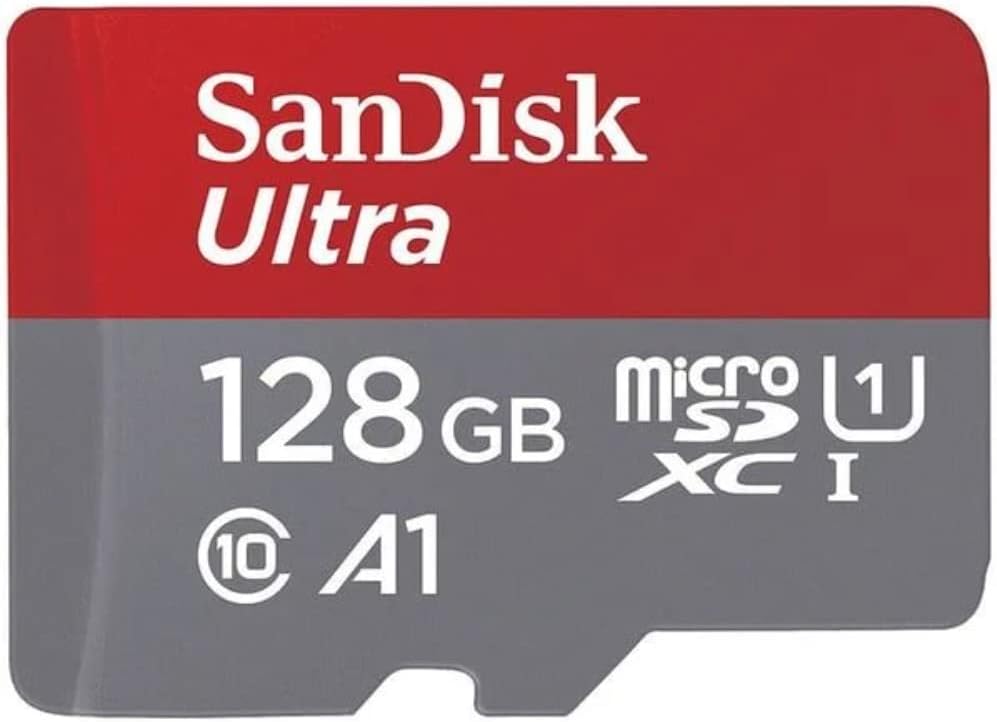
This microSD card is a top choice for Android tablets needing fast storage expansion. Its high rating underscores its reliability and speed for everyday mobile tasks and media storage.
We may earn a commission when you buy through this link, at no additional cost to you.
With A1 rated performance apps load faster and run smoother directly from the card. Transfer speeds up to 140MB/s allow you to move thousands of photos in minutes.
SanDisk backs this card with a 10-year limited warranty providing long-term peace of mind. It is compatible with Chromebooks and laptops too making it a versatile storage option.
Select this card for Android tablets needing speed and reliability. The combination of speed and warranty makes it a standout choice for mobile storage.
Ideal for Android smartphones and tablets with transfer speeds to move up to 1000 photos per minute.
Relax knowing your card is backed by a 10-year limited warranty by SanDisk.
We may earn a commission when you buy through this link, at no additional cost to you.
This dual drive is designed for portability with distinct plugs on each end for different devices. It is rated well for convenience allowing seamless data sharing between phones and tablets.
We may earn a commission when you buy through this link, at no additional cost to you.
The compact size allows it to fit easily in a pocket or keychain. It supports Windows Android Linux and Mac OS ensuring broad utility across your devices.
While not the fastest on the market it is reliable for basic transfers. The cap protects connectors from damage ensuring the drive lasts longer in daily use.
Best for users wanting a pocket-sized drive for multiple devices it offers simple plug and play utility. It is a great addition for quick file backups on the go.
This 2-in-1 USB flash drive works across all your Type-C Android phones and tablets.
Slim USB-C thumb drive can fit into your pocket letting you enjoy instant large capacity.
We may earn a commission when you buy through this link, at no additional cost to you.
This drive offers unique backup features through the SanDisk Memory Zone app. It is a popular choice for users wanting automatic photo backups and easy file management on tablets.
We may earn a commission when you buy through this link, at no additional cost to you.
The dual connectors let you connect to both modern and older devices seamlessly. It is rated highly for reliability and ease of use in daily transfer tasks.
Note that using the backup features requires app installation which some users might find cumbersome. However the hardware itself is robust and provides fast read speeds.
Choose this drive for automated backup solutions and broad compatibility. It simplifies protecting your photos and files across multiple devices.
Seamlessly move content between your USB Type-C smartphone tablets and Macs and USB Type-A computers.
High-performance USB 3.1 Gen 1 drive with 150MB/s read speeds.
We may earn a commission when you buy through this link, at no additional cost to you.
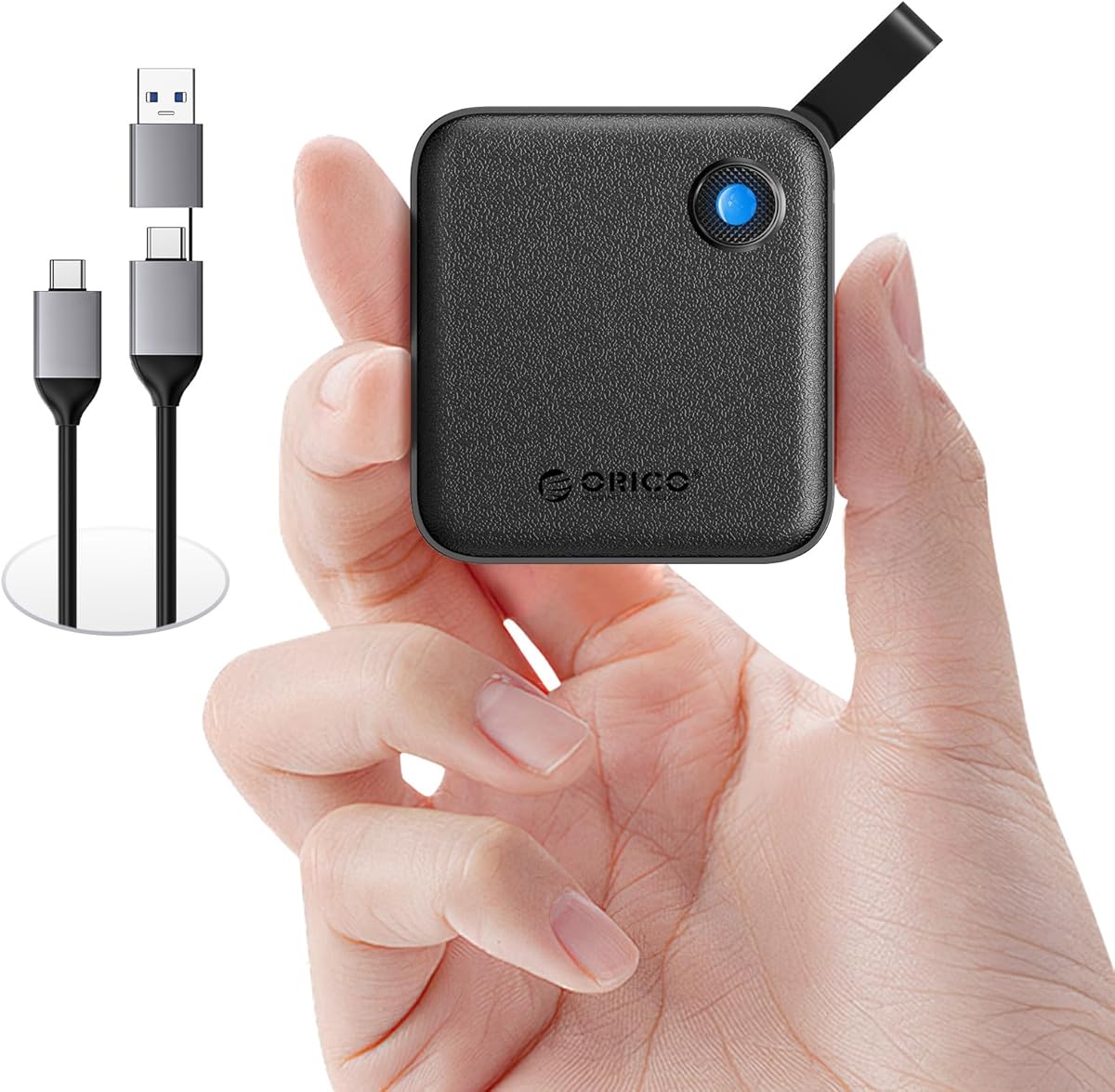
ORICO delivers solid SSD performance at a competitive price point. It is rated well for its speed and portability making it a strong contender for mobile storage needs.
We may earn a commission when you buy through this link, at no additional cost to you.
With read speeds up to 460MB/s it handles large files with ease. The included 2 in 1 cable simplifies connectivity across USB-C and USB-A devices.
Its lightweight design ensures it adds minimal bulk to your bag. It is suitable for photographers and content creators needing reliable backup on the go.
Ideal for those needing SSD speed without the premium cost. It balances performance and affordability effectively for most tablet users.
Instantly share your photos and videos with impressive speeds of up to 460MB/s.
Designed for ultimate portability so you can take portable ssd with you wherever you go.
We may earn a commission when you buy through this link, at no additional cost to you.
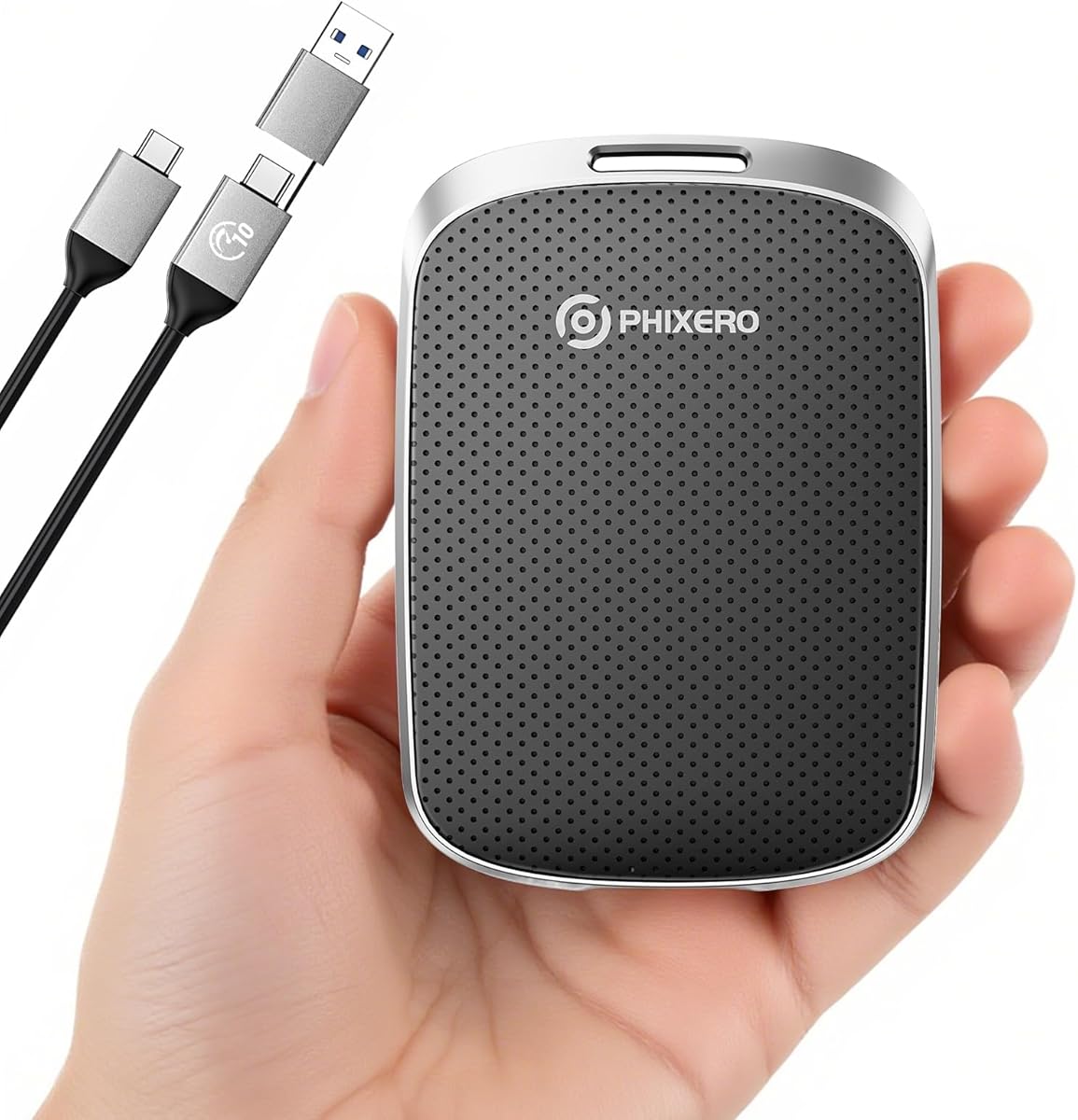
PHIXERO offers high speed performance in a durable aluminum frame. Its high user rating reflects reliability and speed for heavy file transfers and video recording on mobile devices.
We may earn a commission when you buy through this link, at no additional cost to you.
Continuous read speeds of 550MB/s allow quick access to large datasets and video files. The one-piece alloy frame makes it anti-drop and anti-vibration for rough handling.
While it includes a hanging loop which might add slight bulk it keeps the drive secure on your gear. The wide OS compatibility ensures it works with all major platforms.
Best for users seeking high speeds and durability at a fair price. This drive is a robust choice for creative professionals and power users.
Supports continuous read speed of 550MB/s and write speed of 500MB/s.
Anti-drop anti-vibration anti-dust solid one-piece aluminum alloy frame with high strength.
We may earn a commission when you buy through this link, at no additional cost to you.
Choosing the right storage solution depends on your tablet type and specific needs for speed capacity and portability.
Check your tablet ports carefully before buying. Modern tablets often use USB-C while older models may still use microSD or USB-A. Ensure the drive matches your device port to avoid needing extra adapters.
Verify the connector matches your tablet port to ensure a direct connection without extra accessories.
Determine how much space you need based on your media and app usage. For basic documents 128GB may suffice but video editing may require 1TB or more to avoid constant file management.
Choose capacity based on your usage whether it is 128GB for basics or 1TB for heavy media work.
Look for drives with USB 3.2 or UHS-I specs for faster data movement. Higher read and write speeds reduce wait times when transferring large files like 4K videos or game assets.
Prioritize USB 3.2 or UHS-I specs for faster data movement and reduced wait times.
If you travel often consider drives with shockproof or waterproof ratings. Metal cases dissipate heat better and protect against physical damage more effectively than plastic ones.
Look for shockproof waterproof ratings and metal cases if you travel frequently or work outdoors.
Ensure the drive works with your tablet's operating system. Some drives require specific formats like exFAT or apps to function correctly on Android or iOS devices.
Ensure the drive works with your tablet's operating system to avoid file format issues.
Set a realistic budget for your storage needs. SD cards are affordable but limited in speed while SSDs cost more but deliver superior performance for professional tasks.
Set a realistic budget for your storage needs based on whether you prioritize speed or capacity.
Check for manufacturer warranty coverage to protect against defects. Longer warranties like five years suggest higher quality and provide peace of mind for your investment.
Check for manufacturer warranty coverage to protect against defects and ensure quality.
Consider the physical size and weight if you carry your tablet daily. Compact drives with keychains or retractable connectors are easier to manage than bulkier external options.
Consider the physical size and weight if you carry your tablet daily to maintain portability.
Insert the storage device into your tablet port gently ensuring proper alignment. If using a microSD card use the provided tool to eject it safely without damaging the tray.
Format the drive if required by your tablet settings using exFAT for cross platform compatibility. Always eject the device from the settings menu before unplugging to prevent data corruption.
Store drives in cool dry places away from magnets to protect data integrity. Regularly back up your files to prevent loss from accidental deletion or hardware failure.
Many Android tablets allow you to move or install apps on external SD cards. However some apps may still require internal storage to run properly. Check your device settings for app migration options.
Newer iPads with USB-C ports can read USB-C flash drives directly. Older Lightning iPads may require specific Lightning compatible drives or adapters. Verify iPad compatibility before purchasing.
SSDs offer faster speeds and are better for large video files. microSD cards are smaller and fit inside tablets. Choose SSDs for performance and microSD for seamless internal expansion.
Insert the drive into both devices and use file explorer to copy files. Some tablets may require enabling USB debugging or file transfer mode. Always eject safely to avoid data loss.
Solid state drives are generally reliable for important data. However always keep a secondary backup in the cloud or on another drive to ensure data safety against hardware failure.
exFAT is usually the best choice as it is compatible with most tablets and PCs. FAT32 has file size limits while NTFS may not work on all mobile devices.
Most drives last several years with normal use. Quality SSDs can handle thousands of write cycles. Avoid extreme temperatures and physical shocks to extend their lifespan.
No it usually speeds things up by freeing internal space. Ensure you use a drive with good speed ratings to maintain performance. Low quality drives may cause lag in some cases.
We have reviewed ten top options ranging from microSD cards to high speed SSDs. The SSK Portable SSD leads in performance while the Vansuny drive offers excellent value for budget buyers.
Prioritize compatibility and speed based on your main tasks. For media storage focus on capacity but for productivity look at read write speeds to maximize your tablet potential.
Always check current pricing and availability since stock fluctuates frequently. With the right storage your tablet can handle any task without running out of space.