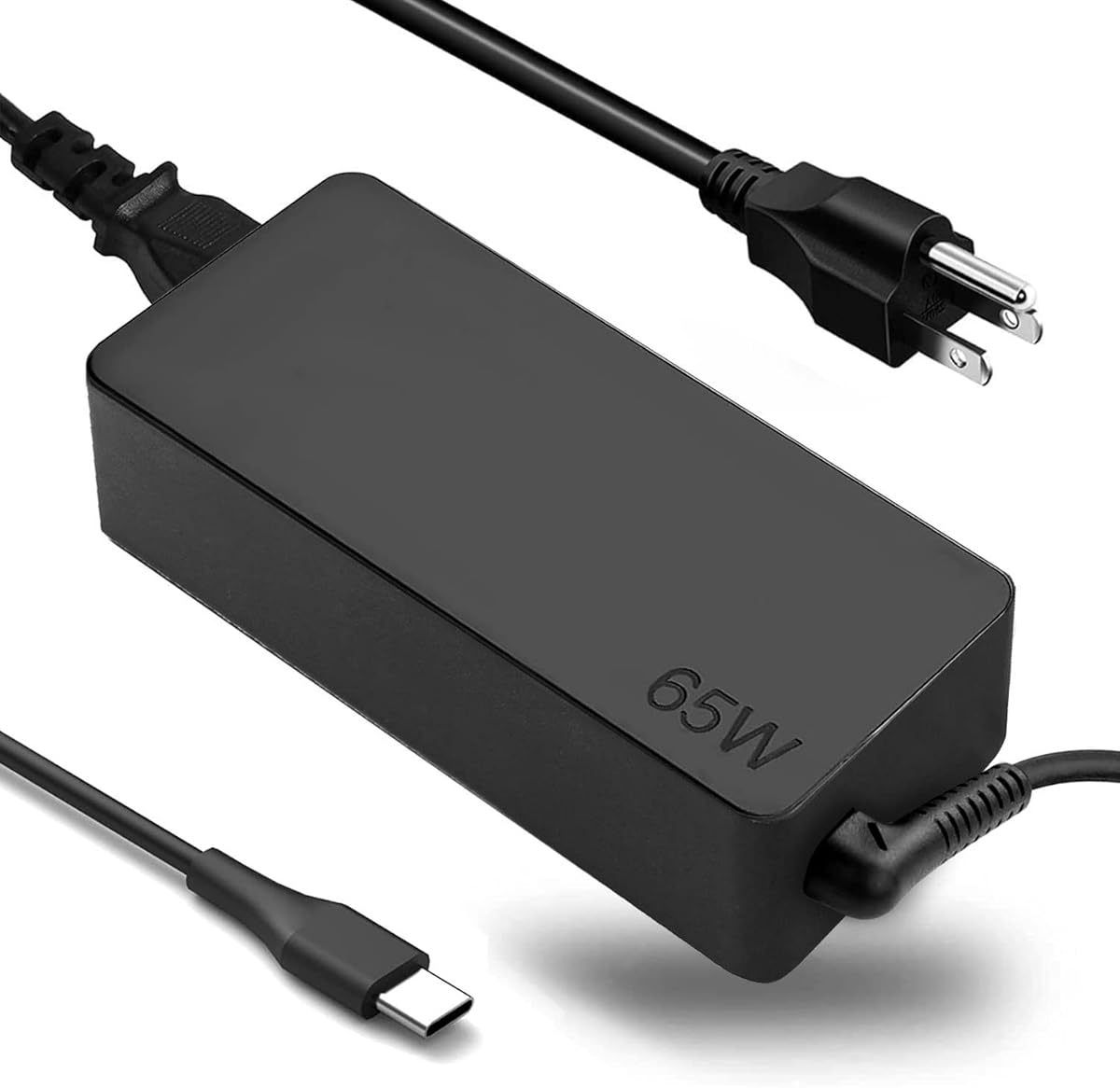
65W USB C Laptop Charger Compatible with Lenovo ThinkPad
4.2Editor score
Compatible with 45W and 65W models
Reinforced connector joint durability
Multiple voltage output support
This guide compares the top Lenovo Thinkpad Charger options for 2026, reviewing official and third-party USB-C adapters for performance and compatibility.
Finding a reliable Lenovo Thinkpad Charger is essential for maintaining productivity throughout your workday. A quality adapter ensures your device charges quickly and safely without compromising battery health.
We evaluated ten highly rated chargers based on output power, build quality, and compatibility with various Thinkpad models. Our analysis covers both official Lenovo units and trusted third-party alternatives.
Each selection highlights key specifications and user feedback to help you choose the right power solution. Please note that availability and pricing may vary over time.
4.2Editor score

4.5Editor score

4.6Editor score
The following table provides a side-by-side overview of ten top-rated chargers. Compare key specifications to determine which adapter fits your specific Thinkpad model and power requirements best.
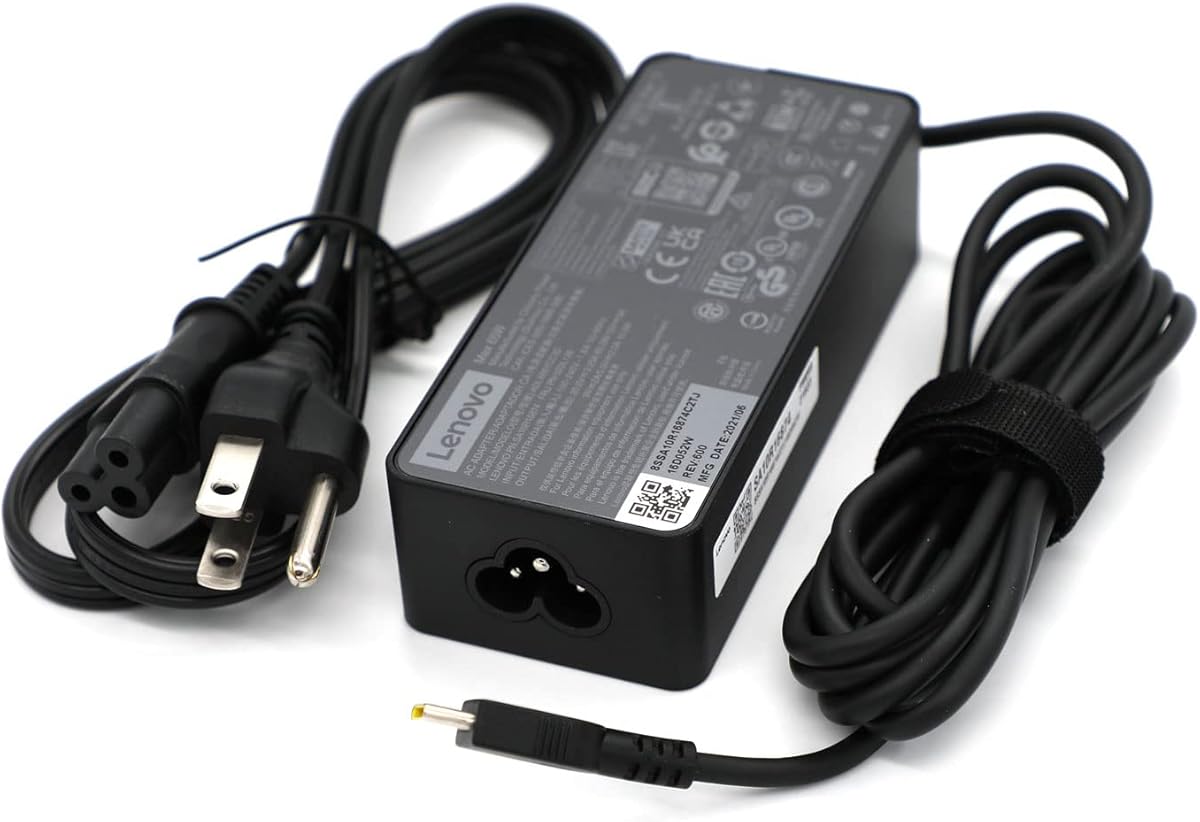


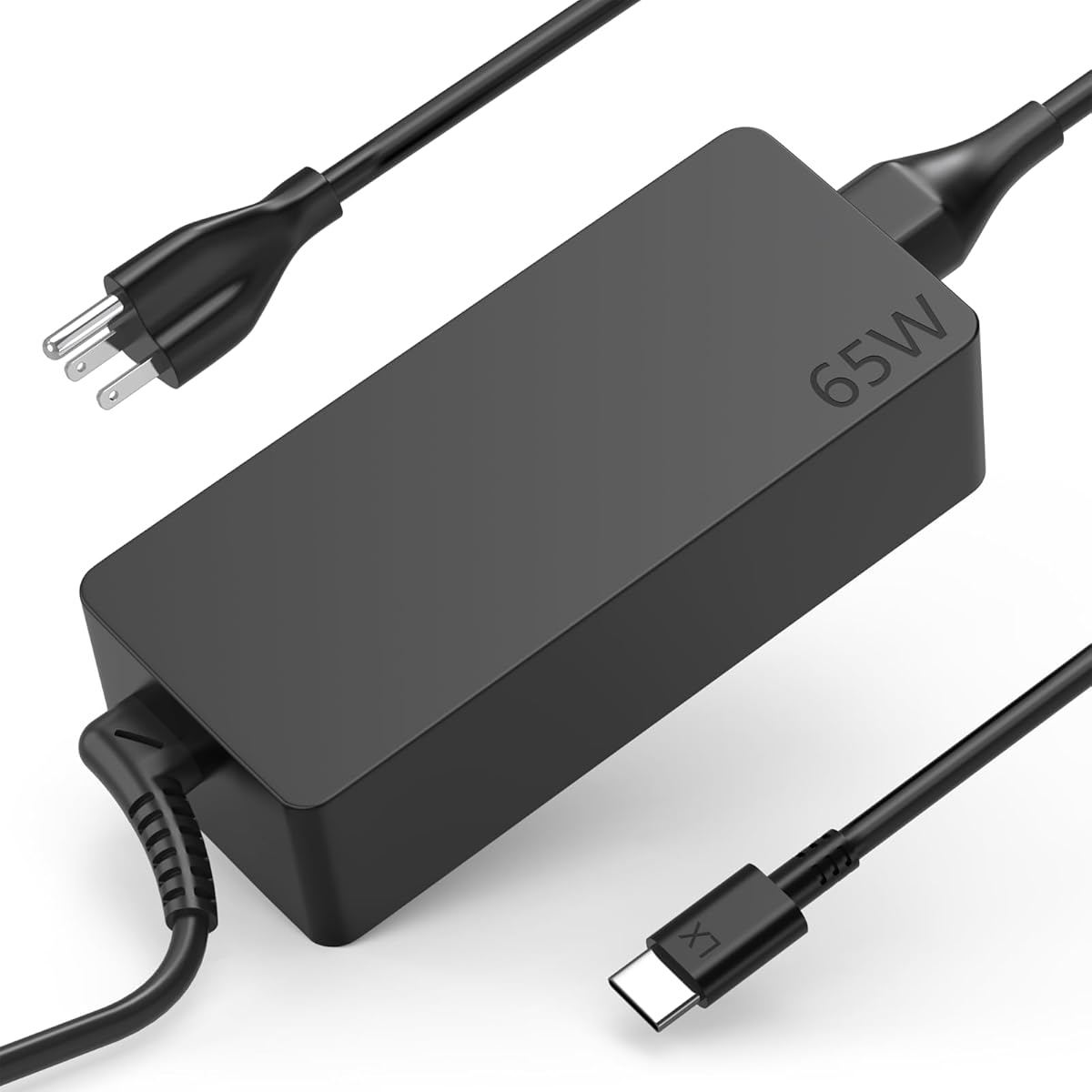


This Lenovo Laptop Charger provides a solid 65W output suitable for many ThinkPad and IdeaPad models. It offers multiple voltage outputs to match different device requirements effectively.
We may earn a commission when you buy through this link, at no additional cost to you.
Its compatibility list includes common business laptops like the T14 and E15 ensuring users find the right match quickly. The USB Type-C interface modernizes connections compared to older barrel plugs.
While effective the rating suggests some users may encounter variability in build quality. This is typical for third-party manufacturing but does not necessarily impact daily usage.
Anyone needing a direct replacement for a damaged adapter will find this option practical and widely available. It balances cost and function well for standard productivity needs.
Works with ThinkPad X1 Carbon and IdeaPad S940 models.
Outputs stable voltage for safe charging across devices.
We may earn a commission when you buy through this link, at no additional cost to you.
This charger stands out with its high rating and advanced Power Delivery 3.0 technology. It ensures fast charging speeds that match modern laptop demands efficiently.
We may earn a commission when you buy through this link, at no additional cost to you.
The built-in intelligent circuit chip monitors temperature and current to prevent overheating issues. This added safety layer makes it a reliable choice for overnight charging.
Its compatibility extends to Yoga and Chromebook models as well providing versatility for mixed device households. Users appreciate the sturdy connector design tested for frequent bends.
For those seeking a balance of performance and safety this adapter is a strong recommendation. It meets the needs of both professionals and students.
Automatically adjusts output to match device needs.
Withstands over 50,000 bends without fraying.
We may earn a commission when you buy through this link, at no additional cost to you.
As an official Lenovo product this charger guarantees compatibility and quality standards. Its slim and light design makes it ideal for frequent travelers who value portability.
We may earn a commission when you buy through this link, at no additional cost to you.
The included 1.7m cable offers extra reach compared to standard short cables found in many boxes. This convenience allows for flexible placement of your laptop near outlets.
Users looking for a guaranteed fit for their devices will appreciate the reliability here. It avoids the uncertainty of third-party adapters and provides peace of mind.
This is the best choice for those who prioritize brand integrity over cost savings. The slightly higher price reflects the confidence in its official status.
Slim form factor fits easily into small bags.
Delivers extra energy boost when needed quickly.
We may earn a commission when you buy through this link, at no additional cost to you.
This adapter is a straightforward official option for ThinkPad users needing a reliable replacement. It delivers a constant 5V DC to ensure smooth functioning of your device.
We may earn a commission when you buy through this link, at no additional cost to you.
The USB Type-C interface ensures usability with modern laptops while maintaining high efficiency standards. Users find it robust and dependable for daily office or home use.
While it lacks advanced features it focuses on core performance and stability which is essential for business continuity. The simple design means fewer points of failure.
Selecting this model is a safe bet for anyone wanting original equipment manufacturer assurance. It works seamlessly without configuration or driver requirements.
Provides constant voltage for uninterrupted operation.
Maintains optimal performance with maximum feasibility.
We may earn a commission when you buy through this link, at no additional cost to you.
This adapter covers an extensive list of ThinkPad and Yoga models making it a versatile choice for offices with mixed fleets. It supports both 65W and 45W needs effectively.
We may earn a commission when you buy through this link, at no additional cost to you.
Built-in safeguards monitor temperature and voltage in real time to protect your laptop from electrical anomalies. This feature adds a layer of security often missing in basic adapters.
The package includes an AC power cable which is convenient for immediate setup upon arrival. Users appreciate the comprehensive approach to ensuring a complete charging solution.
For IT departments or families managing multiple devices this charger offers a cost-effective single-source solution. It balances compatibility with essential safety features well.
Includes adapter power cable and user manual.
Protects devices against overheating and overcurrent.
We may earn a commission when you buy through this link, at no additional cost to you.
Offering an accessible price this adapter meets the essential needs of most users without breaking the bank. It directly replaces common part numbers like ADLX65YDC2A for older ThinkPad models.
We may earn a commission when you buy through this link, at no additional cost to you.
The ability to support both 45W and 65W needs adds flexibility for smaller devices or larger laptops alike. It is a practical option for those who need a quick backup solution.
While it may not match the finish of premium models it functions reliably for standard tasks. Users report consistent charging performance without significant heat issues.
For budget-conscious buyers this charger delivers necessary power efficiently and reliably. It is a smart choice for students or temporary use cases.
Provides power without high costs or fees.
Direct part number replacement for old units.
We may earn a commission when you buy through this link, at no additional cost to you.
This replacement is designed to work seamlessly with Lenovo laptops requiring a 65W USB-C charger. Its plug-and-play simplicity means no special setup or drivers are needed.
We may earn a commission when you buy through this link, at no additional cost to you.
Users often keep one at home one at the office and another in their case for power security anywhere. This flexibility supports a mobile lifestyle effectively.
It is compatible with Chromebook models as well which adds value for hybrid users. The independent operation ensures it works regardless of your specific operating system.
For those needing a reliable spare charger this option is functional and easy to acquire. It serves the primary purpose of keeping devices powered efficiently.
Works across different OS systems smoothly.
Offers fast and efficient charging capabilities.
We may earn a commission when you buy through this link, at no additional cost to you.
This charger is unique in its ability to support both Lenovo and HP models effectively. It is a great find for households with mixed device brands and requirements.
We may earn a commission when you buy through this link, at no additional cost to you.
The detailed compatibility list covers numerous ThinkPad generations ensuring you can verify support before purchasing. This transparency helps avoid mistakes with your specific laptop generation.
Output specifications match standard USB-C power requirements for most ultrabooks and convertibles. Users benefit from a single adapter that can serve multiple devices.
For diverse environments this charger reduces clutter by potentially covering different laptop needs. Always double check the list to confirm your exact model matches.
Serves multiple brands with one unit.
Lists specific models to guide your choice.
We may earn a commission when you buy through this link, at no additional cost to you.
Designed for power users this adapter delivers up to 135W to handle demanding workstation tasks. It ensures that high-performance ThinkPads get the energy they need without throttling.
We may earn a commission when you buy through this link, at no additional cost to you.
The official Lenovo engineering standards guarantee stability and safety during heavy usage periods. Users find the constant voltage supply crucial for keeping systems running smoothly under load.
While it may be larger than 65W options it provides the headroom needed for professional software and multitasking. It is the right choice for intensive workloads.
If your laptop requires high wattage this adapter is the definitive solution. It ensures that your system performs at its full potential consistently.
Provides enough power for intensive tasks.
Maintains strict quality and safety rules.
We may earn a commission when you buy through this link, at no additional cost to you.
This adapter is tailored for gaming laptops like Legion that demand high wattage for performance. It supports the maximum output power of 135W to sustain gaming sessions.
We may earn a commission when you buy through this link, at no additional cost to you.
The Slim Tip connector is distinct and specific to certain Lenovo models so verification is essential. This ensures a secure connection that delivers energy efficiently without loss.
Users report consistent performance and reliability even during intensive gaming or rendering tasks. It keeps your system cool and powered without interruptions.
For gaming enthusiasts needing a powerful replacement this charger is a trusted option. It matches the requirements of demanding devices accurately and securely.
Handles high load tasks like gaming well.
Slim Tip ensures stable energy transfer.
We may earn a commission when you buy through this link, at no additional cost to you.
Selecting the right charger involves checking power ratings connectors and build quality. Use these factors to match the adapter to your specific laptop needs effectively.
Ensure the wattage matches your device requirements to avoid slow charging or performance throttling.
Choose a charger with equal or higher wattage than your original.
Most modern ThinkPads use USB-C but some older models use a Slim Tip. Verify the connector shape.
Match the physical connector to the port on your laptop.
Check the product description for specific model numbers to ensure a perfect fit for your unit.
Confirm your laptop generation is listed in the compatibility chart.
Look for reinforced connectors and durable cables that can withstand daily bending and travel.
A robust build extends the lifespan of your power adapter.
Choose chargers with built-in safeguards against overheating and voltage spikes for device safety.
Prioritize models with recognized safety certifications.
A longer cable provides flexibility for your workspace and prevents tripping hazards near outlets.
Standard lengths range from 1.5m to 2m for convenience.
Official Lenovo units offer guaranteed quality while trusted third-party brands offer budget-friendly alternatives.
Read reviews to assess the reputation of third-party manufacturers.
Compare costs against features to find the best balance between affordability and performance.
Invest in quality to ensure safety and longevity.
Always plug the adapter into the wall first before connecting it to your laptop to avoid voltage spikes.
Keep the charging port clean from dust and lint to ensure a secure connection and efficient power transfer.
Unplug the charger when not in use to save energy and protect the device from power surges.
Yes a 65W charger will work safely with a laptop requiring 45W as the laptop draws only the power it needs.
Only if your model has a USB-C port. Older units may use a Slim Tip connector which requires a different adapter.
It allows the charger and laptop to negotiate the correct voltage for faster and safer charging speeds.
Check your laptop model number on the bottom or the original power supply label for exact specifications.
Third-party chargers are safe if they are from reputable brands with proper safety certifications and ratings.
No modern laptops regulate the power intake so a higher wattage charger will not damage the battery.
Our top picks highlight the best balance of performance safety and value for various needs and budgets.
Prioritize compatibility and safety features to ensure your device runs reliably and securely every day.
Remember to verify your model requirements and check current availability before making your final decision.