
Seagate 8TB BarraCuda Internal Hard Drive
4.7Editor score
Cost effective storage
High capacity drive
SATA interface standard
Finding the right hard drive for Jellyfin is crucial for a smooth streaming experience. You need reliable storage that handles continuous reads and writes without stuttering or dropping frames during playback.
We compared top models based on capacity, reliability, and NAS compatibility. Our list covers internal and external options suitable for various server setups and media library sizes.
Each pick highlights specific strengths for Jellyfin users. Note that availability and pricing change frequently, so check current listings before making your final decision for your home lab.
4.7Editor score
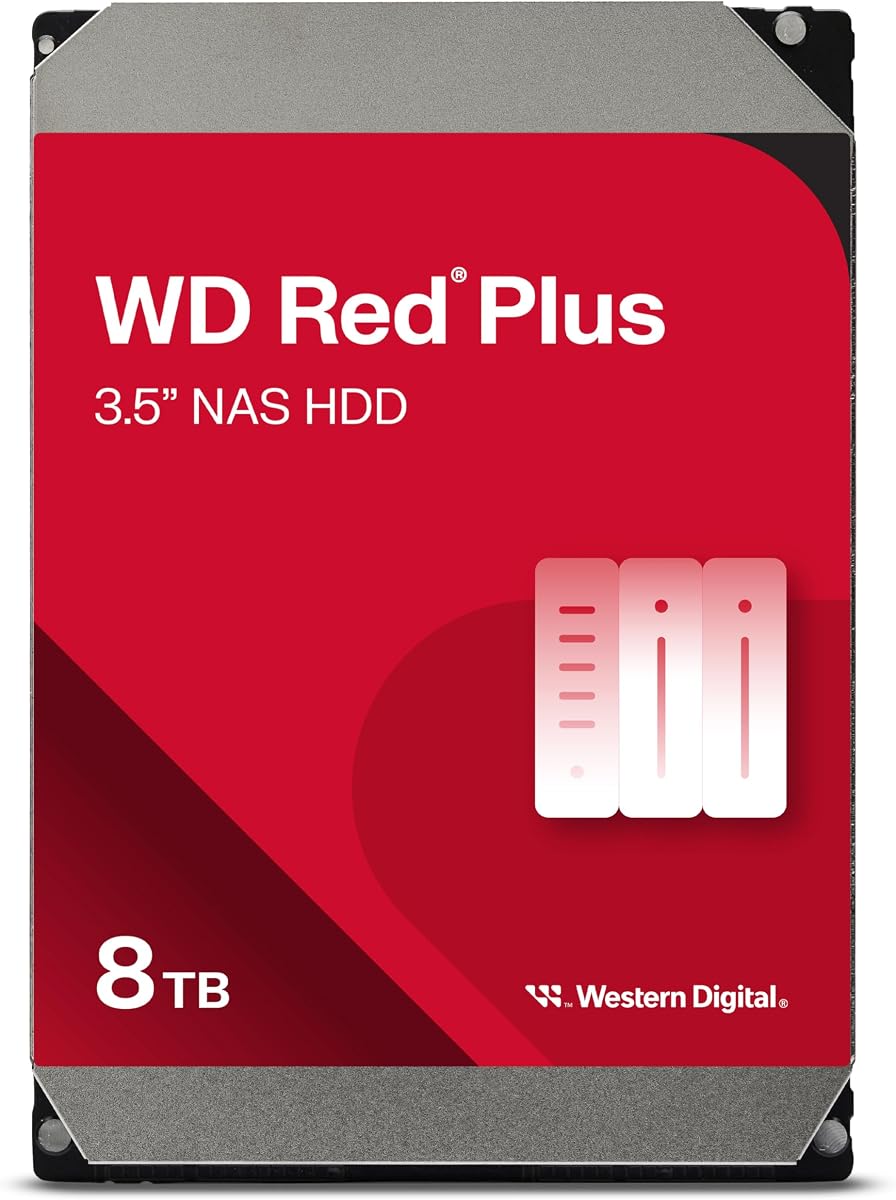
4.2Editor score

4.5Editor score
As an Amazon Associate we earn from qualifying purchases.
This side by side comparison highlights key specifications for each drive to help you choose the right capacity and technology for your Jellyfin server needs.




This drive is ranked first for its proven reliability in NAS setups which are ideal for Jellyfin servers. With a rating of 4.2 it delivers consistent performance for continuous media streaming.
We may earn a commission when you buy through this link, at no additional cost to you.
Its NASware firmware ensures compatibility across various NAS systems which reduces the risk of drive failures during high traffic periods. The CMR technology is essential for maintaining data integrity.
While it is more expensive than consumer drives it offers better longevity under constant write workloads. The higher cost is justified by reduced risk of data loss over time.
Buy this if you run a multi drive NAS server and prioritize data integrity and uptime over initial cost savings. It is an excellent foundation for any Jellyfin media library.
CMR ensures that data is written directly to the platter without relying on SMR caching which can cause slowdowns in RAID rebuilds.
The built-in NASware firmware optimizes drive performance for 24×7 operation and prevents unnecessary power cycling during extended server sessions.
We may earn a commission when you buy through this link, at no additional cost to you.
This drive is a top pick for users seeking large storage capacity without breaking the bank. With a high rating of 4.7 it is trusted by many desktop and media server users.
We may earn a commission when you buy through this link, at no additional cost to you.
It offers a sustained transfer rate of 190MB/s which is sufficient for streaming high definition video content to multiple users simultaneously. The 8TB capacity allows for a vast library.
It lacks specific NAS optimization features like CMR which might limit its lifespan in heavy RAID environments. However for single drive setups it performs admirably.
Choose this if you need a large single drive for a basic Jellyfin setup and want to minimize initial hardware costs. It balances price and performance well for home labs.
The price per terabyte is very competitive making it accessible for hobbyists setting up their first personal media server.
A sustained rate of 190MB/s ensures that buffering is minimized when streaming 4K content to clients on the network.
We may earn a commission when you buy through this link, at no additional cost to you.
This drive is engineered for multi-user NAS environments where reliability is paramount. It holds a rating of 4.5 and offers robust features specifically for RAID configurations.
We may earn a commission when you buy through this link, at no additional cost to you.
The IronWolf Health Management system allows you to monitor drive health and predict failures before they cause data loss. This proactive approach is vital for media servers.
It includes Rescue Data Recovery services which provide peace of mind if the drive fails unexpectedly. This premium feature adds value beyond standard warranty coverage.
Invest in this if you run a multi-bay server and need advanced health monitoring and recovery options. It is a solid choice for serious media server operators.
The integrated management system tracks drive parameters and alerts you to potential issues before they impact your server performance.
Included Rescue Services offer a safety net for valuable media files in case of physical drive failure.
We may earn a commission when you buy through this link, at no additional cost to you.
This external drive provides a flexible solution for users who want to expand storage without opening their server case. It features a 4.6 rating and supports USB-C connectivity.
We may earn a commission when you buy through this link, at no additional cost to you.
The bus-powered design means it does not require a separate power outlet which simplifies setup for portable or space-constrained server installations. It works well with most OS systems.
External drives generally have lower sustained performance compared to internal SATA drives which might limit 4K streaming to multiple users. It is better suited for smaller libraries.
Use this if you need a quick storage expansion or backup drive that can be easily detached. It is convenient for mobile server setups or temporary media archives.
The bus-powered design allows you to move the drive between devices without needing additional power adapters.
Support for both macOS and Windows ensures it works seamlessly regardless of your server operating system choice.
We may earn a commission when you buy through this link, at no additional cost to you.
This drive is perfect for testing Jellyfin configurations or for users with very small media collections. With a 4.4 rating it is a reliable compact option for internal use.
We may earn a commission when you buy through this link, at no additional cost to you.
Its thin design makes it suitable for cases where space is extremely limited such as small form factor PCs. It can be easily integrated into existing systems.
The 1TB capacity is quickly filled with modern HD video files which limits its long-term utility for large libraries. It is best used for boot drives or testing.
Buy this for initial setup testing or for small-scale projects where cost and size are the primary concerns. It is a budget-friendly entry point for Jellyfin beginners.
At 7mm thin this drive fits into enclosures that cannot accommodate standard 9.5mm laptop drives.
Its mobile class construction ensures it draws minimal power from the system which helps keep energy costs down.
We may earn a commission when you buy through this link, at no additional cost to you.
This drive offers a massive capacity which is ideal for large video libraries. It holds a high rating of 4.6 and provides fast performance for internal desktop storage.
We may earn a commission when you buy through this link, at no additional cost to you.
With 12TB of space you can store thousands of hours of video content without needing multiple drives. The 7200 RPM speed ensures quick file access and streaming.
As a desktop drive it lacks NAS-specific optimizations which might affect its longevity in continuous write scenarios. It is best used for single drive or non critical storage.
Select this if you need a single large drive for a high capacity archive and do not require advanced RAID features. It balances speed and capacity effectively.
With 12TB you can hold extensive collections of 4K movies and shows without worrying about filling the drive quickly.
The large cache helps buffer data transfers making it smoother for systems with high bandwidth demands.
We may earn a commission when you buy through this link, at no additional cost to you.
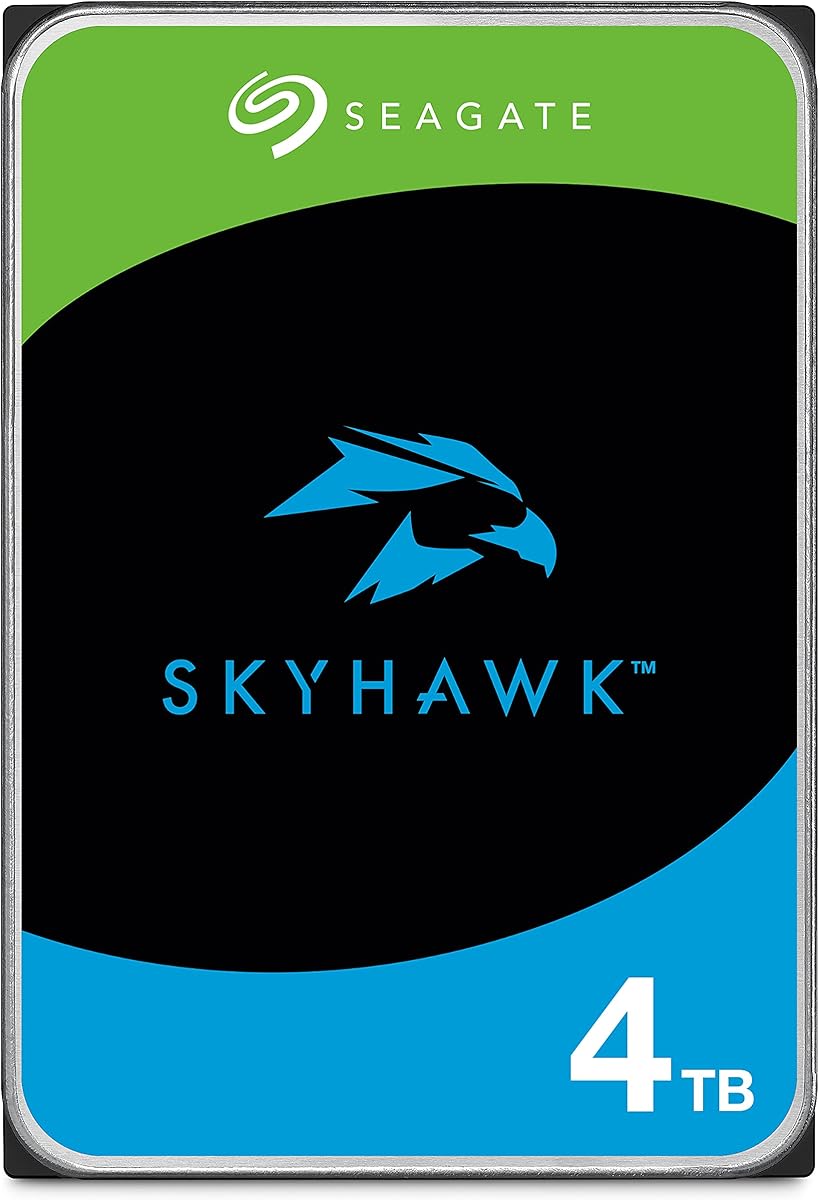
This drive is built for continuous writing workloads which translates well to media streaming servers like Jellyfin. It has a rating of 4.4 and includes advanced health management tools.
We may earn a commission when you buy through this link, at no additional cost to you.
The RV sensors ensure stable operation when multiple drives are installed in a single enclosure which prevents vibration issues. This is critical for reliable server uptime.
While marketed for surveillance its write optimized nature makes it excellent for transcoding tasks that involve heavy read and write cycles. It handles heat well under load.
Choose this for a server with multiple drives where thermal management and vibration control are important. It is a robust choice for media streaming environments.
Rotational vibration sensors help the drive maintain performance even when surrounded by other spinning drives in a multi-bay enclosure.
Designed for constant writing this drive is better suited for media servers than typical desktop drives that handle random access patterns.
We may earn a commission when you buy through this link, at no additional cost to you.
This drive is engineered for continuous recording which aligns well with media server streaming needs. It carries a strong rating of 4.5 and supports advanced AI recording technologies.
We may earn a commission when you buy through this link, at no additional cost to you.
It can handle high stream counts which means it can support multiple simultaneous users accessing the same library efficiently. The firmware is tuned for write intensive workloads.
Designed for surveillance systems it is built to run in high temperature environments where other drives might fail. This durability is a major asset for server cabinets.
Opt for this if you need a drive that can handle heavy write loads in a warm environment. It is a specialized option for users who value reliability over standard features.
The firmware ensures that simultaneous read requests do not cause dropped frames or stuttering during playback.
Built for harsh conditions this drive withstands higher temperatures often found in enclosed server racks.
We may earn a commission when you buy through this link, at no additional cost to you.
This drive features image perfect firmware which ensures data integrity for video workloads. It has a rating of 4.6 and is designed for continuous 24×7 operation.
We may earn a commission when you buy through this link, at no additional cost to you.
The RV sensors maintain performance in multi-drive systems which is essential if you plan to expand your storage capacity later. It reduces noise and vibration significantly.
It is optimized for writing which makes it a good candidate for media servers that require constant data access. The workload rating is higher than typical desktop drives.
Choose this for a server environment where stability and low noise are priorities. It is an excellent middle ground between consumer and enterprise grade drives.
Image Perfect firmware ensures that video frames are stored and retrieved without corruption during active recording or playback.
The vibration sensors detect oscillations from other drives and compensate to ensure smooth operation in enclosures.
We may earn a commission when you buy through this link, at no additional cost to you.
This drive offers a balanced mix of capacity and performance suitable for mid-sized Jellyfin servers. With a rating of 4.4 it is a dependable choice for internal storage.
We may earn a commission when you buy through this link, at no additional cost to you.
It includes NAS optimized features that ensure compatibility with RAID controllers and NAS systems. The 256MB cache helps with data buffering for smoother streaming.
While not the fastest option it provides reliable operation without excessive heat generation. This makes it a solid choice for enclosed server environments.
Select this for a mid-sized setup that needs reliable NAS features without the highest price premium. It is a trustworthy option for general media server use.
The combination of 6TB and NAS optimization makes it ideal for growing libraries that need to expand later.
A large cache size helps manage random reads and writes more efficiently which improves overall system responsiveness.
We may earn a commission when you buy through this link, at no additional cost to you.
Selecting the right drive requires understanding your storage needs and server setup. We explore key factors to consider before purchasing.
Determine how much storage you need based on your media library size and how much you plan to add over time. Most users start with at least 4TB to accommodate HD or 4K content.
Choose a drive with enough space to grow without needing constant upgrades.
NAS drives are built for 24×7 operation and have firmware optimized for RAID and continuous use. Desktop drives are cheaper but may fail sooner under constant server loads.
Prioritize NAS drives for multi-drive setups to ensure longevity and reliability.
CMR (Conventional Magnetic Recording) is recommended for servers as it allows consistent write speeds. SMR drives use caching that can cause performance drops during large file writes.
Always verify the drive uses CMR technology before purchasing for a Jellyfin server.
Workload rating indicates how much data the drive can handle per year. Higher ratings mean the drive is better suited for intensive streaming and transcoding tasks.
Look for drives rated for at least 180TB per year for better endurance.
Higher RPM and larger cache allow for faster data access and smoother streaming. A 5400 RPM drive is often sufficient for media servers due to lower heat output.
Aim for a cache of at least 128MB to handle buffering effectively.
Longer warranties and data recovery services provide peace of mind for valuable media libraries. Some drives include recovery tools that help retrieve lost data.
Select a drive with a strong warranty plan to protect your investment.
Ensure the drive fits your server case. Most desktop servers use 3.5 inch drives but compact cases may require 2.5 inch options for space efficiency.
Check your case specifications before buying to ensure proper fit.
Power efficient drives reduce heat and lower electricity bills which is important for servers running all day. NAS drives often consume less power than high speed desktop drives.
Choose energy efficient models to keep your server cool and quiet.
Install the drive in a well-ventilated area to prevent overheating which can lead to drive failure. Ensure all connections are secure before powering on the server.
Use your operating system tools to initialize the drive and format it with a compatible file system like NTFS or ext4. This ensures optimal performance for media storage.
Schedule regular maintenance checks to monitor drive health. Use smart monitoring tools to track temperature and errors so you can replace the drive before it fails.
Yes NAS drives are better because they are designed for continuous 24×7 operation and have firmware optimized for RAID. They tend to be more reliable and last longer in server environments.
Start with at least 4TB to allow room for growth. Larger libraries benefit from 8TB or more to avoid constant management and replacement of drives.
Yes CMR drives are essential for RAID setups because SMR drives can cause significant performance issues during data synchronization and rebuilds.
You can but it is not recommended for the main library due to speed limitations. External drives are better suited for backups or portable storage.
Use built-in SMART tools or third-party software to monitor temperature and error logs. Most NAS systems have this built into their interface.
Most users prefer NTFS for Windows or ext4 for Linux as they offer good performance and compatibility. Avoid systems with heavy overhead like FAT32.
We reviewed ten drives offering a range of capacities and features suited for Jellyfin. Top picks include the Western Digital Red Plus for stability and the Seagate BarraCuda for value.
Prioritize drives with CMR technology and high workload ratings to ensure your media server runs smoothly. Consider your budget and future expansion needs before making a choice.
Remember to check current availability and warranty terms as they can change over time. Selecting the right hardware now will save you headaches in the future.