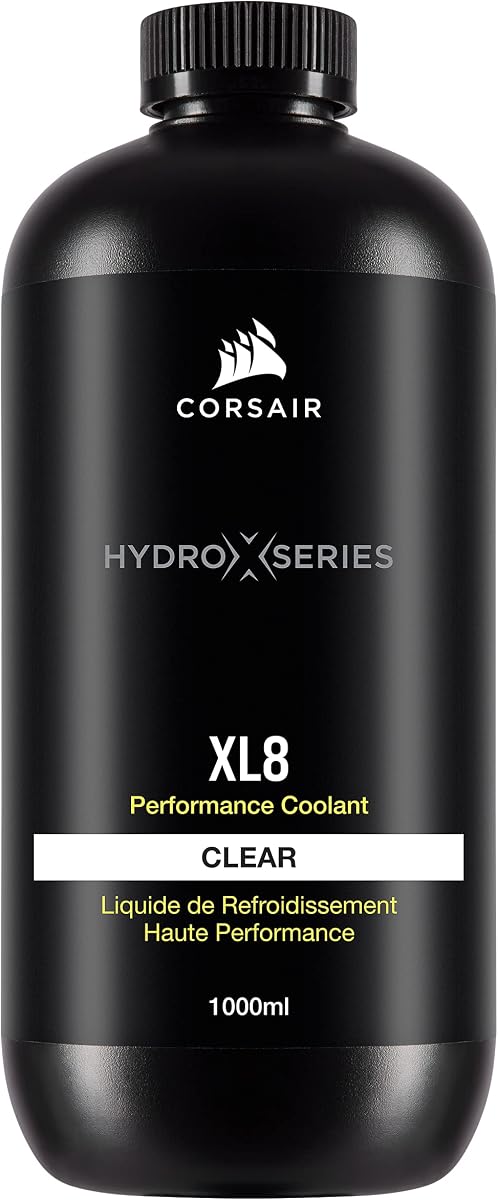
CORSAIR Hydro X Series, XL8, Performance Coolant, 1L, Clear
4.7Editor score
Pre-mixed ready to use
Advanced anti-corrosion protection
Wide color selection available
Custom loop water cooling transforms your PC into a thermal powerhouse while showcasing stunning visual flair. Choosing the right components ensures efficient heat dissipation and long term reliability for your gaming or workstation setup.
We evaluated ten leading products based on cooling performance, build quality, ease of installation, and aesthetic appeal. Our analysis covers complete kits, individual parts, and hybrid solutions to help you find the perfect match.
Each pick highlights specific strengths like noise reduction, RGB lighting, or modularity for flexible builds. Prices fluctuate often so check current listings before purchasing to ensure you get the best value available today.
4.7Editor score

4.8Editor score

4.0Editor score
As an Amazon Associate we earn from qualifying purchases.
This side-by-side comparison highlights the key specifications and unique features of each top ranked product to help you make an informed decision quickly.




The CORSAIR Hydro X Series XL8 Performance Coolant stands out as an essential component for any custom loop. With a high user rating of 4.7 stars, it delivers reliable thermal performance and corrosion protection for your hardware components.
We may earn a commission when you buy through this link, at no additional cost to you.
This coolant is pre-mixed and ready to go right out of the bottle. You do not need to add any additional inhibitors or stabilizers. The advanced anti-corrosion formula protects copper brass and nickel surfaces from degradation over time.
While it offers excellent protection and ease of use, the clear version is just one option among many vibrant colors. You may need to purchase separate tints if you want a specific hue for your build.
This product is ideal for builders who want a hassle-free coolant that guarantees long-term system health. For anyone starting a new loop or refreshing an old one, the XL8 is a trusted choice for performance and safety.
Save time on mixing and testing with a pre-prepared solution designed for immediate installation into your cooling loops.
Advanced inhibitors prevent oxidation and bacterial growth keeping your blocks and radiators clean and efficient for years.
We may earn a commission when you buy through this link, at no additional cost to you.
The be quiet! Light Loop 360mm Black CPU Liquid Cooler is an undisputed highlight for any system. Its 4.8 rating reflects exceptional cooling performance and visual appeal. This unit handles heavily overclocked systems with ease and reliability.
We may earn a commission when you buy through this link, at no additional cost to you.
Featuring 64 LEDs and Light Wings LX fans this cooler delivers stunning visuals. The jet plate and high-density fin stack increase flow speed and cooling power. The progressive IC in the motor keeps pump noise at a low level.
The ARGB PWM hub allows synchronization of up to six fans and components. However, the black aesthetic may not suit all builds and finding a spot for the hub inside the case needs some careful planning.
For enthusiasts seeking low temperatures and vibrant looks this cooler is perfect. Whether you are gaming or rendering demanding applications it maintains stable temperatures without overwhelming noise levels.
Engineered with a metal jet plate and dense fin stack to maximize heat transfer during intensive CPU workloads.
One hub controls all your ARGB gear so you can match your cooling to the rest of your PC setup easily.
We may earn a commission when you buy through this link, at no additional cost to you.
The CORSAIR XH505i RX 360 RGB Custom Cooling Kit delivers the stunning look only hardline loops can achieve. It includes an XC7 block XD6 reservoir and XR5 radiator making it a full solution for custom builders.
We may earn a commission when you buy through this link, at no additional cost to you.
Individually addressable RGB LEDs give your PC a striking look. iCUE software lets you adjust settings monitor temperatures and synchronize lighting. This kit simplifies the process compared to building from scratch with loose parts.
While the price is higher than basic solutions the value of a complete kit is strong. Installation demands patience but the result is a sleek low-noise setup that stands out from the crowd visually.
This kit is for those wanting premium aesthetics without the complexity of full custom loops. If you desire a clean white build with RGB control this system provides the tools to make it happen.
Get the polished look of hardline tubing without the custom bending tools using the included XT hardline materials.
Control fans and RGB alongside your other CORSAIR parts via one unified software dashboard for total system synergy.
We may earn a commission when you buy through this link, at no additional cost to you.
The be quiet! Silent Loop 3 360mm delivers high cooling performance with virtually inaudible operation. Its 4.6 rating highlights the balance between thermal efficiency and silence. This is a top choice for users who value quiet computing.
We may earn a commission when you buy through this link, at no additional cost to you.
A powerful 3-chamber pump design significantly reduces turbulences. The dampened and adjustable pump with a 6-pole motor ensures smooth flow. Three Silent Wings 4 fans with radiator corners keep noise levels exceptionally low.
The engineered cooling block features wide CPU plate coverage with threadripper support. This ensures effective heat dissipation even on flagship CPUs. The trade-off is a higher price than standard AiOs but silence justifies the cost.
Buy this if you want top-tier cooling without the fan noise. It is perfect for workstations or home theaters where noise levels must remain minimal during heavy processing tasks or gaming sessions.
The 3-chamber design minimizes vibrations to keep the pump whisper quiet even at maximum flow rates.
Coverage extends to Threadripper sockets making it versatile for high core count professional workloads as well.
We may earn a commission when you buy through this link, at no additional cost to you.
The Alphacool Eisbaer Aurora (Solo) gives you the opportunity to design your own AiO solution. It includes a CPU water block and pump plus Thermal Grizzly KryoSheet. This modular approach suits builders wanting a semi-custom path.
We may earn a commission when you buy through this link, at no additional cost to you.
The basis of the pump is the DC-LT Ceramic Ultra Low Noise pump. This ensures smooth operation without vibration. KryoSheet thermal pads provide an excellent alternative to traditional compounds with no liquid components to age.
While the rating shows N/A because it is a newer bundle the components are trusted. The KryoSheet avoids the usual aging issues of grease. You gain flexibility to expand or change parts later.
Choose this kit if you want modularity without full custom loop complexity. It is ideal for AMD AM5 users seeking reliable cooling and the option to upgrade the system over time easily.
Build a tailored cooling system that fits your case and needs by adding radiators or reservoirs as desired.
Graphene pads avoid drying out or pump so you maintain consistent heat transfer without frequent replacements.
We may earn a commission when you buy through this link, at no additional cost to you.
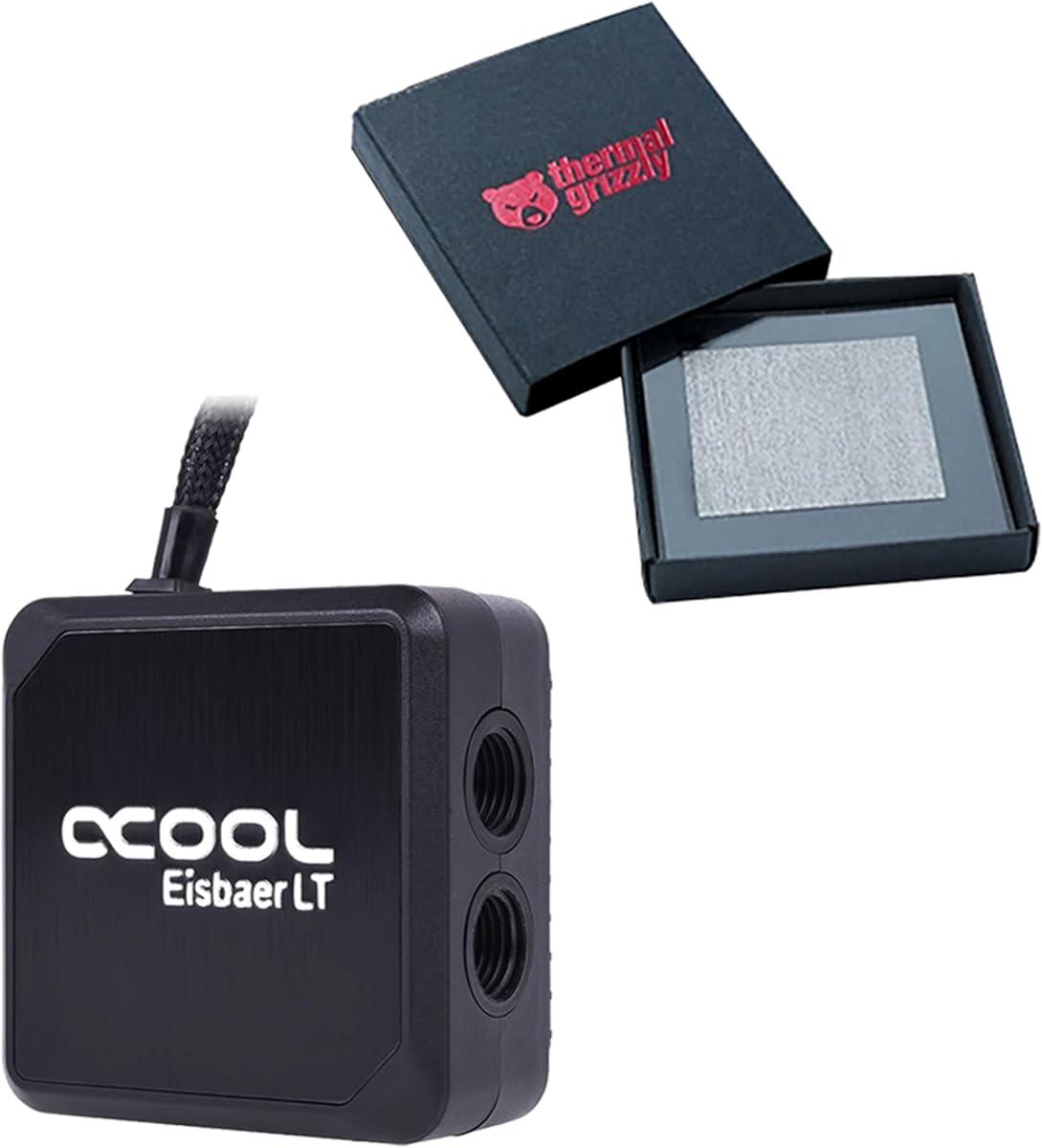
The Alphacool Eisbaer LT (Solo) features the well-known DC-LT 2600 Ultra Low Noise Ceramic Pump. This bundle includes a block pump and KryoSheet for AMD AM5 users. It is designed for those seeking silent custom cooling.
We may earn a commission when you buy through this link, at no additional cost to you.
The pump runs at a low speed to reduce noise while maintaining flow. This makes it great for quiet builds. KryoSheet offers a stable thermal interface without the degradation issues of liquid grease over time.
As a newer bundle it carries an N/A rating. However the quality of the components is high. You get the chance to design a system tailored to your specific case layout and cooling demands.
This kit is recommended for quiet PC enthusiasts. If you want the benefits of water cooling without fan noise the Eisbaer LT provides a solid foundation for a custom setup.
The 2600 RPM DC-LT ceramic pump keeps vibrations to a minimum for a silent desktop environment.
Using KryoSheet ensures your thermal contact remains consistent long term without drying or leaking.
We may earn a commission when you buy through this link, at no additional cost to you.
The Thermaltake Pacific CL480 Radiator offers full copper construction for superior heat transfer. Its 4.4 rating indicates reliable performance in custom loops. This radiator is ideal for high heat dissipation needs.
We may earn a commission when you buy through this link, at no additional cost to you.
Integrated G1/4 threads make it easy to install fittings quickly. Rigid connections ensure leak-resistant measures are in place. You can mount either 120mm or 140mm fans depending on your case and cooling goals.
One trade-off is the weight; copper is heavy so ensure your case supports it. You must also buy fans separately which adds to the total cost. But the performance justifies these extra steps.
Buy this if you prioritize raw thermal capacity. It is a great component for a custom loop where you want maximum surface area and conductive power for high-end CPUs.
Full copper cores move heat away from the coolant faster than aluminum alternatives for better cooling.
Integrated threads reduce the risk of leaks by providing a tight and precise connection for G1/4 fittings.
We may earn a commission when you buy through this link, at no additional cost to you.
This CPU Water Cooler Pump features a 600L/H flow rate for optimal cooling performance. It includes dual fans and an aluminum heat exchanger for a complete cooling unit. It suits desktop computers needing stable CPU temperatures.
We may earn a commission when you buy through this link, at no additional cost to you.
The dual fan design operates quietly with low noise levels. Universal G1/4 threaded pipe connections offer easy installation. Durable aluminum alloy and ABS materials ensure a long service life for your build.
While it lacks the specialized features of premium brands the flow rate and durability are strong. The design is functional rather than aesthetic which may not appeal to RGB focused builds but works well.
Choose this pump for a reliable setup without high cost. It is a good entry option for those wanting water cooling basics with enough power for standard desktop tasks and gaming.
600L/H capacity ensures coolant moves quickly through the system to prevent hot spots on the CPU.
G1/4 threading means you can use standard fittings and tubing without needing adapters or special parts.
We may earn a commission when you buy through this link, at no additional cost to you.
The ASUS ROG RYUJIN III WB features an Asetek-powered water block with 178 micro-cooling fins. It includes a full color 3.5 inch LCD display with a stunning refresh rate. This is a premium choice for ROG enthusiasts.
We may earn a commission when you buy through this link, at no additional cost to you.
An embedded Axial-tech fan increases airflow reducing motherboard VRM temperatures by up to 35 degrees. Bundled all-copper ROG fittings ensure seamless water flow. Compatibility spans a wide range of Intel and AMD motherboard platforms.
The high price point is the main trade-off for these advanced features. You rely on software to manage the display and fans which may add complexity. However the visuals and VRM cooling are top-tier.
This block is for users wanting cutting-edge tech and customization. If you value real-time visuals and VRM cooling alongside CPU cooling this is the definitive high-end option available today.
A 60 FPS refresh rate on the LCD lets you display system stats or art with vibrant and dazzling colors.
The embedded fan targets motherboard power delivery components keeping them cool during overclocking and high loads.
We may earn a commission when you buy through this link, at no additional cost to you.
The Dracaena.io 200mm G1/4 Acrylic Water Cooling Reservoir provides a reliable component for your loop. It features a high flow ball valve structure that is safe and reliable. The transparent part is clear acrylic for good visibility.
We may earn a commission when you buy through this link, at no additional cost to you.
Equipped with advanced G1/4 threads it offers tight leak-free connections. The outer diameter fits standard mounts. High temperature resistant engineering plastics add to its durability and attractive appearance.
While it is a standard acrylic reservoir you still need to prepare tubing for installation. This component does not include fans or pumps. It serves as a functional and clean part for fluid management.
Select this reservoir if you value simplicity and reliability. It is a great fit for custom loops where you want clear fluid visibility and secure connections without excessive complexity.
Advanced threading ensures your ports stay tight preventing drips and keeping your PC interior clean.
Materials used can handle warm coolant temperatures without warping so safety is maintained during operation.
We may earn a commission when you buy through this link, at no additional cost to you.
Selecting the right custom loop components requires balancing performance aesthetics and budget. Here are key factors to consider before making your purchase.
Choose a pre-mixed coolant with corrosion inhibitors like the XL8 to protect metals. Clear or colored options depend on your visual style but ensure the chemistry is safe for your specific blocks.
Always check that the coolant is ready to use and includes anti-bacterial properties to keep the loop clean without additives.
Look for ceramic pumps like the DC-LT series for durability and low noise. Flow rates around 600L/H are usually sufficient for standard loops but check case limits.
A quiet pump prevents system noise from becoming intrusive during gaming or work sessions.
Full copper radiators offer better thermal transfer but add weight. Ensure your case can support the load and has enough clearance for fans.
Match the radiator size to your heat load; a 360mm model is a versatile choice for most high-end CPUs.
Decide between hardline and flexible tubing. Hardline looks cleaner but requires tools while flexible is easier to install.
Ensure fittings match your thread standards like G1/4 to avoid leaks during assembly.
Check if components support addressable RGB and hub compatibility. Synchronization software can help manage lighting across multiple parts.
Balance lighting with cooling needs to avoid overheating from LEDs or complex cabling issues.
Verify that the cold plate supports your CPU socket including AM5 or LGA 1700. Threadripper support is a plus for workstation builds.
Ensure the block fits within your case dimensions and does not block RAM slots or VRM areas.
Consider complete kits versus individual parts. Kits like the XH505i simplify builds but cost more than separate components.
Invest in quality parts for long term reliability rather than cheap alternatives that may fail early.
Choose components that are easy to disassemble for cleaning. Reservoirs with easy fill ports help with fluid changes.
Regular maintenance ensures peak performance so look for designs that simplify access to the loop.
Start by installing the water block and pump securely using the correct fittings. Double check all connections before filling the loop to avoid leaks.
Fill the system slowly with coolant and let air bubbles rise to the reservoir. Run the pump in a low noise mode to bleed the system before high load testing.
Check fluid levels regularly and clean dust from radiators every few months to maintain airflow and cooling efficiency over time.
Custom loop water cooling typically offers superior thermal performance allowing for lower CPU temperatures and quieter fans. It also provides greater customization for aesthetics but requires more setup and maintenance.
It is recommended to flush and refill your coolant every six to twelve months. This prevents algae growth and ensures corrosion inhibitors remain effective for long term protection.
A 360mm radiator is usually sufficient for a single CPU block. For GPU loops or multiple components consider a larger 420mm radiator for added thermal capacity.
Mixing coolants can cause chemical reactions leading to sludge or corrosion. Stick to one brand and type for safety and consistent color performance.
You will need tubing cutters for hardline loops or zip ties for flexible tubing. A filler funnel helps avoid spills and a leak test tool adds safety before powering up.
High quality ceramic pumps like the DC-LT are designed to be nearly inaudible at normal speeds. Noise levels depend on flow settings and case vibration isolation.
We reviewed ten top rated products ranging from budget coolants to premium kits with LCDs and RGB hubs. Each offers unique strengths for different needs and builds.
Prioritize performance and reliability if you need stable temperatures for gaming or work. Aesthetics and noise levels are also important for a pleasant computing experience.
Prices change frequently so check current listings and verify specifications before purchasing to ensure the best value for your setup.