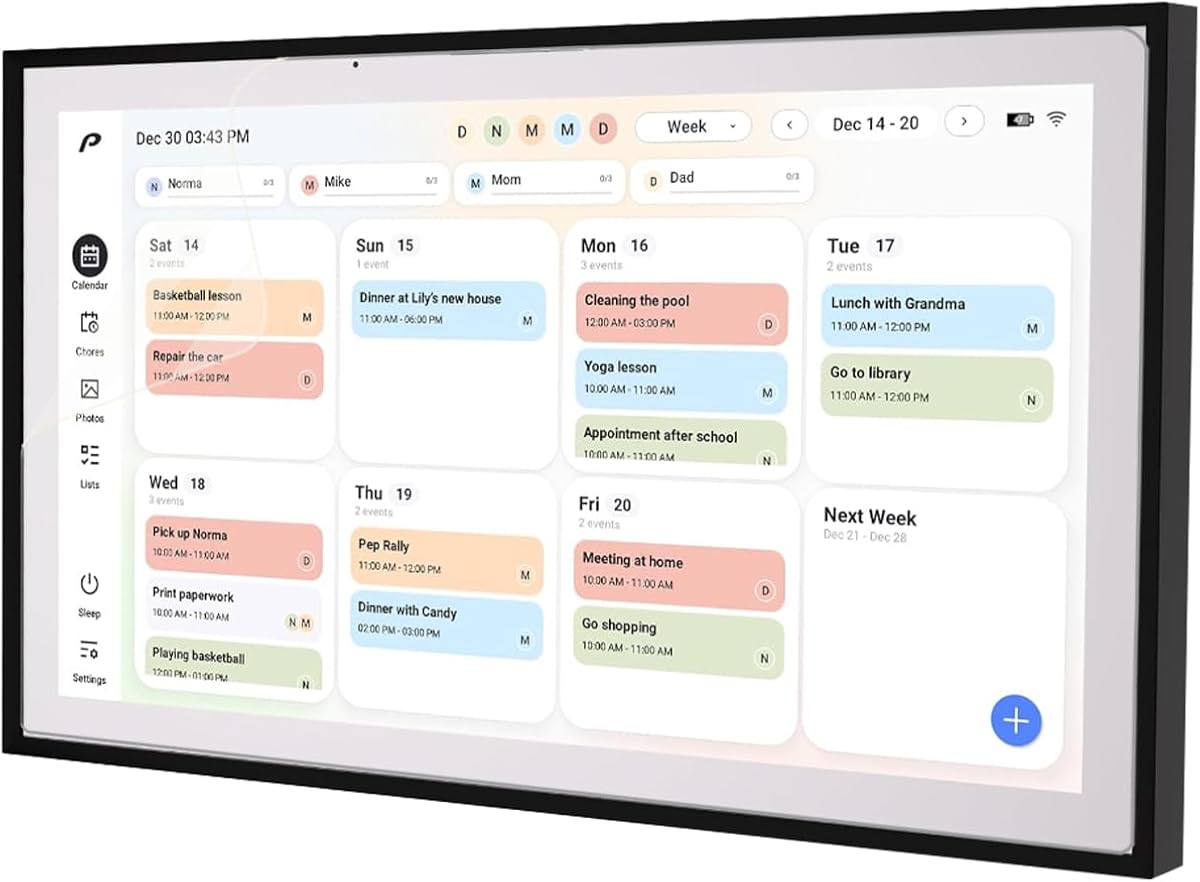
2 Pack Screen Protector
5.0Editor score
Ultra-thin 0.15mm
High definition clarity
Value 2-pack pricing
Protecting your valuable digital calendar requires a reliable screen protector that balances visibility with durability. A good protector should resist scratches while maintaining touch sensitivity and clear display quality for daily use across various lighting conditions.
We compared ten highly-rated options based on customer feedback, material quality, and compatibility with popular digital calendar models. Each product was evaluated for its ability to provide comprehensive protection without compromising the user experience or aesthetic appeal of the device.
Each pick below highlights key features, pros, and cons to help you find the perfect match for your specific model. Please note that prices and availability can fluctuate frequently, so checking the current listings before purchasing is always recommended.
5.0Editor score

4.2Editor score

3.2Editor score
As an Amazon Associate we earn from qualifying purchases.
The following table provides a side-by-side comparison of all ten top-rated digital calendar screen protectors available today, highlighting key specifications and compatibility details for each model to streamline your decision process.

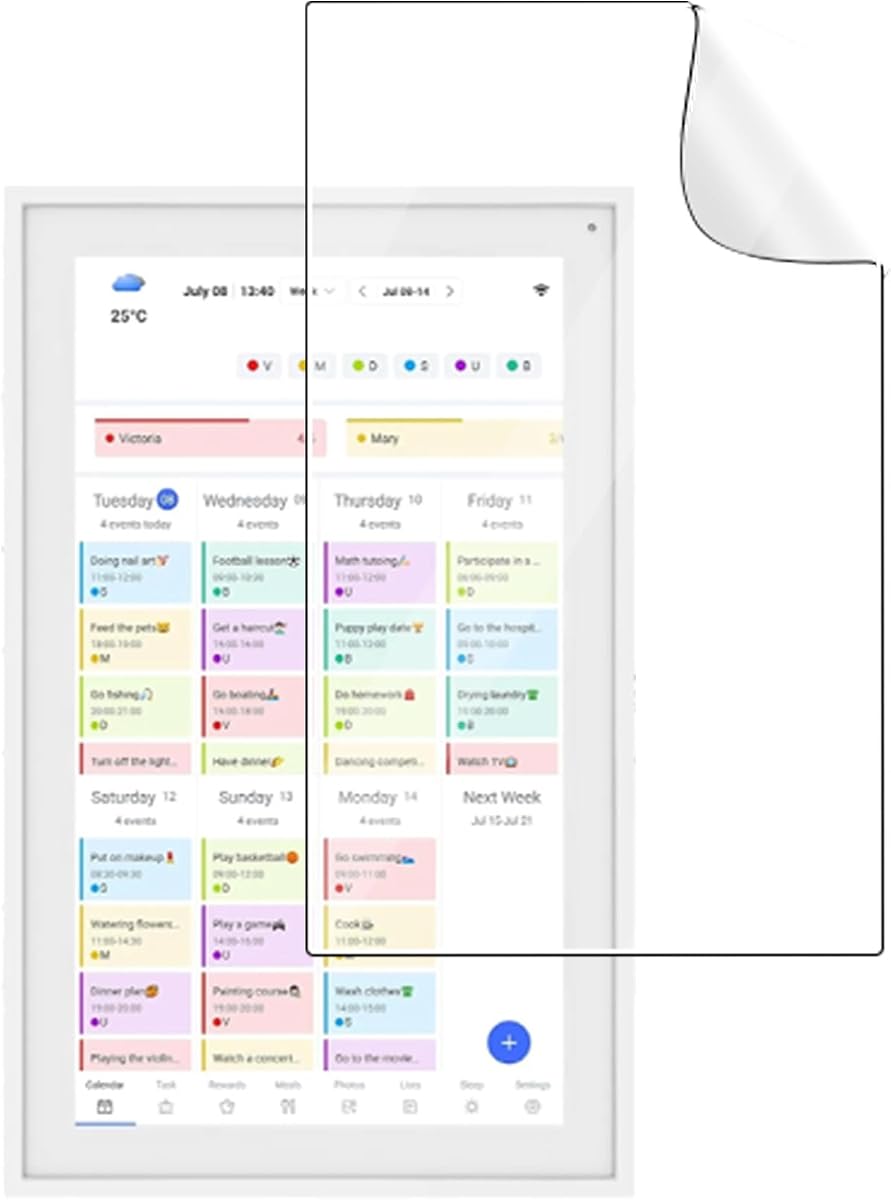

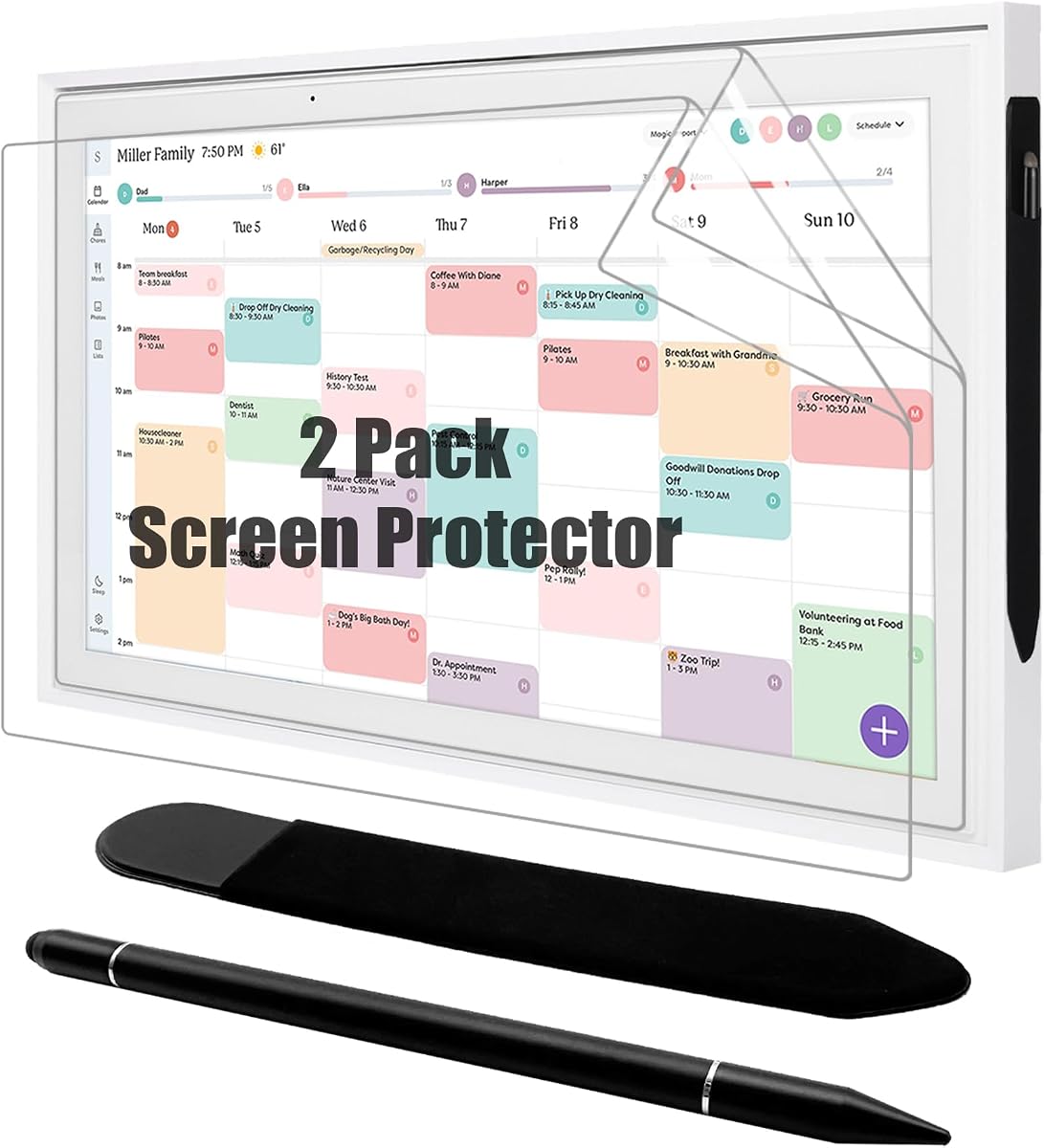
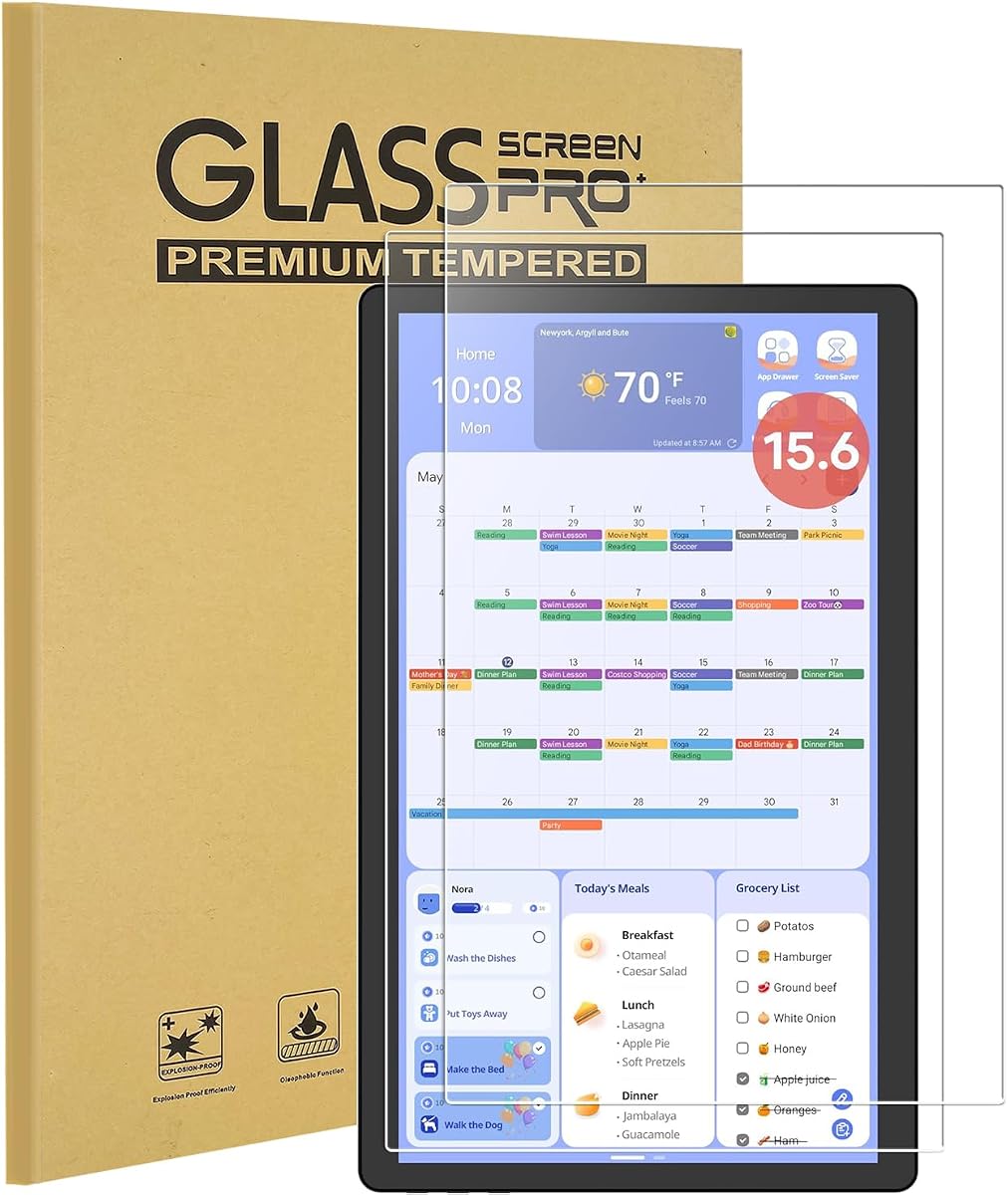


This accessory kit provides complete screen protection specifically tailored for the 15-inch digital calendar models. It scores highly for bundling screen protection with a functional stylus pen, enhancing usability for scheduling tasks.
We may earn a commission when you buy through this link, at no additional cost to you.
The Paperfeel screen protector features an anti-glare layer that reduces reflections from natural and artificial light, helping protect eyes while ensuring easy reading even in bright sunlight. The hydrophobic and oleophobic coatings effectively repels sweat, fingerprints, and smudges.
The included stylus pen offers precise control with a transparent disc tip on one end, while the soft rubber tip on the other side allows for smooth scrolling and tapping. Unscrewing the rubber tip reveals a built-in ballpoint pen for jotting notes.
Anyone needing a complete solution for their 15-inch digital calendar will find this kit indispensable. The dual functionality of protection and precise input makes it a top recommendation for families managing complex schedules.
The anti-glare layer significantly reduces eye strain caused by reflections, making it easier to view the calendar screen for extended periods without discomfort.
Having a 3-in-1 stylus included allows for precise editing of calendar items and quick note-taking without needing separate tools.
We may earn a commission when you buy through this link, at no additional cost to you.
The i-Tensodo Tempered Glass Screen Protector is designed for the Skylight Calendar 15 inch, offering robust protection with a 9H hardness rating. It maintains high transparency and allows a natural viewing experience without affecting screen brightness.
We may earn a commission when you buy through this link, at no additional cost to you.
Its 9H hardness screen protector is specially tempered to strengthen the surface, making it effective against external scratches and impacts to reduce screen damage. The oleophobic coating prevents smudges and fingerprints, keeping the screen clean and clear.
While it is compatible with S Pen and maintains original touch sensitivity, users should be aware that tempered glass can be brittle if impacted directly. Proper handling during installation and use is recommended to maximize durability.
This option is ideal for users who prioritize scratch resistance and display clarity. The precise fit and high-quality glass ensure that the digital calendar looks great while remaining protected from daily wear and tear.
The 9H hardness rating provides a tough surface that resists scratches from keys, coins, and other common objects found in pockets or bags.
Despite the added layer, the protector maintains the original touch response sensitivity, ensuring that gestures and inputs register accurately.
We may earn a commission when you buy through this link, at no additional cost to you.
This high-definition protective layer is designed for the Skylight Digital Calendar Digital Picture Frame 15.6 Inch. It offers a 2-pack value with a 5H hardness film that is ultra-thin and includes oil repellent layers.
We may earn a commission when you buy through this link, at no additional cost to you.
The 5H hardness film maintains the original display of the screen, making it clearer and more comfortable after use while effectively reducing interference. The ultra-thin 0.15mm thickness ensures high touch sensitivity without adding bulk.
While the 5H hardness is lower than tempered glass options, it provides effective anti-scratch and anti-explosion protection for daily use. The hydrophobic and oleophobic coating protects the screen from sweat and oil residual fingerprints effectively.
Budget-conscious buyers seeking a straightforward solution for their 15.6 inch calendar will appreciate this option. The high definition and ease of installation make it a great choice for those who want reliable protection without spending too much.
The 0.15mm thickness ensures that the screen protector does not interfere with touch sensitivity, allowing for smooth operation of the calendar.
If the film breaks, the anti-explosion property ensures that shards do not scatter, reducing the risk of injury or damage to the screen.
We may earn a commission when you buy through this link, at no additional cost to you.
This protector is designed specifically for Smart Digital Calendar 10.1inch models. It helps protect the display from scratches and daily wear while maintaining screen clarity and touch sensitivity.
We may earn a commission when you buy through this link, at no additional cost to you.
The precise laser cut made with polished high transparency ensures compatibility with the device to keep the original viewing experiences. The bubble-free adhesive allows the screen protector to attach to the screen smoothly without bubbles.
While specific user ratings are not available for this model, the design focuses on ease of installation and maintaining display quality. It is a practical choice for owners of the 10.1 inch Smart Digital Calendar.
Users with smaller digital calendar units will find this a good fit. The focus on avoiding bubbles and ensuring clear visibility makes it a solid choice for protecting smaller screens from everyday damage.
The precise laser cutting ensures that the protector fits the screen dimensions exactly, preventing misalignment during installation.
The adhesive design ensures that the protector attaches smoothly to the screen without trapping air bubbles, simplifying the setup process.
We may earn a commission when you buy through this link, at no additional cost to you.
This 2-Pack Screen Protector offers matte anti-reflective coating to minimize glare from sunlight or indoor lighting. It is designed for seamless touchscreen functionality on the 15-inch Family Digital Calendar Frame.
We may earn a commission when you buy through this link, at no additional cost to you.
The ultra-thin matte finish resists fingerprints while preserving original screen brightness and color accuracy. It includes a value 2-pack with installation kit, ensuring users have everything needed for a perfect application.
While the matte finish effectively reduces glare, some users might find it slightly reduces the sharpness of the display compared to glossy options. However, for bright environments, this trade-off is highly beneficial for eye comfort.
Families using their calendars in bright kitchens or living rooms will benefit most from this anti-glare feature. The inclusion of tools and a spare protector ensures long-term protection and ease of use.
Reducing glare by 90% allows users to view their schedules clearly even in bright environments, reducing eye strain significantly.
The inclusion of a microfiber cloth, squeegee, and dust removal stickers makes the installation process smooth and professional.
We may earn a commission when you buy through this link, at no additional cost to you.
Designed for the Skylight Calendar 15-inch touchscreen, this kit offers PET screen protectors with edge-to-edge coverage without hindering touch sensitivity. It includes a versatile 3-in-1 stylus pen for multiple functions.
We may earn a commission when you buy through this link, at no additional cost to you.
The anti-reflective coating reduces glare from sunlight and indoor lighting by 90%, protecting eyes during prolonged use. Hydrophobic and oleophobic coatings repel oils, sweat, and fingerprints to maintain a pristine screen.
While PET film is generally less durable than glass, it is lightweight and offers good touch sensitivity. The stylus with its hidden ballpoint pen is a creative addition that adds utility beyond screen protection.
Users seeking a comprehensive kit that combines protection with input tools will find this bundle valuable. The magnetic case for the stylus ensures safe storage and reduces the risk of losing the accessory.
The stylus combines a transparent disc tip for precision, a rubber tip for scrolling, and a hidden ballpoint pen for notes.
Coatings that repel oils and sweat ensure the screen remains clean, which is essential for touchscreens frequently used by family members.
We may earn a commission when you buy through this link, at no additional cost to you.
This tempered glass screen protector offers crystal clear transparency for optimal viewing experience on Cozyla Digital Calendar+ 2: 15.6'' models. It boasts a 9H hardness rating to effectively protect from scratches.
We may earn a commission when you buy through this link, at no additional cost to you.
The ultra-tough surface ensures long-lasting protection against daily wear and tear. Oleophobic coating prevents unsightly fingerprint smudges, keeping the display clean and visually appealing at all times.
While there is no rating data available for this specific model, the features suggest a high-quality tempered glass option. The 2-pack value means you have a spare available in case of breakage or accidental damage.
Users prioritizing screen clarity and scratch resistance will appreciate this option. The precise cut ensures that all functions remain accessible while providing robust protection for the 15.6 inch display.
The crystal clear transparency ensures that the original brightness and color accuracy of the calendar are maintained without distortion.
With 9H hardness, the protector is designed to withstand significant scratching, extending the lifespan of the device screen.
We may earn a commission when you buy through this link, at no additional cost to you.
This 27 inch Anti Blue Light Anti Glare Screen Protector is designed for wall touch screens. It features a high blue light blocking rate to relieve eye strain and help users away from blue light before bedtime.
We may earn a commission when you buy through this link, at no additional cost to you.
The screen protector has an ultra-thin oleophobic layer giving it fingerprint and water resistance. It ensures perfect touch and scratch resistance with true tactile sensitivity and a natural feel.
While user reviews are limited, the technology offered for blue light blocking is significant for larger screens used over long periods. The UV blocker shield cover provides additional eye protection compared to standard protectors.
For those using larger wall calendars that emit significant blue light, this protector is a premium investment. The included installation tools and UV shielding make it suitable for health-conscious users focused on eye safety.
Blocking blue light helps reduce eye strain and improve sleep quality by minimizing exposure to blue light before bedtime.
The UV blocker feature adds an extra layer of protection against harmful light rays, preserving both eye health and screen integrity.
We may earn a commission when you buy through this link, at no additional cost to you.
This ClearTouch Anti-Glare protector is designed for Dragon Touch Digital Calendar (15.6 in). It reduces 90% UV rays and offers a smooth matte surface that feels paper-like and futuristic.
We may earn a commission when you buy through this link, at no additional cost to you.
The special glueless adhesive will never leave any sticky residue that may damage your screen. The precision-cut design ensures a perfect fit for the device screen and all functionality remains fully accessible.
While the product claims significant glare reduction and a premium feel, the low user rating suggests potential issues with fit or adhesion over time. Users should verify compatibility carefully before purchasing.
Those seeking a high-end matte aesthetic for their calendar may find this attractive. The paper-like surface can make the screen feel more tactile, which some users prefer over glossy finishes.
The ultra smooth matte surface gives a futuristic high-end look and feel, offering a comfortable touch experience during use.
The glueless adhesive ensures that no residue is left behind during removal, protecting the underlying screen from damage.
We may earn a commission when you buy through this link, at no additional cost to you.
This ClearTouch Crystal protector offers up to 99% visual clarity for a clear, vibrant viewing experience on Dragon Touch Digital Calendar (10.1 in) models. It is made from high-quality thermoplastics for durability.
We may earn a commission when you buy through this link, at no additional cost to you.
The special glueless adhesive adheres smoothly to the screen and removes cleanly without leaving residue. The low-tack adhesive may take up to 48 hours to fully settle along the edges after installation.
While the low-tack adhesive requires patience during setup, the high clarity ensures the device looks great. The 2-pack value provides excellent protection and ensures you have a backup for future use.
For users wanting a crystal-clear view of their calendar without color distortion, this is an excellent choice. The smooth glass-like surface enhances the tactile feel and makes navigation easy and intuitive.
Providing up to 99% visual clarity, this protector ensures that images and text remain sharp and vibrant without fading.
The glueless adhesive design allows for removal without sticky residue, keeping the device looking new and preventing adhesive buildup.
We may earn a commission when you buy through this link, at no additional cost to you.
Selecting the right screen protector involves considering several factors beyond just size to ensure your digital calendar remains protected and functional.
Ensure the protector matches your calendar's exact dimensions (10.1, 15, or 15.6 inches). Incorrect sizes may leave edges exposed or interfere with touch sensitivity.
Always verify the specific model number before purchasing to guarantee a precise fit.
Tempered glass offers superior scratch resistance but may be brittle. PET film is flexible and anti-glare but provides less protection against impacts.
Choose glass for durability or film for matte glare reduction depending on your usage environment.
Anti-glare matte options reduce reflections from sunlight or indoor lighting, improving eye comfort in bright rooms.
Clear glossy options maintain color vibrancy and contrast, making them ideal for darker environments.
Look for protectors with thin designs that maintain the original touch response sensitivity. Thick layers may interfere with multi-touch gestures.
Products with oleophobic coatings also ensure smooth finger movement across the screen surface.
Bubble-free adhesive designs and included installation tools make application simpler. Proper alignment guides ensure a clean result.
Protectors with venting adhesive or glueless technology reduce the risk of bubbles and sticky residue.
Some bundles include stylus pens or installation kits which add value. Others offer blue light blocking for eye protection.
Consider these extras if they align with your specific needs for input or health comfort.
Before applying the protector, clean your screen thoroughly with a microfiber cloth to remove dust and oils that could cause bubbles.
Align the protector carefully and press gently from the center outward to ensure it adheres smoothly without trapping air.
Regularly wipe the protector with a soft cloth to maintain clarity. If the film is damaged, replace it promptly to prevent scratches.
Check your device's specifications for the exact screen dimensions. Most products are designed for specific models, so verify compatibility before buying to ensure a perfect fit.
Most high-quality protectors are designed to maintain original touch response sensitivity. Thin materials and precise cutouts ensure that your gestures and taps register correctly.
Yes, if your calendar is in a bright room. Anti-glare layers reduce reflections significantly, improving readability and reducing eye strain for daily use.
Many protectors are compatible with stylus pens. Some kits even include a stylus for precise input, enhancing your experience with the calendar.
Use the included squeegee to push bubbles toward the edges. If bubbles persist, lift the protector slightly and reapply carefully to ensure a clean look.
Tempered glass may shatter but protects the underlying screen. PET films are less likely to break but offer less impact protection.
We reviewed ten top-rated options tailored to different needs ranging from durability to eye protection. Each offers unique benefits like anti-glare properties, high clarity, or bundled stylus tools.
Prioritize compatibility and material quality to ensure your digital calendar remains protected for years. Selecting the right protector enhances the user experience and safeguards your investment.
Remember to check current listings for availability and pricing as details may change. Invest in a quality protector today to enjoy a clear, durable calendar display.