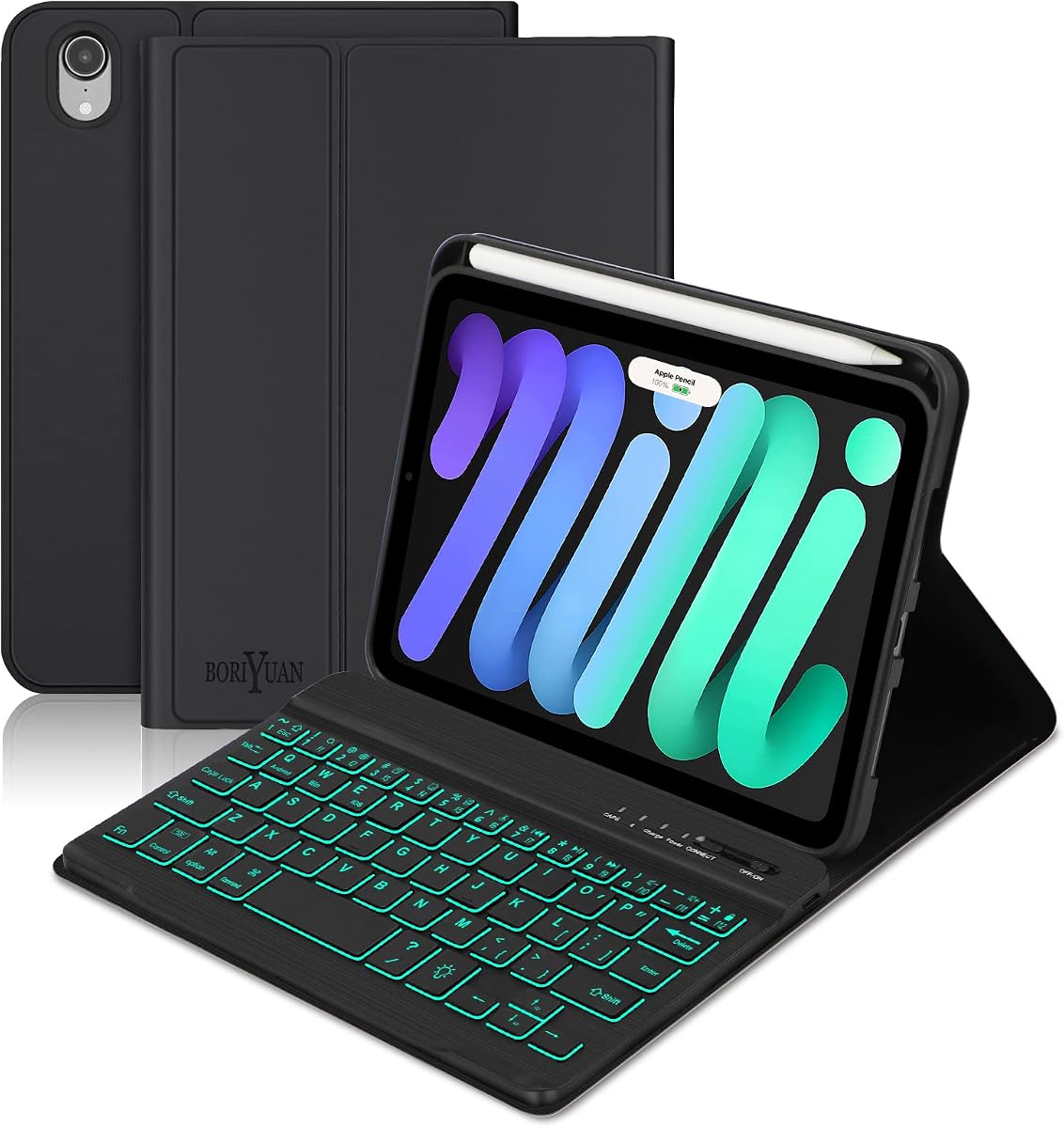
Boriyuan Detachable Wireless
4.2Editor score
Detachable Bluetooth keyboard
Built-in pencil holder
Long battery life
Finding the right iPad Mini Folio Case with Keyboard can transform your tablet into a powerful productivity machine. You need a case that offers protection while providing a comfortable typing experience for work or study on the go.
We analyzed ten top-rated products based on compatibility, build quality, trackpad performance, and user feedback. Each option was selected to ensure it fits the 8.3-inch Mini 6th and 7th generation models specifically without any compromises.
Each pick below details key features, pros, and cons to help you decide quickly. Prices and availability fluctuate frequently, so always verify the current listing before making your final purchase decision today.
4.2Editor score

4.6Editor score

4.3Editor score
As an Amazon Associate we earn from qualifying purchases.
The following table provides a side-by-side comparison of all ten featured products. We highlight key specifications like keyboard type, trackpad support, and unique design elements to help you find the exact fit for your needs.


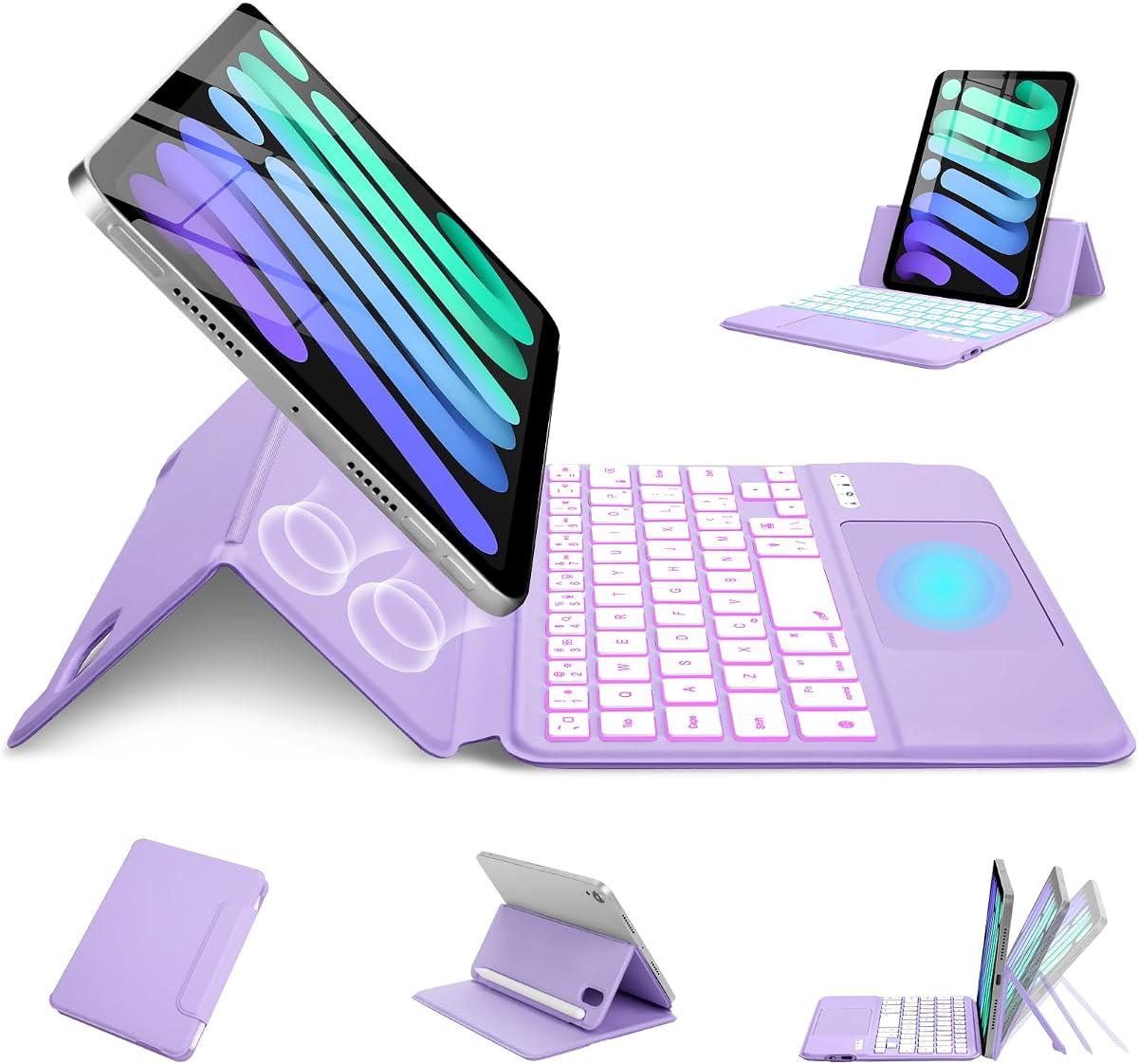
This Magic-Style keyboard case stands out as a top contender for users seeking a premium laptop-like experience. With a 4.6 rating, it delivers a responsive trackpad and secure magnetic connection for the iPad Mini 7th and 6th generations.
We may earn a commission when you buy through this link, at no additional cost to you.
The detachable design is a major plus, weighing only 110g to keep things portable while still offering protection. The widened hinge prevents tipping during typing, and the trackpad supports advanced gestures for efficient navigation and editing.
While the price is higher than some budget options, the build quality and versatile mode support justify the cost. The breathing backlight mode offers a soft glow that is easy on the eyes in dim environments.
Buyers looking for a high-performance, versatile case that balances portability and productivity will find this model ideal. It transforms the tablet effectively into a workstation without adding excessive bulk to your daily carry.
The case splits into two parts allowing you to remove the keyboard for a slimmer profile when only viewing is needed.
An upgraded widened hinge prevents the keyboard from tipping backward ensuring stable typing on any surface.
We may earn a commission when you buy through this link, at no additional cost to you.
The Dexnor Floating Stand case is perfect for those who value ergonomic positioning and high-end features. It features a durable aluminum hinge and a reliable trackpad that makes multitasking seamless on your iPad Mini.
We may earn a commission when you buy through this link, at no additional cost to you.
The floating stand design allows for adjustable viewing angles that reduce neck strain during long work sessions. With a battery life of 150 hours with backlight off, you can work for days without needing to plug in a charge.
Users should note the keys are compact which might take getting used to for those with larger fingers. However, the benefits of the sturdy construction and premium trackpad features outweigh this minor adjustment period for most.
This case is recommended for professionals who need a robust typing solution that mimics a traditional laptop. It offers the highest level of control and comfort among all the options reviewed in this guide.
The stand elevates the screen to a comfortable viewing height reducing neck strain during long typing or viewing sessions.
The long-lasting rechargeable battery provides up to 150 hours of working time with backlight off for extended use.
We may earn a commission when you buy through this link, at no additional cost to you.
For budget-conscious buyers, the Boriyuan case offers impressive features without breaking the bank. It combines a durable PU leather cover with a detachable Bluetooth keyboard that can be easily removed when not needed.
We may earn a commission when you buy through this link, at no additional cost to you.
The battery life is a standout feature with 230 hours of use per charge ensuring you rarely need to recharge. The full protection cover guards against scratches and drops while providing three viewing angles for versatile use.
One minor downside is the use of Micro USB for charging which is less common on modern devices. However, the cost savings make this a compelling option for students or casual users needing a reliable keyboard case.
This option is best for users who prioritize value and battery longevity over premium materials. It provides all the essential functions needed to turn your iPad Mini into a portable workstation efficiently.
The Bluetooth keyboard can be detached magnetically allowing you to use the case as a simple protective cover when typing is not required.
A built-in 420mAh large capacity battery ensures you can use the device for at least 230 hours on a single charge.
We may earn a commission when you buy through this link, at no additional cost to you.
The typecase offers unique flexibility with its 360-degree rotating hinge allowing you to switch between seven modes easily. This adaptability makes it suitable for users who need to share the device or switch from typing to drawing frequently.
We may earn a commission when you buy through this link, at no additional cost to you.
The 11-color backlight options provide a fun and customizable experience which helps reduce eye strain in different lighting conditions. Combined with a responsive trackpad, it offers a complete laptop-like experience with added creative versatility.
The rotating mechanism adds some bulk compared to fixed hinge cases but provides significant functional benefits. The durable cover protects against bumps while the built-in pencil holder keeps your tools organized and accessible at all times.
This case is ideal for creative professionals who value flexibility and visual customization. It supports a wide range of use cases from presentations to casual browsing making it a robust choice for many users.
The sturdy swivel hinge is tested for 20000 cycles allowing you to switch between typing and drawing modes smoothly.
Choose from 11 backlight colors and 3 brightness levels for coffee shops flights classrooms or late-night study sessions.
We may earn a commission when you buy through this link, at no additional cost to you.
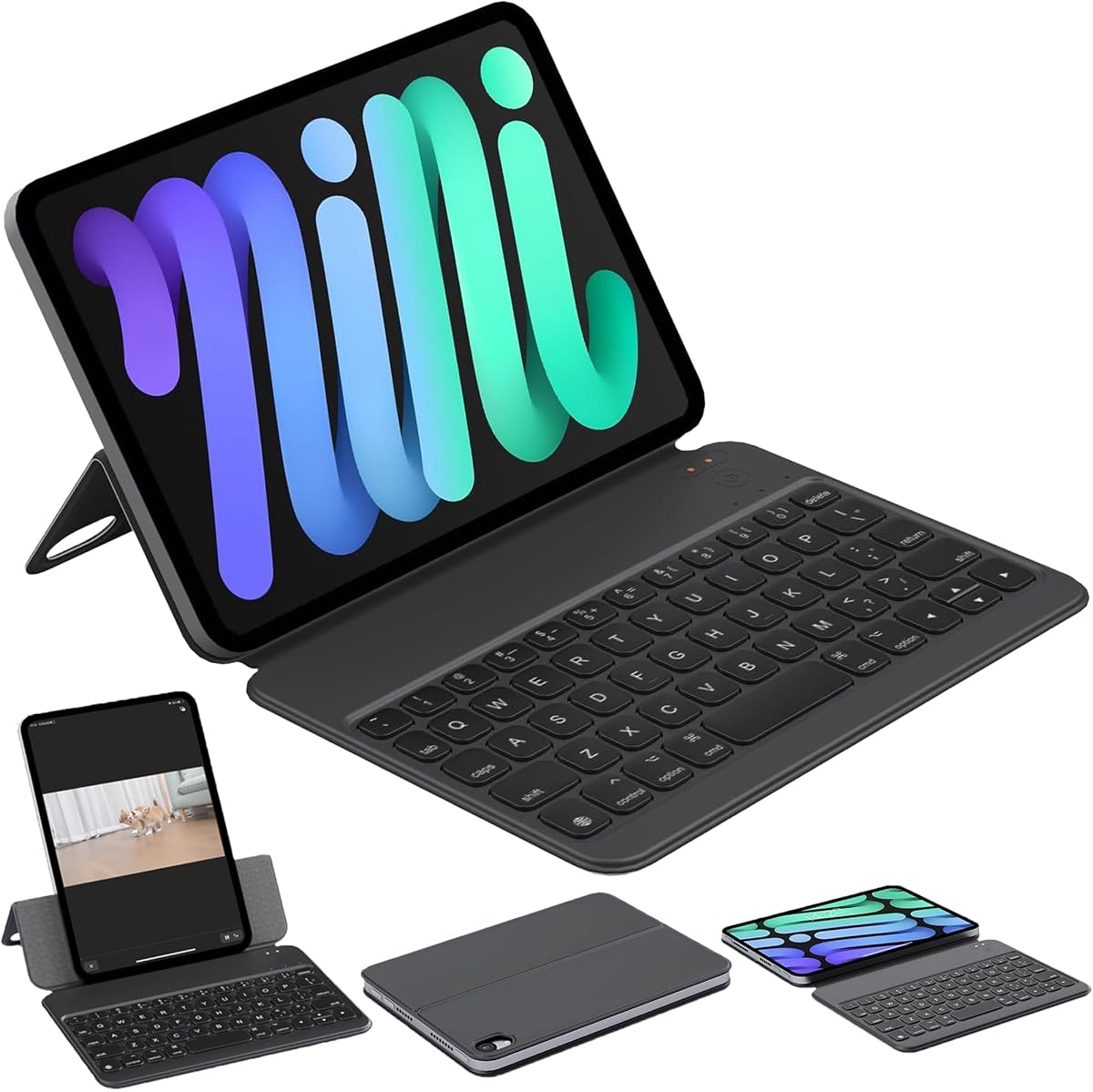
ZAGG is known for durability and this Slim Book mini delivers on that promise with a sturdy case that shields your device effectively. The magnetic hinge holds the iPad securely while allowing you to separate the keyboard for standalone use.
We may earn a commission when you buy through this link, at no additional cost to you.
The typing experience is smooth and ergonomic thanks to responsive keys designed for productivity. Whether you are writing notes or sending emails the keys provide a premium feel that reduces finger fatigue during long sessions.
While the price is on the higher side the build quality justifies the investment for those who prioritize device protection. The slim design slips easily into bags making it convenient for mobile professionals on the go.
This option is best for users who want a trusted brand with a focus on protection and ease of use. It offers a clean professional look that works well in office environments and casual settings alike.
Use the protective case alone or place the Bluetooth keyboard separately perfect for typing at a distance or switching setups.
Sturdy case shields your iPad mini from bumps and scratches while keeping a clean professional look for daily use.
We may earn a commission when you buy through this link, at no additional cost to you.
The GreenLaw case combines utility with style offering seven gorgeous color options for the backlight to match your mood. It features a multi-gesture trackpad that allows you to edit documents and browse the web with speed and ease.
We may earn a commission when you buy through this link, at no additional cost to you.
The free rotation hinge gives you maximum freedom to position the iPad exactly how you need it for different tasks. This flexibility supports typing on the go or presenting content to others without needing extra stands or props.
Users should note that the Type-C charging cable is not included which means you need to use your existing cable. Despite this the energy-saving features and sleep mode help extend battery life significantly during daily use.
This model is perfect for users who want a mix of aesthetics and functionality. It supports high productivity workflows with its smart touchpad while adding a stylish touch to your device.
Equipped with a smart touchpad that can accurately control and navigate to realize the combination of tablet and computer functions.
Easily switch between 7 gorgeous colors and 3 brightness levels with a simple touch to match your preferences.
We may earn a commission when you buy through this link, at no additional cost to you.
This Ultra Magic case offers a unique fabric design that resists yellowing and keeps the keyboard looking fresh over time. The upgraded hinge shifts the center of gravity forward preventing the keyboard from tipping backward during typing.
We may earn a commission when you buy through this link, at no additional cost to you.
With 11 adjustable backlight colors and 3 brightness levels you can personalize your typing environment to suit your style. The compact layout includes a shortcut row for quick access to essential functions like volume and media controls.
The lack of a trackpad might be a drawback for some users but the magnetic attachment ensures secure connection to the iPad. The material repels dirt and stains making it easy to clean and maintain with minimal effort.
This case is recommended for users who prefer a tactile fabric feel and value stability over advanced features. It provides a solid typing experience with a stylish look that stands out among standard plastic cases.
Our improved hinge shifts the center of gravity forward preventing the keyboard from tipping backward ensuring stable typing.
Made with high-quality anti-yellowing fabric that repels dirt stains and daily wear keeping your keyboard clean and fresh.
We may earn a commission when you buy through this link, at no additional cost to you.
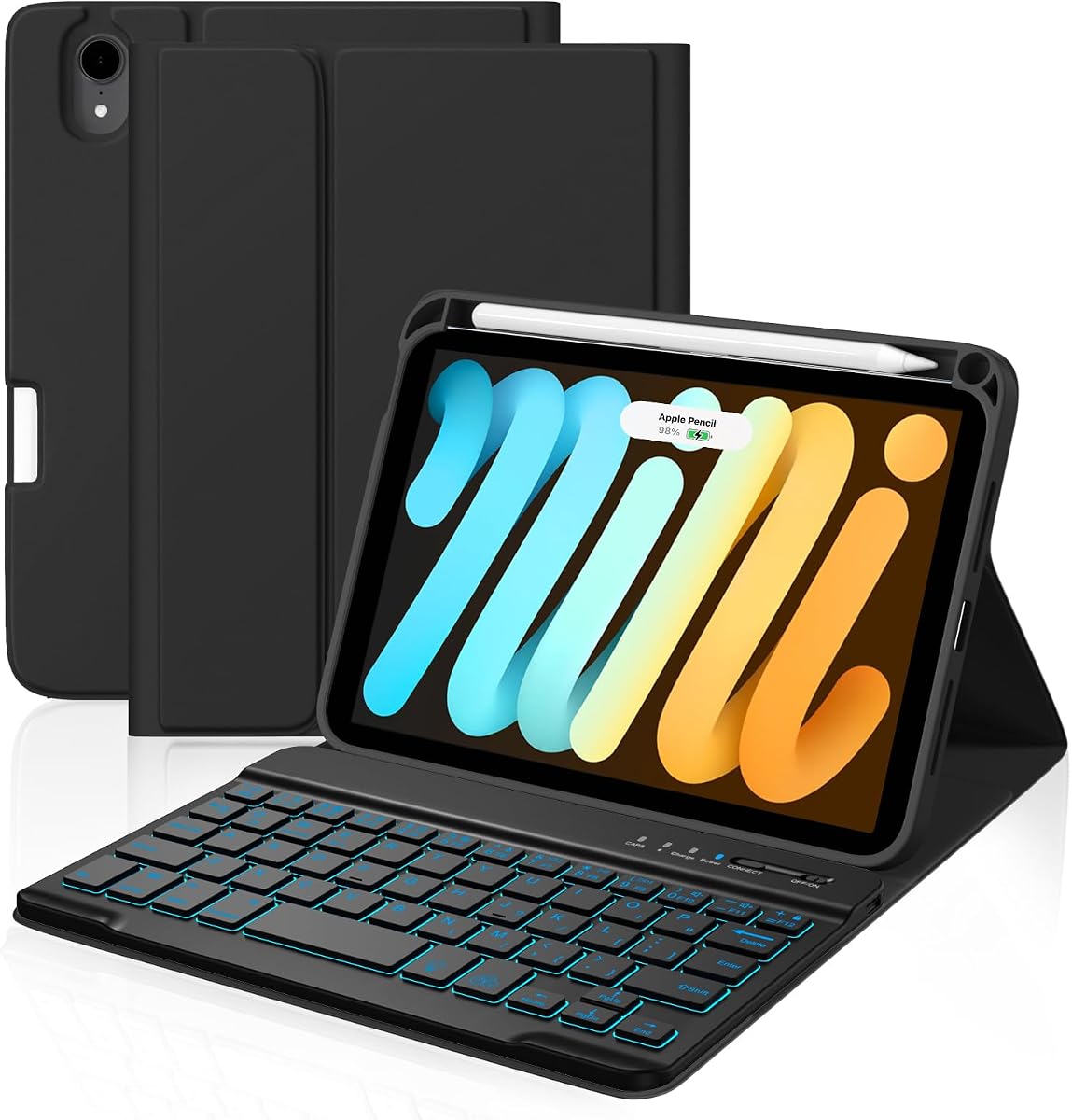
This straightforward keyboard case offers essential functions without unnecessary complexity making it easy to use for beginners. It features a detachable keyboard that magnetically connects to the case for secure typing whenever needed.
We may earn a commission when you buy through this link, at no additional cost to you.
The stain-resistant protective case helps keep the cover looking clean even after spills or dirt exposure. The built-in pencil holder ensures your stylus is always within reach which is convenient for note-taking on the go.
With a battery life ranging from 40 to 80 hours you can rely on it for regular daily tasks without frequent charging. The design allows full access to all buttons and ports ensuring you never miss a connection or feature.
Buyers looking for a reliable and functional option at a lower price point will appreciate this choice. It covers all the basics effectively to turn your iPad Mini into a portable typing machine.
The durable stain-resistant material helps keep it safe from scratches spills and dirt while maintaining a slim look.
The build-in pencil holder keeps your pen secure and within reach making it the perfect all-in-one solution.
We may earn a commission when you buy through this link, at no additional cost to you.
The MePadKey case allows you to mount the tablet horizontally or vertically providing flexibility for different content types. The built-in smart touchpad supports multi-finger gestures for efficient navigation and file management.
We may earn a commission when you buy through this link, at no additional cost to you.
The scissor mechanism ensures smooth and responsive typing which reduces fatigue during long work sessions. The lightweight design makes it easy to pick up with one hand ensuring comfort while traveling or commuting.
Users will need to follow specific setup steps to enable tap-to-click features which may take a few minutes initially. Once set up the touchpad provides a seamless mouse-like experience for managing tasks and apps.
This case is ideal for users who want a flexible viewing angle option without sacrificing typing comfort. It offers a great balance of function and portability for daily work and entertainment use.
The keyboard case has a strong magnetic suction allowing you to easily switch between work and entertainment modes.
Supports 1-finger 2-finger 3-finger multi-touch gestures for convenient editing files browsing and switching pages.
We may earn a commission when you buy through this link, at no additional cost to you.
The HOU Keyboard Case is a compact choice that weighs only 240g making it easy to carry in any bag. It features a magnetic charging method ensuring a slimmer profile compared to other heavier keyboard options.
We may earn a commission when you buy through this link, at no additional cost to you.
The infinitely adjustable shaft provides stable support without looseness allowing you to find the perfect viewing angle. With strong magnetic hold and auto key lock it prevents accidental touches when the iPad is in reading mode.
While it lacks a trackpad it offers reliable typing performance for basic tasks and quick note taking. The slim design makes it a perfect companion for office work or home use without adding burden.
This case is best for users who prioritize portability and basic typing over advanced features like trackpads. It provides a lightweight solution for those who want to enhance productivity without sacrificing device mobility.
This folio type keyboard case weighs only 240g and boasts a folding double-sided thickness of 8mm for comfort.
Utilizing gravity-sensing technology the keyboard can be automatically locked in reading and entertainment modes.
We may earn a commission when you buy through this link, at no additional cost to you.
Selecting the right keyboard case involves weighing factors like compatibility, typing comfort, and additional features. Here is what to look for to ensure you pick the best option for your specific needs.
Ensure the case explicitly supports your iPad Mini model number such as A2993 or A2567. Incorrect fits can lead to poor button alignment and unstable connections.
Always verify model numbers in your iPad settings before buying to avoid return hassles and extra costs.
Decide between a fixed case and a detachable keyboard based on your mobility needs. Detachable keys offer more flexibility for tablet-only use.
Choose detachable for versatility or fixed for simplicity depending on how often you use the iPad without typing.
A trackpad enhances navigation by allowing cursor control and multi-gesture support. It transforms the experience closer to a full laptop.
Prioritize trackpad models if you need precise control for browsing and editing without relying on touch gestures.
Check the battery rating to ensure it lasts through your typical work day. Longer battery life means fewer interruptions for recharging.
Look for at least 100 hours of use to ensure your keyboard stays ready for long work sessions without power issues.
High-quality materials like aluminum or durable plastic protect your investment from bumps and drops effectively. Sturdy hinges prevent tipping during typing.
Invest in strong materials and hinges that maintain stability during extended use to protect your device better.
Backlit keys are essential for typing in dim environments like cafes or during evening work. Adjustable brightness helps reduce eye strain.
Opt for adjustable backlight levels to ensure visibility in dark settings without draining the battery too quickly.
A good hinge offers flexible viewing angles without wobbling. Adjustable stands help you find a comfortable position for typing or reading.
Choose hinges that offer multiple angles to maximize comfort for both work and media consumption.
Look for extras like a built-in pencil holder to keep your stylus safe and accessible. Some cases also support auto wake/sleep features.
Value add-ons like pencil slots and smart wake features to enhance daily usability and device management.
Connect the keyboard via Bluetooth or magnetically attach it to the back of the iPad depending on the model. Ensure your iPad is charged to pair the accessories properly and establish a stable connection.
Clean the case regularly using a dry cloth to remove dust and oils from the keys and trackpad. Avoid using harsh chemicals or wet wipes that might damage the fabric or electronics of the keyboard.
Store the iPad in the case with the keyboard detached if possible to reduce stress on the hinges. When not in use for long periods turn off the keyboard to conserve battery and extend its lifespan.
Yes, all the cases listed are specifically designed for the iPad Mini 7th Gen A17 Pro and 6th Gen 2021 models. Always verify the model number in your iPad settings to ensure a perfect fit before purchase.
Most cases include a dedicated pencil holder or slot that keeps the Pencil secure. Some models even support wireless charging for the Pencil while it is attached to the case.
No, only some models like the ZAGG Slim Book mini and Boriyuan offer detachable keyboards. The others feature a fixed keyboard design that remains connected to the case cover.
Many models allow for rotation or folding that supports portrait use. However some fixed hinge cases work better in landscape mode for optimal typing comfort.
Battery life varies but typically ranges from 40 hours to 150 hours on a single charge. Always check the product description for specific battery ratings of the model you choose.
If your case includes a trackpad you do not need a separate mouse. The multi-touch trackpad allows you to control the cursor and perform gestures efficiently.
Many manufacturers offer a 12-month warranty or lifetime technical support. Check the specific product details on Amazon to see what warranty coverage applies to your purchase.
Most featured models come with backlit keys to help you see in low light. Look for options with adjustable brightness levels to suit your environment preferences.
We have reviewed ten top options to help you find the perfect balance of protection and productivity. Our top picks offer diverse features to suit different needs from budget-friendly to premium choices.
Prioritize features like trackpad support and battery life if you plan to use your iPad for serious work. Ensure the case fits your model perfectly to avoid any installation or stability issues.
Always check current prices and availability as they may fluctuate frequently. Select the option that fits your budget and usage style to get the most value from your investment.