
ASUS ROG Strix H270-F
4.2Editor score
AURA Sync RGB lighting
SupremeFX S1220A audio
Dual M.2 connectivity
This guide compares the top H270 motherboards for performance, gaming, and budget builds to help you choose the right Intel 1151 socket board.
Choosing the right H270 motherboard is essential for building a reliable system with 6th or 7th generation Intel processors. These boards offer a balance of features, connectivity, and stability for everyday computing and gaming needs.
We evaluated ten models based on their chipset capabilities, expansion slots, and overall build quality. Our analysis focuses on real-world performance, compatibility with modern components, and the reliability of the power delivery systems.
Each pick highlights specific strengths for different user scenarios. Please note that availability and pricing can change frequently. Always verify the current specifications before making your final purchase decision.
4.2Editor score

4.4Editor score

4.0Editor score
The following table provides a side-by-side look at the key specifications and features of the top ten H270 motherboards available on the market today.

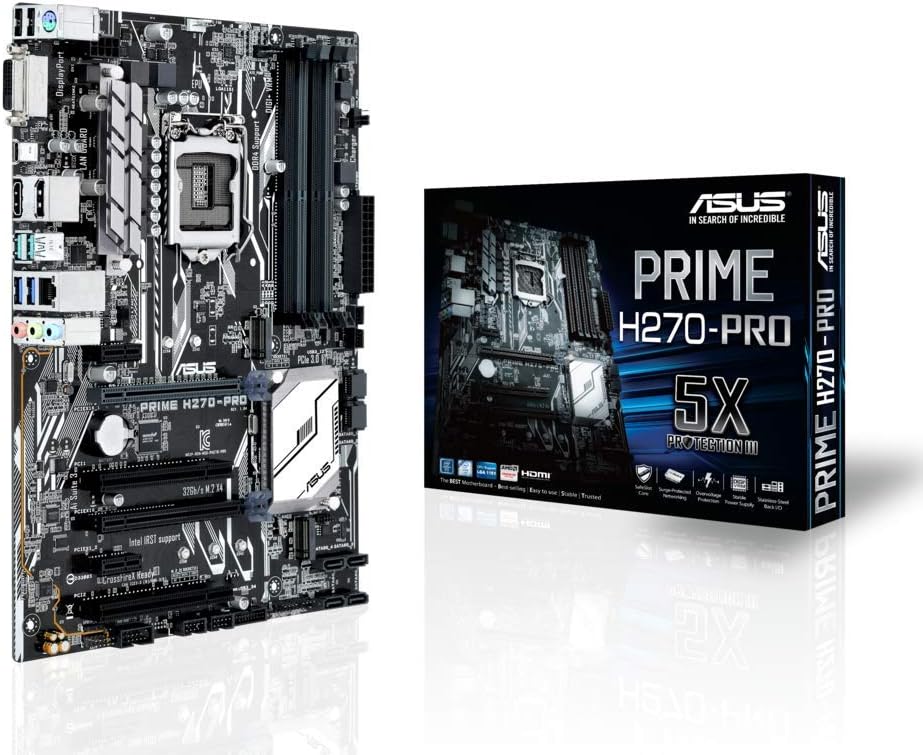

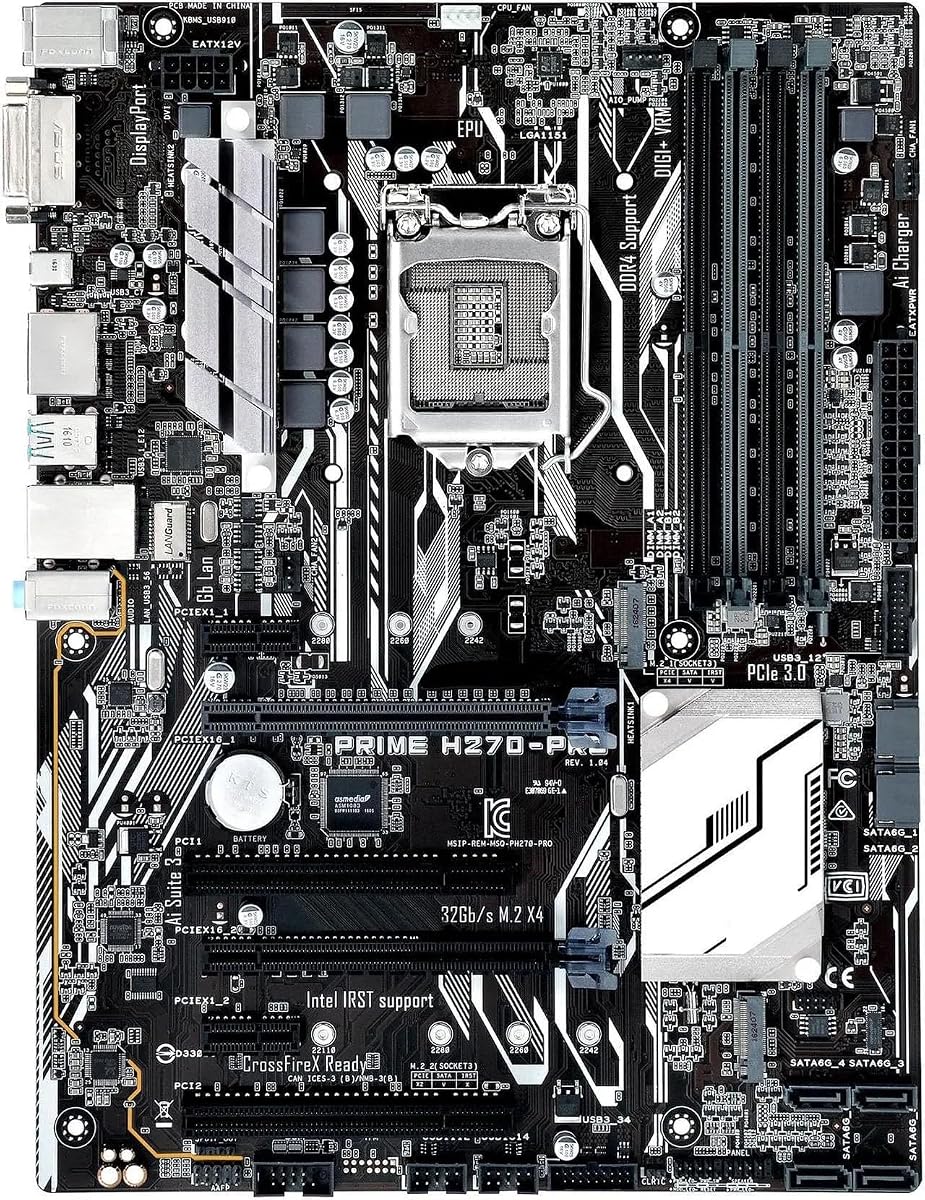


This motherboard stands out for its reliability and feature set. It earns a high rating among users for its consistent performance and sturdy build quality.
We may earn a commission when you buy through this link, at no additional cost to you.
The dual M.2 slots allow for fast storage solutions without needing extra adapters. The Intel Optane compatibility helps improve system responsiveness significantly.
While it lacks extensive RGB lighting, the focus remains on stability and cooling. The 5X Protection III ensures components survive electrical surges and heat.
It is ideal for users wanting a dependable foundation for work or casual gaming. This board delivers excellent value with its comprehensive connectivity options.
The dual M.2 slots provide ample bandwidth for high-speed SSDs.
Advanced hardware safeguards keep your components safe from electrical stress.
We may earn a commission when you buy through this link, at no additional cost to you.
This board targets gamers who want style and performance. It offers premium audio and lighting that enhance the overall PC aesthetic.
We may earn a commission when you buy through this link, at no additional cost to you.
The SupremeFX audio delivers clear sound without extra sound cards. The Safe Slot feature protects heavy graphics cards from bending or breaking.
Customization is key here with extensive RGB headers. Fan calibration ensures noise remains low even during heavy workloads.
Choose this if you want a visually striking build with gaming features. It balances aesthetics and function well for enthusiasts.
Exclusive audio processing drivers improve sound clarity for games and music.
Reinforced PCIe slots handle modern graphics cards with ease.
We may earn a commission when you buy through this link, at no additional cost to you.
This model delivers essential gaming features at a lower cost. It retains the core specs needed for solid performance without extra frills.
We may earn a commission when you buy through this link, at no additional cost to you.
The LAN protect feature shields your internet connection from physical damage. Audio Boost helps provide decent sound output for casual titles.
It lacks the bells and whistles of premium boards but gets the job done. The Mystic Light system still allows for some customization.
Ideal for budget builders who need reliable performance and style. It offers great value for money in this category.
Special protection for Ethernet ports ensures stable online connectivity.
DDR4 boost settings improve stability and speed for your RAM.
We may earn a commission when you buy through this link, at no additional cost to you.
This motherboard offers a high density of ports for expansion. It is well-suited for users who need many drives and peripherals.
We may earn a commission when you buy through this link, at no additional cost to you.
The SATA Express port provides flexibility for older and newer storage. Six SATA3 ports allow for a large storage array without adapters.
It uses a standard chipset configuration which might cause some confusion. However, the connectivity options are robust for the price.
Choose this if you need many connections for servers or media. It is a practical choice for data-heavy applications.
Multiple PCIe slots support various add-in cards easily.
Extensive SATA ports allow for large hard drive setups.
We may earn a commission when you buy through this link, at no additional cost to you.
This board provides modern connectivity options like USB 3.1 Type-C. It supports high video output options for versatile monitor setups.
We may earn a commission when you buy through this link, at no additional cost to you.
The capacity for 64GB of RAM makes it suitable for heavy multitasking. Video ports include HDMI and Displayport for flexible connections.
Despite the high cost, it lacks the M.2 storage options found elsewhere. The protection features ensure long term system stability though.
Consider this for office workstations needing specific video outputs. It balances legacy and modern ports effectively.
Multiple video ports allow for multi-monitor setups without adapters.
USB Type-C support prepares the system for modern peripherals.
We may earn a commission when you buy through this link, at no additional cost to you.
This board includes specific networking hardware for gaming users. It supports dual graphics cards which allows for higher frame rates.
We may earn a commission when you buy through this link, at no additional cost to you.
The Killer E2500 network prioritizes game traffic automatically. USB 3.1 Type-C is included for fast data transfers.
It provides a solid platform for crossfire setups. The power design supports standard CPU loads without issues.
Ideal for gamers wanting network optimization on a budget. It delivers core gaming features well.
Gaming LAN prioritizes data packets to reduce lag.
Compatible with CrossFire setups for enhanced graphics.
We may earn a commission when you buy through this link, at no additional cost to you.
This unit is designed as a replacement for damaged units. It addresses issues like poor contact and circuit short circuits.
We may earn a commission when you buy through this link, at no additional cost to you.
The heatsink design ensures the system stays cool under load. Power optimization boosts performance for multi-core tasks.
It is not a standard retail product but a refurbishment solution. Quality assurance steps are taken during manufacturing.
Choose this to revive an old system without buying a new board. It focuses on stability and thermal management.
Advanced heatsink increases surface area for heat dissipation.
High quality layout ensures consistent power delivery to components.
We may earn a commission when you buy through this link, at no additional cost to you.
This board supports a range of 6th and 7th gen processors. It includes an M.2 slot which is a great addition.
We may earn a commission when you buy through this link, at no additional cost to you.
It is designed for basic performance tasks and light computing. The ATX size fits most standard cases easily.
Connectivity details are sparse in the product description. It focuses on core functionality for system builders.
Best for simple builds where cost is the main factor. It gets basic system functionality up and running.
Supports a wide range of Intel Core i3 and i5 CPUs.
Includes M.2 slot for modern high speed storage solutions.
We may earn a commission when you buy through this link, at no additional cost to you.
This motherboard focuses on core specs like socket and memory. It fits standard cases and supports common memory types.
We may earn a commission when you buy through this link, at no additional cost to you.
The capacity to handle 64GB is useful for multitasking. It remains a basic option for general use.
Product details are minimal so specific features are unknown. It relies on the H270 chipset standards.
Select this for basic system builds requiring high RAM. It is a simple solution for standard computing.
Supports high memory limits for future expansion needs.
Uses standard sockets to ensure CPU compatibility.
We may earn a commission when you buy through this link, at no additional cost to you.
This board supports a variety of common CPUs for office use. It includes an M.2 slot for basic storage speed.
We may earn a commission when you buy through this link, at no additional cost to you.
The 64GB RAM support ensures it can handle many apps. It is a budget entry into H270 builds.
Build quality is expected to be basic for the price. It provides essential features without extras.
Good for students or home offices needing low cost. It meets basic requirements for standard tasks.
Compatible with a wide range of Intel Core processors.
M.2 support allows for faster boot and load times.
We may earn a commission when you buy through this link, at no additional cost to you.
Selecting the right H270 motherboard requires attention to several key factors that affect performance and longevity.
Ensure the motherboard supports the specific CPU generation you plan to use. H270 boards are built for 6th and 7th gen Intel processors using the LGA 1151 socket.
Always verify the BIOS support list to guarantee compatibility with your chosen processor.
Check the maximum memory limit supported by the motherboard. Most H270 boards support up to 64GB of DDR4 RAM.
Ensure the board has enough slots to accommodate your desired memory size.
Look for M.2 slots if you want fast storage speeds. Some boards include one or two M.2 slots for NVMe drives.
Count the SATA ports if you need to connect multiple traditional hard drives.
Modern boards should include USB 3.1 Type-C ports for fast data transfer. Ensure there are enough rear ports for your peripherals.
Check for internal headers if you need to connect USB 3.0 to the front panel.
Integrated audio quality varies between boards. Gaming focused models often have better codecs and shielding.
Gaming LAN ports help reduce latency for online play without extra cards.
Robust power delivery systems ensure stable performance under load. Look for steel reinforced PCIe slots for durability.
High quality capacitors and heatsinks contribute to the overall lifespan.
Check the number and speed of PCIe slots available. Most boards offer a primary x16 slot for graphics cards.
Ensure there is enough physical space between slots for large GPU coolers.
ATX is the standard size for most full tower cases. Ensure your case supports the board size you choose.
Smaller boards might lack features if you need a compact build.
Install the motherboard on standoffs in the case to avoid short circuits. Connect the CPU power and main 24-pin power connector first.
Install the RAM into the correct slots for dual channel performance. Connect the front panel headers carefully using the case manual.
Keep the system clean with compressed air to prevent dust buildup. Ensure proper airflow with case fans for long term stability.
No, H270 motherboards are not compatible with 8th generation Intel processors. They are designed specifically for 6th and 7th gen Core chips. Using newer CPUs requires a Z370 or later chipset.
Yes, these boards natively support 2133MHz DDR4 memory. Higher speeds may work depending on the BIOS version. Some boards may allow limited overclocking of RAM.
H270 chipsets do not support CPU overclocking. They allow for memory overclocking in some cases. For full CPU overclocking, look for Z270 or Z370 boards.
Most standard H270 motherboards do not include built-in WiFi. You will likely need a USB adapter or a PCIe card. Some higher end models might include M.2 wireless slots.
The maximum RAM capacity for most H270 boards is 64GB. You typically need four DIMM slots to reach this limit. Check the manual for specific module size limits.
Some boards support 2-Way CrossFire for dual AMD cards. Intel graphics support is limited on these chipsets. Check for multiple x16 slots before buying.
No, a clear CMOS is not needed for standard installation. If you change CPU or memory you might need to reset. It helps resolve boot errors after hardware changes.
Use the provided USB tool or BIOS Flashback feature if available. Download the file from the manufacturer website first. Follow the steps carefully to avoid corruption.
The ASUS Prime H270-PLUS and ROG Strix options offer the best balance of features. They provide excellent support for storage and memory upgrades.
Budget builders should look at the MSI options for cost effective performance. They deliver essential gaming features without a high price tag.
Always check current prices and availability before you buy. Prices can fluctuate often so compare deals across vendors.