
ASUS ProArt PA32QCV
3.9Editor score
Factory Calibrated Color
Dual Thunderbolt 4 Ports
MacBook Color Matching
Discover the ultimate clarity with 32 Inch 6K Monitors designed for professionals who demand precision. These displays offer incredible pixel density and color accuracy for creative workflows.
We compared ten leading models based on resolution, connectivity, color gamut, and ergonomic features. Our analysis highlights top picks for editing, gaming, and productivity setups.
Each pick showcases specific strengths and ideal use cases for your workspace. Remember that availability and configurations may change so verify details before purchasing.
3.9Editor score

3.8Editor score

5.0Editor score
As an Amazon Associate we earn from qualifying purchases.
This side-by-side comparison helps you evaluate key specifications across all ten models to find the perfect match for your specific professional or gaming requirements.


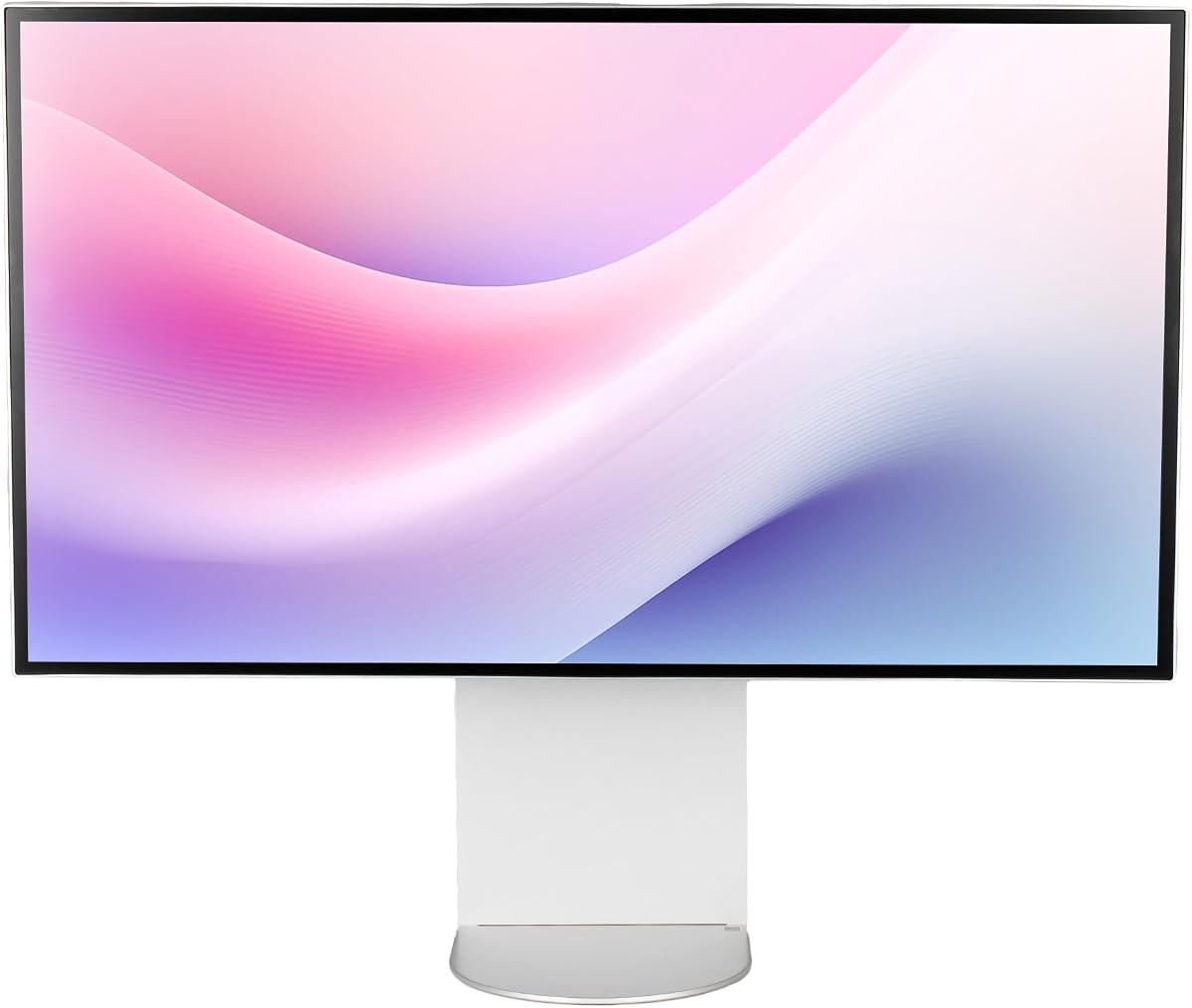
The LG UltraFine evo stands as a top choice for professionals needing high fidelity visuals. Its 6K resolution paired with Nano IPS Black technology delivers stunning clarity and contrast.
We may earn a commission when you buy through this link, at no additional cost to you.
This monitor supports Thunderbolt 5 for ultra-fast data transfer and daisy chaining. The color accuracy is exceptional with 99.5 percent Adobe RGB coverage.
While the price is a consideration the performance justifies the investment for serious creatives. The connectivity options are robust for various setups.
Ideal for video editors and designers who need precise color and high resolution. This model sets a high bar for professional displays.
Thunderbolt 5 ensures future ready speeds for large file transfers and seamless multi monitor setups.
Factory calibration and wide gamut coverage ensure your digital work matches print and output accurately.
We may earn a commission when you buy through this link, at no additional cost to you.
The ASUS ProArt PA32QCV offers outstanding value for professionals seeking color accuracy. It features factory calibration and robust connectivity for Mac users.
We may earn a commission when you buy through this link, at no additional cost to you.
This model includes dual Thunderbolt 4 ports for daisy chaining and high power delivery. The color matching for MacBook is a standout feature.
Trade-offs include slightly lower resolution compared to top tier models but clarity remains excellent. It is a solid choice for general creative work.
Best suited for photographers and graphic designers who need reliable color without the highest cost. It balances features and affordability well.
The preset mode ensures seamless visual continuity between your laptop screen and external monitor.
Extended coverage provides peace of mind for long term professional usage in demanding environments.
We may earn a commission when you buy through this link, at no additional cost to you.
ALOGIC Clarity Touch brings touch interaction to 6K resolution for a unique creative experience. It is the first of its kind in this category.
We may earn a commission when you buy through this link, at no additional cost to you.
The included active stylus supports thousands of pressure levels for natural drawing on a large canvas. This setup is perfect for digital artists.
Cost is high but the functionality is unmatched for touch and pen workflows. The stand allows flat positioning for comfortable sketching.
Ideal for architects and designers needing a massive digital drafting board. This monitor redefines professional display possibilities.
Intuitive multitouch controls enable direct manipulation of content for faster workflow speeds.
The fold stand transforms the monitor into a large tablet for ergonomic sketching and annotation.
We may earn a commission when you buy through this link, at no additional cost to you.
Samsung Odyssey G8 brings 6K resolution to gaming with high refresh rates. It offers a dual mode for switching between resolution and speed.
We may earn a commission when you buy through this link, at no additional cost to you.
This monitor includes G-SYNC compatibility for smooth visuals during intense gameplay. The Fast IPS panel ensures quick transitions.
While primarily for gaming it can serve light creative tasks. The price is high but performance is top notch.
Best for gamers who want extreme detail and smooth motion. It balances high performance with sharp clarity well.
Switch between 6K visuals and faster 3K performance to match your gaming or media needs.
Compatible with both NVIDIA and AMD technologies to prevent screen tearing during fast action.
We may earn a commission when you buy through this link, at no additional cost to you.
The Dell UltraSharp U3224KB is designed for productivity with an integrated webcam. It simplifies workspace setup by reducing peripheral clutter.
We may earn a commission when you buy through this link, at no additional cost to you.
This model offers clear text rendering and reliable connectivity for office tasks. The brightness is sufficient for well lit environments.
Trade-offs include less focus on color accuracy compared to creative models. It is a practical choice for general work.
Best for corporate users needing a streamlined setup for meetings and tasks. It prioritizes convenience and clarity.
Built-in high resolution camera eliminates the need for separate devices on your desk.
USB-C connectivity allows easy data transfer and charging for connected laptops.
We may earn a commission when you buy through this link, at no additional cost to you.
This bundle provides the LG UltraFine evo monitor with useful accessories like cable ties and cleaning kits. It enhances the overall setup experience.
We may earn a commission when you buy through this link, at no additional cost to you.
Features include KVM switching for managing two computers with one keyboard. Color accuracy remains high with broad gamut support.
The extra accessories add value for new setup builders. The price is slightly higher but convenience is improved.
Best for teams or professionals needing multiple system control. It is a complete package for efficiency.
Seamlessly switch between two laptops using a single set of peripherals for reduced clutter.
Included maintenance and setup tools help maintain the monitor and organize your workspace.
We may earn a commission when you buy through this link, at no additional cost to you.
The G32X offers a sleek minimalist look with high brightness capabilities. It features a robust stand and strong power delivery for laptops.
We may earn a commission when you buy through this link, at no additional cost to you.
This monitor supports universal mounting for flexible desk setups. The panel provides clear visuals suitable for various tasks.
While detailed color data is less provided brightness is reliable for general use. It suits clean workspace aesthetics.
Best for users wanting a clean aesthetic and solid connectivity. It combines simplicity with functional performance.
500 nit brightness ensures clarity even in bright office or natural lighting conditions.
Universal VESA support allows easy integration with third party arms for ergonomic heights.
We may earn a commission when you buy through this link, at no additional cost to you.
The G32P features a glossy panel that enhances color vibrancy for immersive visuals. It includes a honeycomb design for efficient cooling.
We may earn a commission when you buy through this link, at no additional cost to you.
This model offers robust connectivity and universal mounting flexibility. The build quality ensures durability during daily use.
Trade-offs include reflectivity in bright rooms and no stand included. It is best for controlled environments.
Ideal for media consumption and dark room editing. It delivers vibrant colors with a sleek profile.
Glossy finish boosts contrast and color richness for a cinematic viewing experience.
Specialized cooling design ensures stable performance during extended work sessions.
We may earn a commission when you buy through this link, at no additional cost to you.
This Dell bundle includes a two year protection plan for added security. It comes with essential cables for immediate setup.
We may earn a commission when you buy through this link, at no additional cost to you.
The monitor offers standard brightness and resolution for daily tasks. Build quality remains reliable for office use.
While warranty adds cost peace of mind is valuable for businesses. It is a solid option for corporate needs.
Best for organizations prioritizing reliability and support. It simplifies maintenance with included protection.
Two year coverage helps manage long term ownership costs by reducing repair risks.
Included cables ensure you have everything needed to connect your devices immediately.
We may earn a commission when you buy through this link, at no additional cost to you.
The LG Ultrafine 32U990A is a standard reliable model for general professional use. It offers solid resolution with ergonomic support.
We may earn a commission when you buy through this link, at no additional cost to you.
This monitor provides good brightness and viewing angles for daily tasks. VESA support allows flexible mounting options.
Trade-offs include a basic feature set compared to premium bundles. It is a straightforward choice for standard setups.
Best for users wanting a balanced monitor without extra frills. It delivers consistent quality for work.
Consistent performance ensures steady workflow without unexpected technical interruptions.
Height and tilt adjustments help maintain a comfortable posture during long work hours.
We may earn a commission when you buy through this link, at no additional cost to you.
Selecting the right 32 Inch 6K Monitor involves assessing resolution, connectivity, and color performance to match your workflow needs.
6K resolution offers significantly higher pixel density than 4K which is vital for text clarity and detailed design work. Aim for models with at least 220 PPI for sharp images.
Higher resolution means more workspace but requires strong system hardware to drive effectively.
For creative work ensure the display covers standards like DCI-P3 or Adobe RGB. Full coverage ensures accurate representation of colors.
Look for Delta E values under 2 for professional calibration needs.
Thunderbolt 5 or 4 supports high speeds and power delivery reducing cable clutter. Check for HDMI 2.1 or DisplayPort 2.1 for future proofing.
Multiple ports allow seamless connection for laptops and peripherals.
IPS panels provide better viewing angles and color consistency while OLED offers perfect blacks. Consider your lighting environment when choosing.
Nano IPS black technology enhances contrast in standard IPS displays.
Gamers or fluid UI users prefer higher refresh rates like 120Hz or more. Most creatives are fine with 60Hz for precision tasks.
Dual mode monitors allow switching between high resolution and high speed.
Adjustable stands with height tilt pivot ensure comfort during long sessions. VESA mount compatibility allows flexible desk setups.
Good ergonomics reduce fatigue and improve workflow efficiency.
Brightness above 400 nits is needed for well lit environments. HDR certification helps with dynamic contrast and vivid visuals.
Check local dimming zones for better contrast performance in dark rooms.
Professional displays should offer at least three years of warranty. Support channels matter for quick resolution of any issues.
Bundle options often include extra protection for added security.
Calibrate your monitor upon arrival using factory presets to ensure accurate colors. Use system settings to adjust brightness and contrast.
Clean the screen with a soft microfiber cloth and avoid harsh chemicals. Dust build up can reduce visual clarity over time.
Use proper cables like Thunderbolt to get full resolution and power delivery. Keep drivers updated for stable performance and features.
6K offers higher resolution with more pixels for sharper text and better detail. This helps reduce zooming and panning during professional editing workflows.
Modern Macs and PCs with Thunderbolt support are best. Older systems may struggle to drive full 6K resolution smoothly.
Yes if you work on large prints or need precise detail. It allows for more visible workspace without scaling.
DisplayPort 2.1 and Thunderbolt 5 support high resolutions and speeds. Ensure your cables match the monitor ports.
Yes models like Samsung G8 offer high refresh rates and 6K. Ensure your GPU supports the resolution for smooth gameplay.
Many include certifications like TÜV Rheinland Eye Comfort. Look for flicker-free and low blue light features.
Our top picks include the LG UltraFine evo for precision and the ASUS ProArt for value. The ALOGIC touchscreen leads in innovation.
Prioritize resolution and connectivity to match your software and hardware. Color accuracy matters most for visual work.
Always check current availability and features before purchasing as models update regularly. Stay informed for the best professional choices.