
ASUS Vivobook Laptop Business Computer 2025-2026
4.1Editor score
24GB RAM and 1TB Storage
14 Inch FHD NanoEdge Display
10-Core Intel i5 CPU
Finding the right ASUS Business Laptop can transform your productivity and streamline daily workflows. These devices combine robust performance with enterprise-grade security features designed to meet the demands of modern professionals and small business owners alike.
We have evaluated ten distinct models ranging from ultralight OLED screens to powerful multi-core processors. Our comparison focuses on real-world usability, connectivity options, battery life, and the specific features that matter most in a business environment.
Each pick highlights key strengths and potential trade-offs to guide your decision. Remember that stock levels and pricing fluctuate frequently, so verify current availability and deals before making your final purchase decision.
4.1Editor score

5.0Editor score

As an Amazon Associate we earn from qualifying purchases.
The following table provides a side-by-side overview of all ten models, highlighting key specifications such as processor type, memory capacity, storage solutions, and display characteristics to help you quickly identify the right fit.



This ASUS Vivobook delivers impressive value with 24GB RAM and a 10-Core processor. It earns a solid 4.1 rating from users who need reliable multitasking for business applications.
We may earn a commission when you buy through this link, at no additional cost to you.
The 24GB DDR4 RAM ensures smooth performance when running many tabs and apps. The 512GB SSD provides fast boot times while the 500GB external drive adds portable storage for files.
The 14-inch FHD NanoEdge display offers clear visuals for long work sessions. Users appreciate the included privacy shield on the webcam for secure video conferencing.
This model is ideal for small businesses needing high memory without premium costs. The lifetime Office license adds significant value for daily document creation.
The 24GB RAM allows you to run video editing software and browser tabs simultaneously without slowdowns.
Windows 11 Pro includes hardware-based encryption while the slim design makes travel easier for remote workers.
We may earn a commission when you buy through this link, at no additional cost to you.
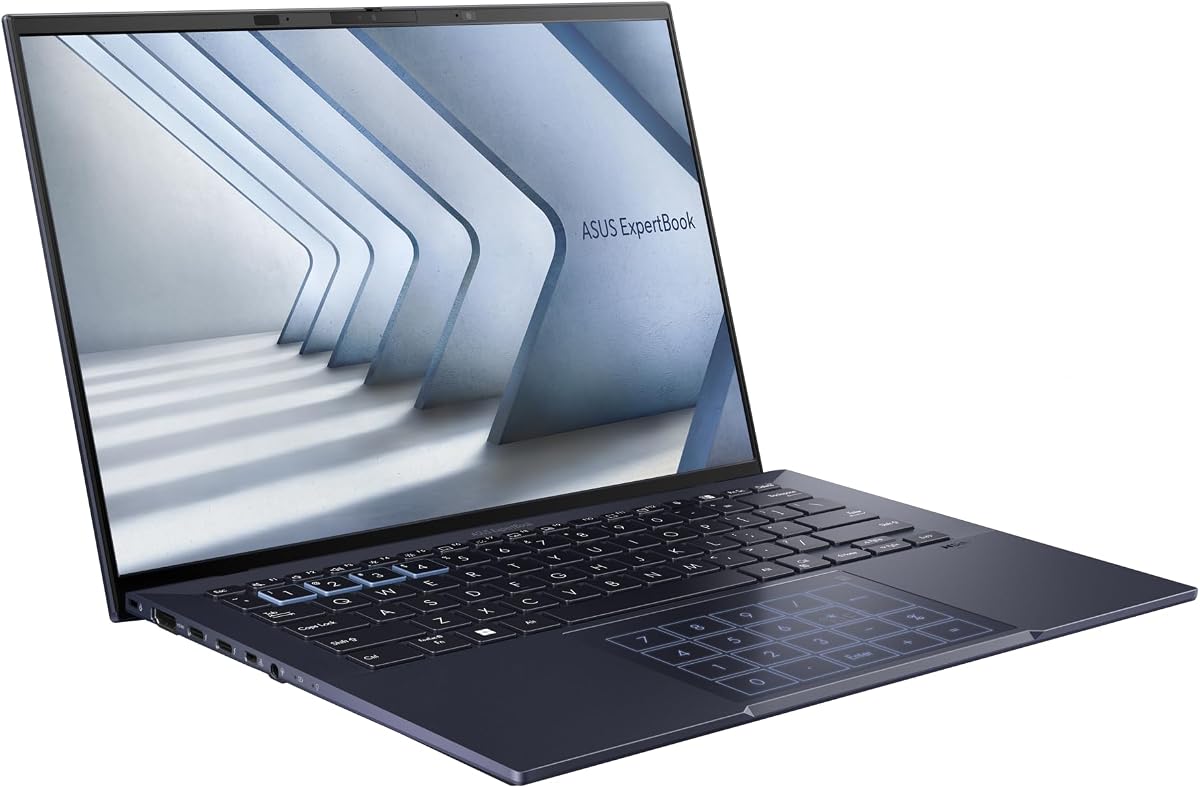
The ExpertBook B3 stands out for its AI-driven capabilities powered by the Core Ultra 5 processor. It targets professionals who need advanced multitasking and security features.
We may earn a commission when you buy through this link, at no additional cost to you.
Its 32GB RAM and 2TB SSD provide ample space for large datasets and complex applications. The AI Boost NPU accelerates specific workloads efficiently.
Security is a priority with TPM 2.0 and fingerprint reader integration. The military-grade certification ensures durability during daily transport.
Business users needing heavy storage and AI features will find this model compelling. The build quality supports long-term reliability.
Integrated NPU handles AI tasks like meeting summaries and image generation without draining the CPU.
Secured-core PC support and TPM 2.0 protect sensitive corporate data against unauthorized access attempts.
We may earn a commission when you buy through this link, at no additional cost to you.
This laptop is celebrated for being the world's lightest 14-inch business model. It holds a perfect 5.0 rating from users prioritizing mobility and display quality.
We may earn a commission when you buy through this link, at no additional cost to you.
The OLED display delivers vivid colors and deep blacks ideal for creative work. Weighing only 2.18 pounds makes it effortless to carry during commutes.
The dedicated Copilot key simplifies access to AI tools for productivity. Sustainable construction aligns with modern corporate environmental goals.
Professionals who travel frequently will love the weight and screen quality. It balances premium features with a portable form factor.
Weighing only 2.18 lbs this device fits easily in slim bags without adding bulk.
The OLED technology provides true blacks and vibrant colors for accurate content viewing.
We may earn a commission when you buy through this link, at no additional cost to you.
The B1 model offers a larger 15.6-inch display for users who prefer more screen real estate. It supports robust performance with 32GB RAM for heavy workloads.
We may earn a commission when you buy through this link, at no additional cost to you.
ExpertCool thermal management keeps the system stable during long sessions. The anti-glare screen reduces eye strain during presentations or document reviews.
It includes a full set of ports including HDMI and Ethernet for easy connectivity. Windows 11 Pro ensures enterprise compatibility and management tools.
This device suits users who need a desktop replacement experience. The thermal design supports sustained performance without overheating.
The 15.6-inch screen provides ample space for spreadsheets and side-by-side windows.
Optimized cooling maintains steady performance under prolonged usage without noise issues.
We may earn a commission when you buy through this link, at no additional cost to you.
This model features a stunning 2.8K OLED display that ranks among the best for clarity. It earns a 4.6 rating for its high-quality visual experience and durability.
We may earn a commission when you buy through this link, at no additional cost to you.
The 14-inch screen offers a 16:10 aspect ratio for vertical productivity. Weighing 2.18 lbs it remains portable despite the powerful hardware inside.
Storage is generous at 1TB PCIe NVMe SSD ensuring fast data access. The magnesium-lithium alloy chassis provides robust protection against shocks.
Users needing premium visuals will appreciate the OLED technology. The high resolution makes text and images sharp for detailed work.
The 2880×1800 resolution delivers crisp text and vibrant colors for content consumption.
Military-grade certification ensures the laptop withstands drops and pressure during transport.
We may earn a commission when you buy through this link, at no additional cost to you.
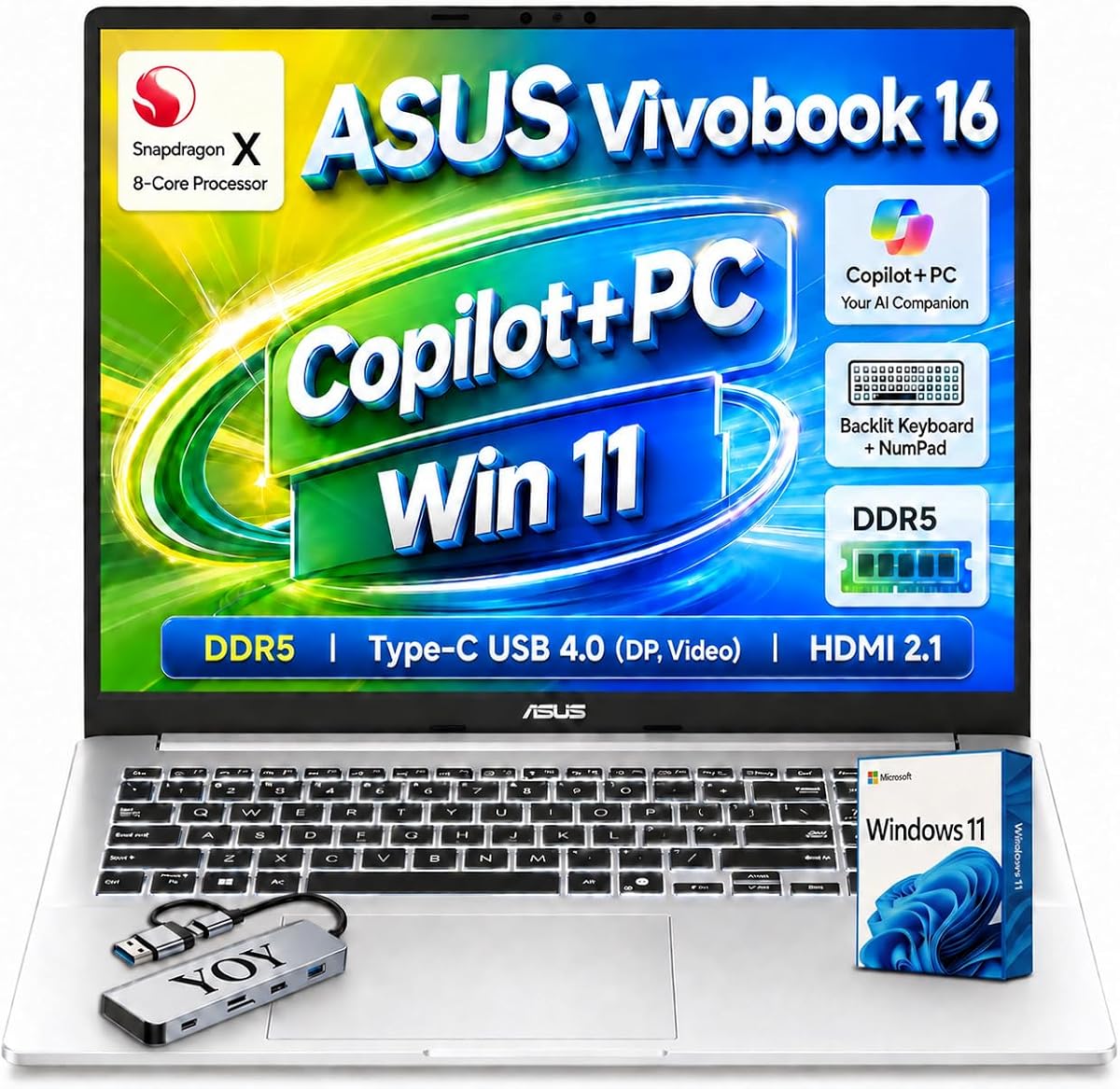
Powered by the Snapdragon X processor this model offers next-gen AI capabilities and Copilot+ PC support. It features a spacious 16-inch display for enhanced productivity.
We may earn a commission when you buy through this link, at no additional cost to you.
The Hexagon NPU delivers high performance for AI workloads while the battery efficiency is improved. Windows Hello face recognition provides convenient and secure sign-in.
USB4 connectivity allows fast data transfer and external monitor connections. The 16:10 aspect ratio expands vertical workspace for multitasking.
Early adopters of AI features will find this laptop compelling. The large screen and modern chip make it future-ready.
Seamless integration of Copilot+ features enhances daily computing and automation tasks.
USB4 ports support high-speed data transfer and dual monitor setups efficiently.
We may earn a commission when you buy through this link, at no additional cost to you.
This 2026 model boasts a 10-Core i7 processor and strong user ratings. It delivers a 4.8 score thanks to reliable performance and storage versatility.
We may earn a commission when you buy through this link, at no additional cost to you.
The 16-inch FHD+ display offers sharp visuals for work and media. A 500GB external drive provides portable backup for important files.
Windows 11 Pro ensures professional features are available out of the box. SonicMaster audio tuning improves call quality and entertainment experience.
It is an excellent choice for users needing a balance of power and screen size. The included accessories add immediate utility.
The 10-Core processor ensures smooth operation even under heavy multitasking loads.
SonicMaster tuned speakers deliver clear sound for meetings and media playback.
We may earn a commission when you buy through this link, at no additional cost to you.
The Ryzen 7 7730U processor offers strong performance at a competitive price. It earns a perfect 5.0 rating from users who appreciate its value and speed.
We may earn a commission when you buy through this link, at no additional cost to you.
The 16-inch WUXGA display provides crisp visuals for business tasks. With 16GB RAM it handles multiple applications smoothly without lag.
Storage is ample at 1TB NVMe SSD for files and software. The fingerprint sensor adds a layer of security for quick access.
This model is great for budget-conscious professionals needing power. The screen quality rivals more expensive competitors.
The Ryzen 7 processor delivers high performance without the premium price of Intel Core i7.
The 16-inch screen offers generous space for spreadsheets and web browsing.
We may earn a commission when you buy through this link, at no additional cost to you.
This upgraded version provides a similar spec set to its predecessor with added convenience. It is priced lower but shows varied user ratings due to modification differences.
We may earn a commission when you buy through this link, at no additional cost to you.
The 16GB RAM and 1TB SSD ensure sufficient capacity for business needs. A portable USB hub enhances connectivity for external devices.
The Ryzen 7 processor delivers solid speed for daily tasks. The 16-inch display maintains good brightness and color accuracy.
Buyers looking for affordability should consider this model carefully. Verify warranty details before purchase.
The included USB hub simplifies connecting multiple peripherals without extra purchases.
Ryzen 7 7730U balances power and battery life efficiently for daily work.
We may earn a commission when you buy through this link, at no additional cost to you.
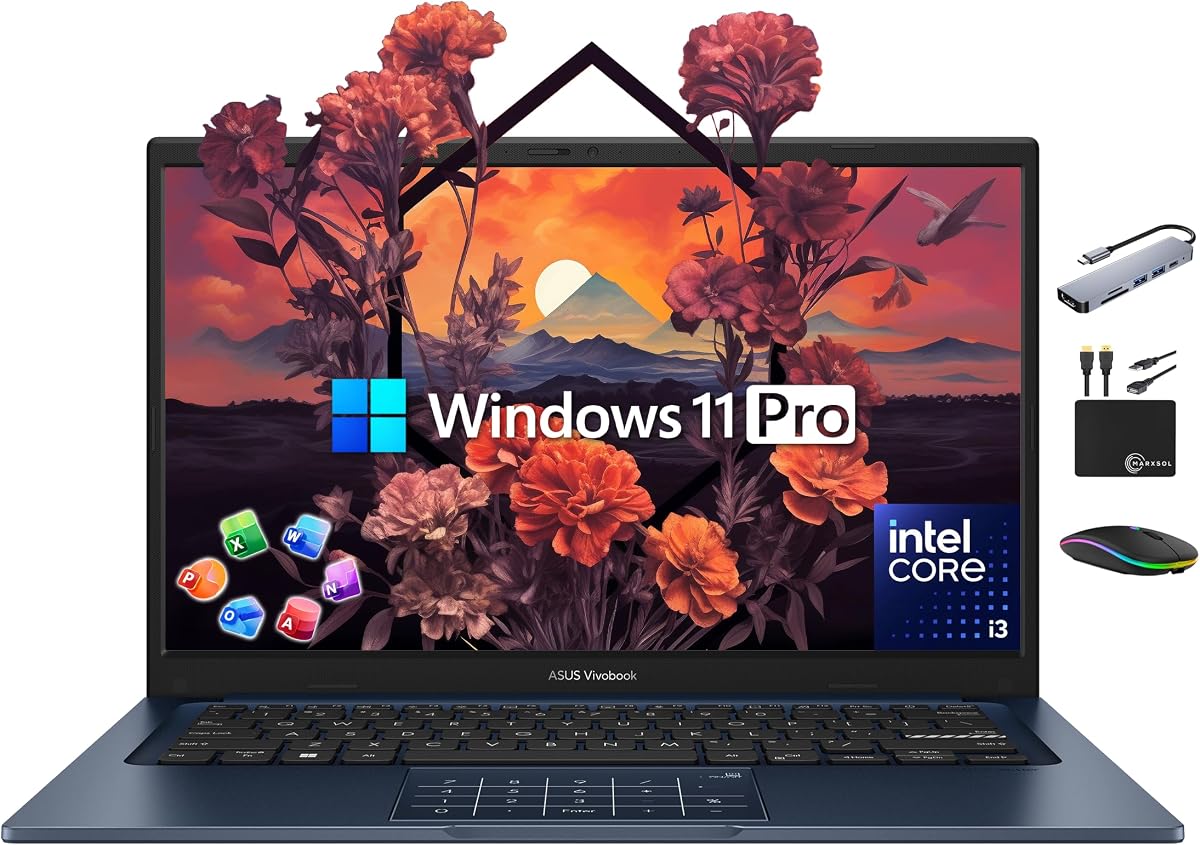
An entry-level option offering 24GB RAM which is rare for i3 models. It holds a 4.2 rating due to its high memory capacity for basic users.
We may earn a commission when you buy through this link, at no additional cost to you.
The 14-inch FHD display offers decent visuals with a privacy shield. Lifetime Office 2024 license saves money on software costs.
While the i3 processor suits basic office tasks the RAM handles multitasking better than expected. The portable external drive provides extra storage.
Ideal for students or light business use needing memory. It balances cost with essential productivity features.
24GB RAM allows heavy browser usage even with a basic i3 processor.
Lifetime Office license adds significant value by covering annual subscription fees.
We may earn a commission when you buy through this link, at no additional cost to you.
Selecting the right business laptop involves balancing performance requirements with portability and budget. The following factors help narrow down the choices effectively.
The processor determines how quickly applications run and how many tasks you can handle simultaneously. Modern Intel Core i5 and i7 or AMD Ryzen 7 processors provide ample power for business needs.
Prioritize models with 10 cores or more for heavy multitasking and future-proofing.
RAM is critical for running multiple browser tabs and applications smoothly without slowdowns. 16GB is standard for business work but 24GB or 32GB is beneficial for complex tasks.
Choose 24GB or more if you use heavy software like video editing or data analysis.
Solid State Drives (SSD) ensure fast boot times and quick file access. NVMe SSDs are faster than traditional SATA drives for efficient workflows.
Opt for at least 512GB to accommodate large files without running out of space quickly.
A clear and comfortable display reduces eye strain during long work hours. Look for Full HD resolution or higher and anti-glare coatings for outdoor use.
OLED panels offer better colors but may cost more and consume more battery than IPS.
Business laptops must protect sensitive data through hardware and software measures. Features like TPM 2.0, fingerprint readers, and webcam shutters are essential for corporate use.
Always select Windows 11 Pro for enterprise-grade security and management tools.
If you travel often, weight and size matter significantly for daily comfort. Military-grade certification ensures the device withstands drops and temperature changes.
Aim for under 3 pounds for maximum mobility and comfort during extended use.
Ports determine what devices you can connect without dongles. USB-C with Thunderbolt, HDMI, and Ethernet ensure versatile connections for monitors and drives.
Check that the laptop includes enough ports for your specific peripheral needs.
Long battery life ensures you can work unplugged during travel or meetings. Larger cells and efficient processors contribute to extended usage times.
Look for models with at least 8 hours of typical work battery performance.
Keep your laptop clean by wiping the screen and keyboard with a soft microfiber cloth regularly. Dust and oils can degrade components if left unchecked over time.
Avoid exposing the device to extreme heat or cold to preserve battery life and internal parts. Store it in a protective sleeve when traveling to prevent accidental drops.
Update drivers and software regularly to maintain performance and security. Enable automatic updates to ensure the system remains current and stable for business tasks.
Many models like the ExpertBook B9 OLED offer vibrant displays and sufficient RAM for design tasks. However, dedicated GPUs are not common in these business units for heavy rendering.
Most business-focused models include Windows 11 Pro to support enterprise security features. Always verify the OS edition before purchase to ensure compatibility with your network requirements.
Certain bundle models provide a lifetime license for Microsoft Office Professional Plus. Check the specific listing details to confirm if software is included in the package.
Some models have soldered RAM while others allow upgrades via SODIMM slots. It is best to buy with sufficient memory upfront if the device does not support future expansion.
Battery performance varies by model and usage but most offer around 8 to 10 hours. Efficiency improves with Intel Core Ultra and Snapdragon chips compared to older generations.
Several models pass US MIL-STD 810H tests ensuring they withstand shocks and harsh conditions. This makes them suitable for daily commuting and field work environments.
We reviewed ten ASUS Business Laptop models ranging from portable OLED screens to large displays for multitasking. Each option caters to different professional needs with strong performance and security.
Prioritize RAM and processor power if you run complex applications daily. For travelers, weight and battery life are just as important as raw computing speed.
Prices and availability change frequently so check current listings before buying. Compare specs carefully to ensure the model meets your specific business requirements.