
ASUS RT-AX1800S
4.3Editor score
WiFi 6 support
AiMesh compatible
Built-in VPN
This comprehensive guide compares the top ASUS WiFi routers for home and business, covering WiFi 6 and 7 models with detailed specs and expert insights.
Finding the right wireless router can transform your home network experience. ASUS offers a wide range of reliable devices designed to handle modern connectivity demands efficiently and securely.
We evaluated ten top models based on performance, features, and user feedback. Our comparison highlights key strengths to help you choose the perfect fit for your specific setup.
Each review details specific capabilities and ideal use cases. Please note that availability and pricing may change over time, so check current listings before purchasing your preferred model.
4.3Editor score

4.5Editor score

4.3Editor score
Explore the detailed side-by-side comparison of the ten best ASUS WiFi routers available today. This table summarizes key specifications to help you make an informed decision quickly.
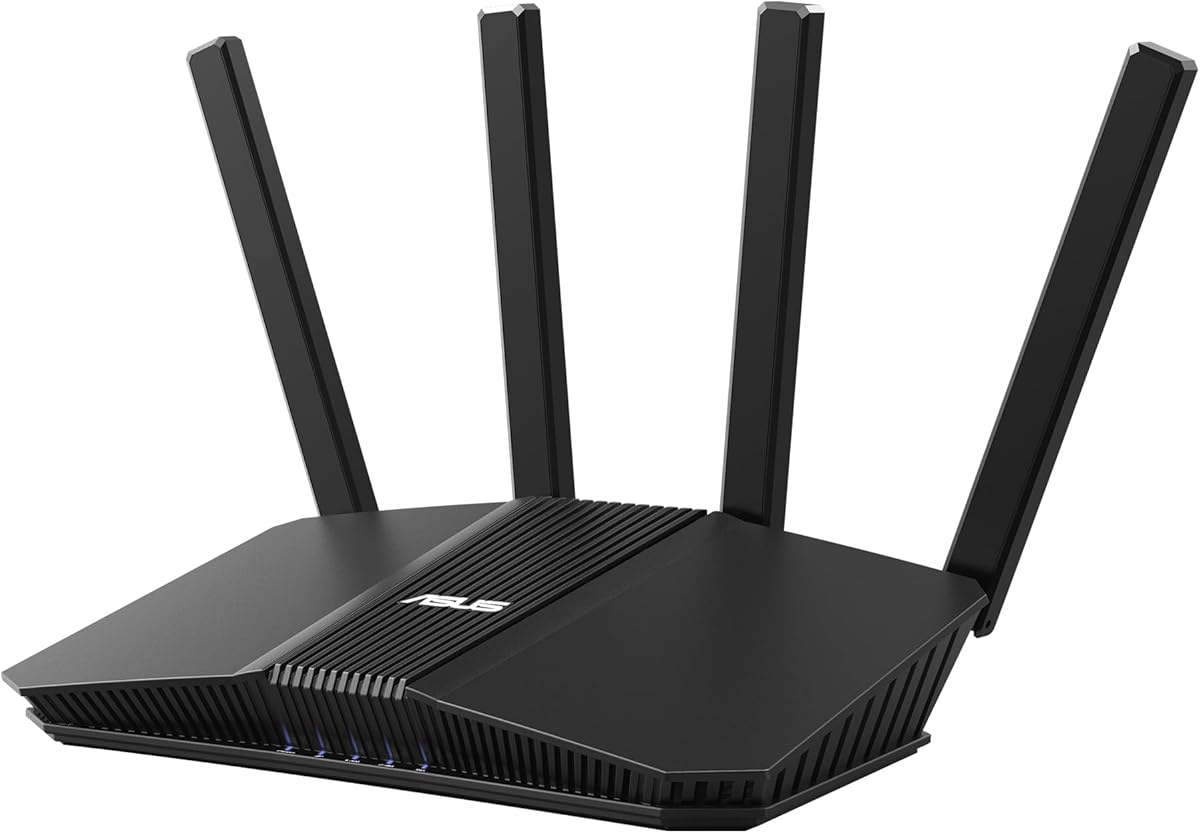

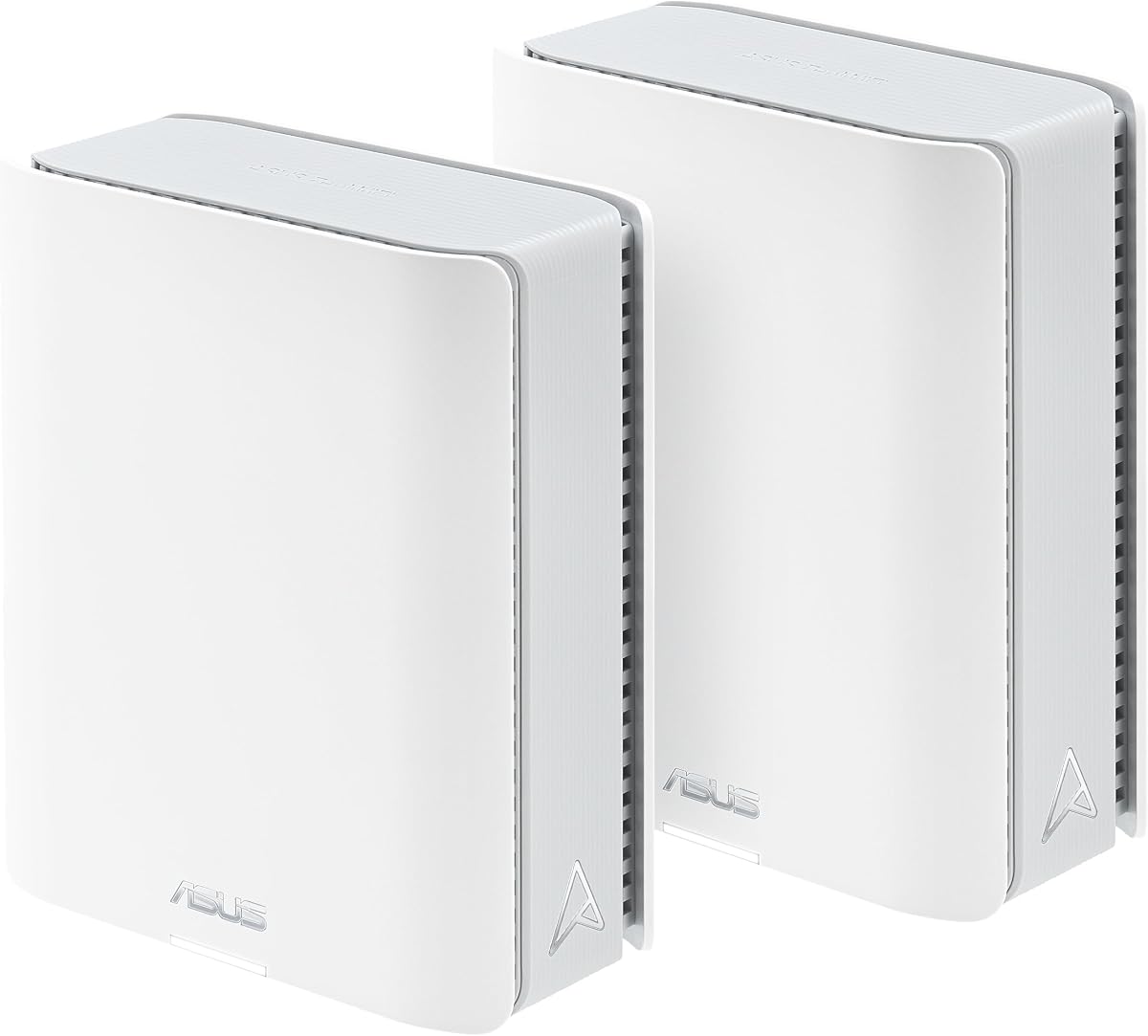



The ASUS RT-AX1800S stands out as a reliable entry point for modern WiFi 6 networking. With a strong user rating, it delivers consistent performance for basic home needs without breaking the budget.
We may earn a commission when you buy through this link, at no additional cost to you.
Its dual-band architecture supports MU-MIMO and OFDMA, ensuring efficient data handling across multiple connected devices. The built-in AiProtection Classic powered by Trend Micro adds a layer of security that is free and straightforward.
While it lacks advanced features like USB connectivity or high-end gaming tools, these trade-offs are acceptable given the price point. The limited port count and standard antenna design might restrict usage in very large spaces.
This router is ideal for small to medium homes seeking stability and security. It offers a cost-effective way to upgrade from older WiFi standards while maintaining essential control and protection.
OFDMA technology allocates channels efficiently to improve throughput during simultaneous device usage.
AiProtection Classic provides threat protection without requiring a paid subscription fee.
We may earn a commission when you buy through this link, at no additional cost to you.
The RT-BE58U brings WiFi 7 capabilities to the masses with impressive throughput potential. It is designed for those needing maximum speed and stable connections in congested wireless environments.
We may earn a commission when you buy through this link, at no additional cost to you.
Multi-link Operation allows linking multiple bands simultaneously for smoother data transfers. The AI WAN detection ensures always-on internet connectivity, making it robust for critical applications.
Investing in this model means you likely have newer devices capable of utilizing these advanced speeds. The high cost and hardware requirements might not justify the upgrade for average users.
It suits power users or small offices needing reliability and future-proofing. The smart home management features add significant value for managing various IoT devices efficiently.
WiFi 7 and 4096-QAM increase transmission speed significantly compared to previous standards.
AI WAN detection and USB tethering ensure continuous internet access during outages.
We may earn a commission when you buy through this link, at no additional cost to you.
The GT-BE98 Pro is a powerhouse built for enthusiasts demanding the absolute best in wireless gaming performance. It features cutting-edge WiFi 7 tech with speeds reaching up to 30 Gbps.
We may earn a commission when you buy through this link, at no additional cost to you.
Its external dual-feeding antennas provide exceptional coverage and signal strength. The Triple-Level Game Acceleration optimizes traffic from the PC to the game server seamlessly.
The premium price tag reflects its top-tier status but might be excessive for non-gamers. It requires compatible hardware to fully utilize the 10G ports and advanced WiFi 7 bands.
Gamers with high-speed internet and large homes should find this device worth the investment. It represents the pinnacle of ASUS engineering for performance and connectivity.
Dual 10G ports and quad 2.5G ports maximize wired connectivity flexibility.
Game Acceleration prioritizes gaming traffic for reduced lag and better responsiveness.
We may earn a commission when you buy through this link, at no additional cost to you.
This RT-BE92U offers a balanced blend of speed and functionality for modern networks. With WiFi 7 support, it delivers up to 9.7 Gbps and utilizes the 6 GHz band effectively.
We may earn a commission when you buy through this link, at no additional cost to you.
Its dual WAN configuration ensures internet availability even if one connection fails. Smart Home Master simplifies device management with up to three SSIDs for better organization.
While powerful, the complexity might deter casual users unfamiliar with network settings. The price point positions it as a mid-to-high end option requiring a specific use case.
Ideal for users needing robust multi-band performance and redundancy. It provides a solid upgrade path for those moving beyond standard dual-band limitations.
Dual WAN setup helps maintain connection stability during primary internet disruptions.
Smart Home Master makes it simple to organize IoT devices into separate networks.
We may earn a commission when you buy through this link, at no additional cost to you.
The ZenWiFi BT10 is designed to blanket large properties in high-speed WiFi 7 coverage. Two units provide up to 6000 sq ft of reliable connectivity without dead zones.
We may earn a commission when you buy through this link, at no additional cost to you.
AI-powered AiMesh ensures seamless handoffs between nodes while the backhaul handles significant data loads. Eight internal antennas and high-power modules enhance signal reliability throughout the home.
Some users have noted performance variability that warrants consideration before purchase. The high cost is a significant factor for general home users compared to standard routers.
It is best suited for expansive residences needing uniform coverage. The advanced features justify the cost if you require top-tier performance across a wide area.
Coverage up to 6000 sq ft ensures no area is left without strong signal.
AI Mesh technology optimizes data transfer between nodes automatically.
We may earn a commission when you buy through this link, at no additional cost to you.
This renewed model offers gamers a robust platform with dedicated acceleration features. Its 5400 Mbps speed ensures fast transfers while Mobile Boost minimizes latency for handheld devices.
We may earn a commission when you buy through this link, at no additional cost to you.
Aura RGB lighting adds aesthetic appeal that fits modern gaming setups. The router supports AiMesh for expanding network coverage without changing core performance.
Being renewed implies potential cosmetic wear but maintains functional performance. The gaming-specific features might not be useful for general browsing or streaming users.
Gaming enthusiasts looking for a stylish and functional device will appreciate this option. It balances performance and design well within the renewed market segment.
Mobile Game Mode prioritizes traffic for handheld devices to reduce lag.
Aura RGB allows users to align lighting effects with their room vibe.
We may earn a commission when you buy through this link, at no additional cost to you.
The ZenWiFi BT8 offers a single-pack solution for smart homes needing modern mesh capabilities. With 3000 sq ft coverage, it fits many standard apartments and houses well.
We may earn a commission when you buy through this link, at no additional cost to you.
AI Smart AiMesh boosts coverage and allows easy extension with other compatible ASUS routers. IoT Network segmentation simplifies managing smart devices and secure access for guests.
A single unit may struggle in multi-story homes without additional nodes. The cost reflects the advanced technology but requires commitment to the ecosystem.
This model is perfect for upgrading to WiFi 7 without a full mesh overhaul. It balances performance with ease of use for modern connected living spaces.
Smart Home Master SSIDs simplify setup and management of IoT devices easily.
AI algorithms optimize signal paths to eliminate dead zones effectively.
We may earn a commission when you buy through this link, at no additional cost to you.
The RT-AX3000 is a top choice for those seeking reliable performance without the newest premium costs. Its 3000 Mbps speed and 160MHz bandwidth ensure fast transfers for most needs.
We may earn a commission when you buy through this link, at no additional cost to you.
It includes AiProtection Pro for robust security and parental controls. The USB 3.0 port adds flexibility for local storage sharing without requiring extra drives.
While it lacks the absolute latest WiFi 7 tech, it meets the demands of current households efficiently. Some users may miss having multiple WAN ports for redundancy.
This router is recommended for standard family homes needing solid speed and security. It delivers a balanced feature set that remains relevant for everyday use.
USB 3.0 port allows quick connection of external drives for network storage.
AiProtection Pro offers commercial-grade threat detection and blocking free.
We may earn a commission when you buy through this link, at no additional cost to you.
This classic model remains popular due to its solid build and extensive LAN ports. The 1900 Mbps speed covers basic needs well for smaller or budget-conscious setups.
We may earn a commission when you buy through this link, at no additional cost to you.
Its 1GHz dual-core CPU handles multitasking effectively without lag. The inclusion of five LAN ports offers great flexibility for wired devices compared to modern units.
Being an older AC standard, it does not support the latest WiFi 6 efficiencies. Future upgrades might be necessary as home networks become more congested and demanding.
It is a reliable choice for those prioritizing wired connections over wireless speed. Users needing many wired ports will find this router particularly useful.
Five Gigabit LAN ports provide ample connectivity for multiple wired devices.
Dual-core processing ensures smooth operation across different network tasks.
We may earn a commission when you buy through this link, at no additional cost to you.
The EBR63 is designed specifically for business environments needing secure and branded guest access. Its custom guest portal allows owners to maintain a professional image easily.
We may earn a commission when you buy through this link, at no additional cost to you.
Remote management via the ExpertWiFi app makes oversight simple for small offices. VLAN support adds necessary segmentation for separating staff and guest traffic effectively.
Home users might find the business features unnecessary compared to standard models. The commercial-grade security is robust but tailored for professional rather than residential use.
This router is ideal for small businesses prioritizing security and management control. It offers tools that streamline network administration without complex hardware setups.
Custom Guest Portal allows personalized branding for visitors logging into WiFi.
ExpertWiFi app enables easy setup and remote management of the network.
We may earn a commission when you buy through this link, at no additional cost to you.
Selecting the right router involves understanding your specific needs and budget. This guide outlines the key factors to consider for a successful network setup.
Choose between WiFi 6 and 7 based on your device compatibility. WiFi 7 offers higher speeds and better congestion handling but requires newer hardware.
Match the router speed to your internet plan to ensure you get full value.
Evaluate the square footage of your home to determine if a single unit or mesh system is better. Mesh systems are ideal for larger spaces.
Look for antenna count and power to gauge signal strength capabilities.
Check for Ethernet port speed like Gigabit or 10G for wired devices. USB ports allow for shared storage or printers on the network.
Ensure the router has enough physical connections for your smart home devices.
Built-in protections like AiProtection Pro help prevent malware and threats. Look for parental controls if you need to manage children's internet usage.
Regular firmware updates are crucial for maintaining long-term security.
Gamers should prioritize low latency features and traffic prioritization tools. Features like Game Acceleration can reduce lag significantly.
Higher speed models often provide better stability during peak usage times.
An intuitive mobile app makes setup and monitoring much easier for users. Look for clear interfaces and straightforward configuration wizards.
Remote management features are helpful if you manage networks from a distance.
Prices vary significantly between entry-level and premium models. Determine your must-have features before spending on advanced capabilities.
Sometimes a mid-range model offers the best balance for most households.
Investing in newer standards ensures the router remains relevant longer. Consider scalability if you plan to add more devices or extend coverage.
Mesh compatible systems allow for easy upgrades as your needs grow.
Start by placing your router in a central and elevated location. This minimizes signal obstruction from walls and appliances for better coverage.
Keep the firmware updated through the ASUS app or web interface regularly. Updates often contain security patches that protect your network from new threats.
Regularly restart your router to clear cache and resolve minor connection issues. A reboot can improve performance and restore stability if the network lags.
WiFi 7 offers significant speed improvements and lower latency, but requires compatible devices. If you have newer hardware and need maximum bandwidth, it is a solid choice.
Mesh systems are ideal for homes larger than 2000 square feet with dead zones. Standard routers work well for smaller apartments or homes with open layouts.
Most modern models can handle dozens of devices without slowing down. High-end units like the GT-BE98 Pro support hundreds simultaneously efficiently.
AiMesh allows you to combine multiple ASUS routers into a single seamless network. This expands coverage easily without needing new proprietary hardware.
No, most ASUS routers include lifetime free AiProtection Classic. Advanced Pro features may have subscription options but basic security is free.
Yes, models with USB ports support mobile tethering via LTE or 5G dongles. This ensures internet availability even if your main line fails.
Yes, most models support basic VLANs for network segmentation. Business-specific models offer more advanced VLAN and SDN capabilities.
Use the ASUS Router app to run a coverage test. The app provides visual feedback on signal strength throughout your home.
The ASUS lineup provides excellent options for every user type and budget. Whether you need speed, security, or seamless home coverage there is a model here.
Prioritize features that match your actual usage such as gaming, streaming, or security. Choosing the right specs prevents unnecessary spending on unused capabilities.
Always verify current availability and details before finalizing your purchase. Technology changes quickly so checking latest specs ensures you get the best value.