
BUFFALO LinkStation 210 6TB
3.9Editor score
1-Bay NAS with HDD included
Subscription-free personal cloud access
Secure closed system design
This guide compares the top Buffalo NAS devices for home and office use, evaluating storage capacity, security features, and performance to help you choose the
Network attached storage devices provide a reliable way to centralize data across multiple devices. Buffalo offers a wide range of NAS solutions designed for home users, small businesses, and professional environments requiring secure and efficient file management.
We evaluated ten current models based on capacity, connectivity options, security features, and ease of setup. This list includes desktop units, rackmount options, and specialized configurations to meet diverse storage needs without compromising on data protection.
Each pick highlights key specifications and ideal use cases to help you decide quickly. Note that product availability and pricing can change frequently, so always verify the latest details on the product page before making your final purchase decision.
3.9Editor score

4.8Editor score
4.3Editor score
The following table provides a side-by-side comparison of all ten featured Buffalo NAS models, highlighting key specifications such as bay count, total capacity, network interface speeds, and warranty coverage to assist in quick selection.


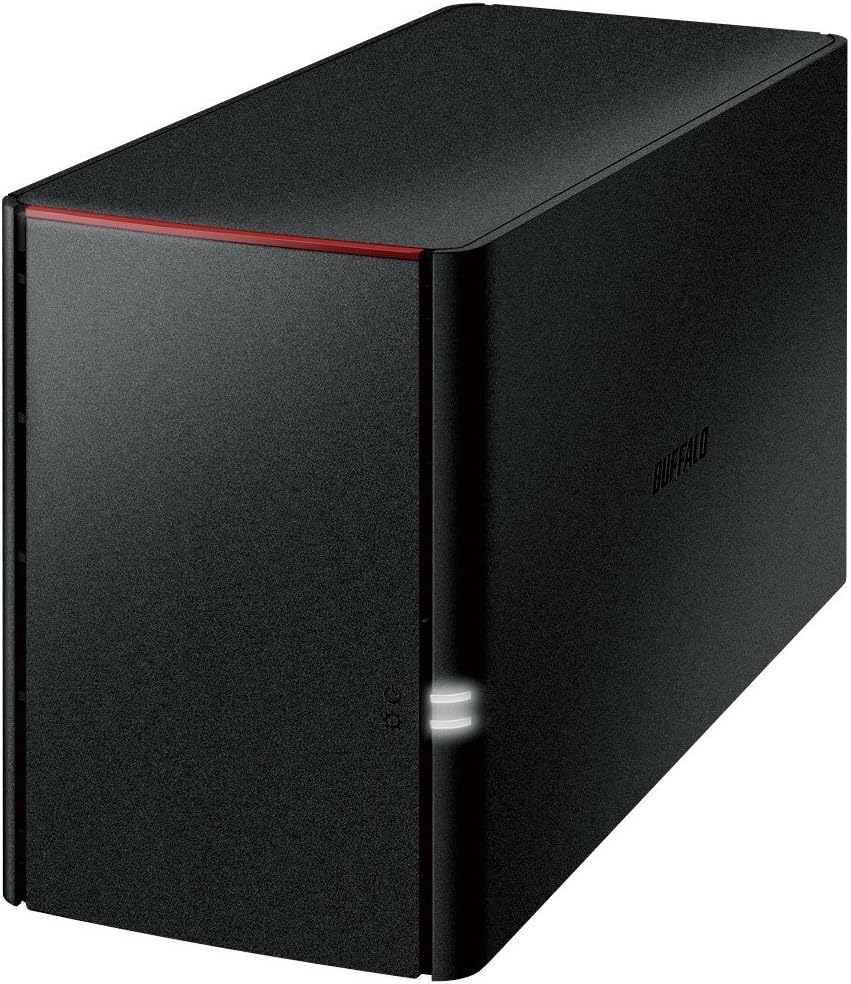


The LinkStation 210 offers an accessible entry into network attached storage with its all-in-one design. It features a single bay configuration pre-loaded with a 6TB hard drive making it ready to use out of the box without additional purchases.
We may earn a commission when you buy through this link, at no additional cost to you.
Users benefit from subscription-free personal cloud access allowing remote file viewing without ongoing costs. The closed system architecture reduces vulnerabilities from third-party applications while SSL encryption secures file transfers across the network effectively.
While the single bay limits redundancy options compared to multi-bay models the simplicity suits basic home needs. Automated backup utilities included help maintain data safety across connected computers without complex configuration steps required by other systems.
This model is ideal for home users needing centralized storage for media and documents on a budget. It provides a straightforward path to network storage without requiring advanced technical knowledge or additional hardware investments.
Store and access media files remotely without paying monthly fees for cloud storage services.
Reduced attack surface protects data from vulnerabilities caused by third-party software integrations.
We may earn a commission when you buy through this link, at no additional cost to you.
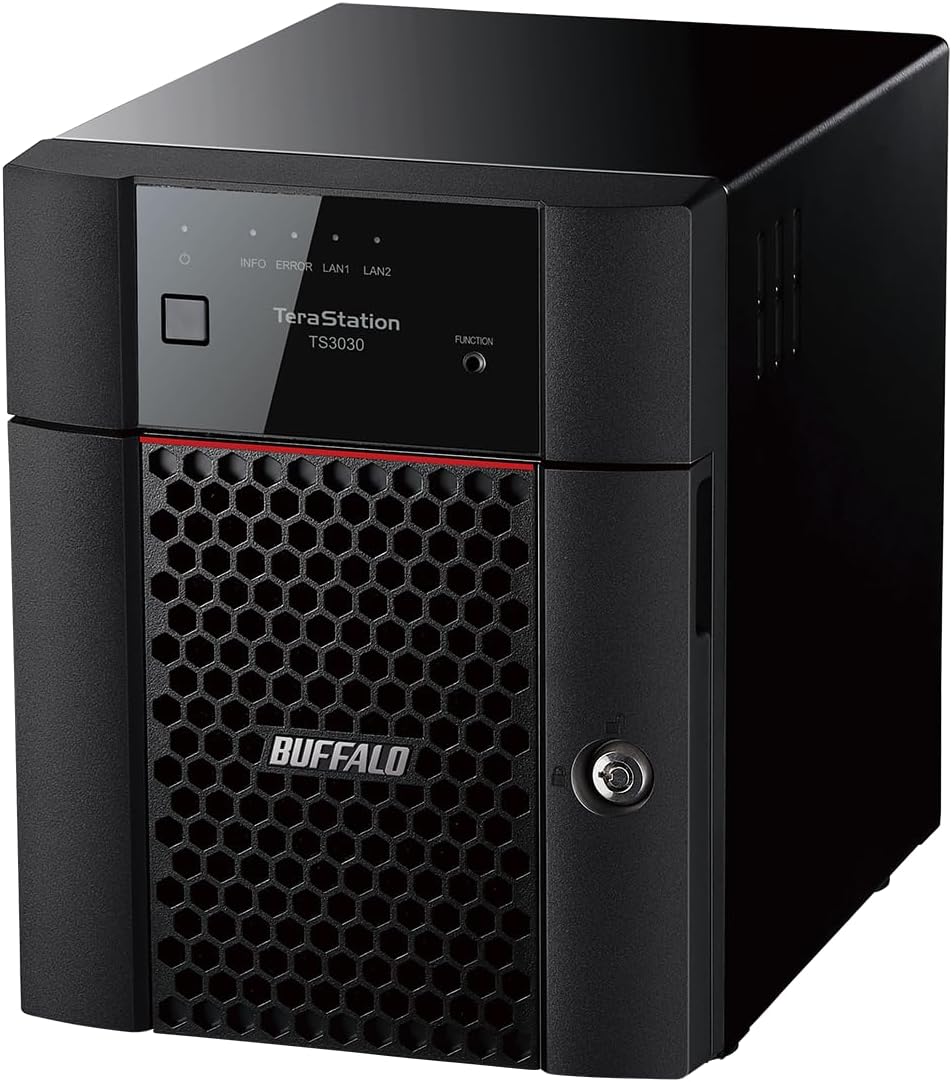
The TeraStation Essentials 2025 delivers professional-grade storage with 24TB capacity across four bays pre-loaded with hard drives. Its native 2.5GbE port ensures rapid file transfers without needing cable upgrades making it suitable for high-demand environments.
We may earn a commission when you buy through this link, at no additional cost to you.
Data security is prioritized through 256-bit drive encryption and a closed system design. Flexible replication features allow users to change RAID modes from 5 to 6 or 0 based on specific redundancy or performance requirements immediately.
Cloud sync capabilities integrate with major providers like Amazon S3 and Azure for hybrid backup strategies. This flexibility supports robust disaster recovery plans without relying solely on local storage which reduces risk from hardware failures.
Ideal for small businesses needing reliable network storage with minimal setup effort this model balances performance and cost effectively. The included warranty and support coverage add significant value for professional deployments requiring uptime assurance.
High-speed network connectivity allows rapid file transfers without requiring additional cable infrastructure changes.
Sync data with external cloud services for enhanced security and scalable backup options beyond local storage.
We may earn a commission when you buy through this link, at no additional cost to you.
The TeraStation 5420DN represents the pinnacle of business desktop NAS performance with 32TB capacity and native 10GbE connectivity. It handles heavy data loads without dropping performance making it ideal for professional file servers requiring constant uptime.
We may earn a commission when you buy through this link, at no additional cost to you.
Snapshots enable instant data recovery mitigating ransomware threats by allowing near-instantaneous restoration with minimal system disruption. Two-factor authentication adds an extra layer of security ensuring only authorized users access critical business information stored locally.
iSCSI support extends functionality beyond simple file sharing to block-level storage options for virtualization and servers. Cloud sync options integrate with major providers ensuring versatile backup strategies for comprehensive data protection across multiple locations effectively.
This model suits enterprises needing maximum speed and reliability without compromising on security features. Its robust hardware and firmware design justify the investment for environments where data loss or downtime would result in significant operational disruption costs.
Create and restore data snapshots quickly to recover from errors or attacks with minimal disruption to operations.
Ultra-fast network connectivity ensures rapid file transfers and reduced latency for demanding professional workloads.
We may earn a commission when you buy through this link, at no additional cost to you.
The LinkStation SoHo 220 is designed specifically for small and home office environments needing reliable network storage. It includes 4TB of storage across two bays pre-configured for RAID 1 which provides automatic data redundancy for critical business files.
We may earn a commission when you buy through this link, at no additional cost to you.
Direct Copy functionality allows USB devices to back up files without a computer connected simplifying workflows for mobile workers. Secure file sharing features let you configure individual folder restrictions ensuring private data remains protected while allowing controlled access.
Closed system design reduces vulnerabilities from third-party apps while SSL encryption secures all file transfers across the network. Automated backup utilities included in the package help maintain consistent data safety across multiple connected computers without manual intervention.
This model offers a balanced solution for small businesses prioritizing security and ease of use. Its straightforward setup and support coverage make it an excellent choice for environments requiring reliable storage without complex configuration overhead or ongoing maintenance costs.
Back up photos and files directly from USB devices without needing a computer to manage the process.
Configure folder-level access restrictions to ensure private data remains secure while allowing controlled sharing.
We may earn a commission when you buy through this link, at no additional cost to you.
This rackmount NAS offers professional storage in a space-efficient chassis designed for server closets or data centers. The 8TB capacity across four bays comes pre-loaded with hard drives and configured for RAID 5 ensuring immediate deployment without additional setup steps.
We may earn a commission when you buy through this link, at no additional cost to you.
Native 2.5GbE ports deliver fast transfer speeds without requiring expensive cable upgrades making it practical for growing networks. TAA compliance supports government and enterprise procurement requirements while 256-bit encryption protects sensitive data stored on the device securely.
Flexible replication and backup features allow integration with cloud services like Azure and OneDrive for hybrid storage strategies. The pre-configured setup minimizes configuration time while still allowing RAID mode changes to suit specific redundancy or performance needs.
Ideal for small businesses needing professional storage in a server environment this model balances capacity and speed effectively. Its design supports scalable growth through cloud integration and reliable uptime for critical data access in networked business operations.
Meets Trade Agreements Act requirements enabling procurement for government and enterprise contracts without restrictions.
Compact chassis designed to fit standard server racks saving floor space in professional IT environments.
We may earn a commission when you buy through this link, at no additional cost to you.
The TeraStation WS5220DN runs native Windows Server IoT 2025 making it ideal for workgroups needing Windows environment compatibility. It eliminates the need for Client Access Licenses while providing enhanced data management and security features familiar to IT administrators.
We may earn a commission when you buy through this link, at no additional cost to you.
NovaBACKUP software licenses enable professional-level server and PC backups ensuring critical system data remains protected against loss. Cloud integration with Azure and OneDrive creates hybrid storage options increasing flexibility for remote access and disaster recovery planning effectively.
Included hard drives come pre-tested and RAID pre-configured for immediate deployment without additional configuration steps required. The system supports standard Windows workflows allowing seamless integration with existing infrastructure without requiring additional software training for staff.
This model suits small businesses relying on Windows ecosystems needing a simplified yet powerful network storage solution. Its design balances OS integration with storage capabilities reducing IT overhead while maintaining professional-grade backup and recovery features for data safety.
Runs native Windows Server OS for seamless compatibility with existing workgroup environments and IT workflows.
Professional-level backup software license included ensures comprehensive protection for servers and connected PCs.
We may earn a commission when you buy through this link, at no additional cost to you.
The LinkStation 220 provides straightforward network storage with 4TB capacity across two bays. It features a Marvell ARMADA processor designed for stable file serving with Gigabit LAN ensuring reliable connectivity for home and small office use cases.
We may earn a commission when you buy through this link, at no additional cost to you.
DLNA compatibility allows media files to stream to smart TVs and compatible devices without extra software. USB 2.0 ports enable external device connections for expanded storage or direct backups making it versatile for basic user needs effectively.
While performance may not match modern high-speed models it remains a stable option for general file storage tasks. The hardware design prioritizes reliability and simplicity allowing users to access files across the network without technical complexity.
Ideal for home users seeking a basic centralized storage solution this model offers essential features without unnecessary complexity. Its straightforward operation and hardware durability make it a practical choice for managing media and documents across connected devices.
Stream media files directly to DLNA-enabled devices like smart TVs without requiring additional software installation.
Connect external USB devices for additional storage expansion or direct backups without involving a computer.
We may earn a commission when you buy through this link, at no additional cost to you.
The TeraStation 1200D offers an economical storage solution pre-loaded with 4TB of tested hard drives. It simplifies setup by allowing users to plug into a router for instant network access without complex configuration steps or external drive assembly.
We may earn a commission when you buy through this link, at no additional cost to you.
Business-level server and PC backup software is bundled providing essential data protection tools for small environments. Multiple user access controls enable individual file permissions ensuring sensitive documents remain private while allowing shared storage for common project files.
Personal cloud capabilities allow file access from PCs and smartphones anywhere with internet service. This remote access feature supports flexibility for users needing to retrieve documents on the go without physical access to the local network device.
This model suits home offices requiring simple reliable storage with built-in backup features. Its design prioritizes ease of use and immediate availability making it an accessible choice for users transitioning from external drives to network storage systems.
Bundled server and PC backup tools protect critical data automatically without requiring third-party installation.
Access stored files from any internet-connected device for remote work and flexibility on the go.
We may earn a commission when you buy through this link, at no additional cost to you.
This model focuses on mobile and PC network storage with 4TB capacity across two drives configured for mirroring. It ensures important files are protected by storing redundant copies allowing recovery if one drive fails unexpectedly.
We may earn a commission when you buy through this link, at no additional cost to you.
Gigabit wired LAN provides reliable network connectivity for consistent file access across connected devices. USB 2.0 ports enable direct connections for peripherals extending functionality without requiring additional network adapters or complex hardware setups.
The compact design fits easily on desktops or shelves making it unobtrusive in home or small office environments. Its operation requires minimal technical knowledge allowing users to manage backups and sharing through straightforward interfaces provided by the system.
Ideal for users prioritizing data protection and mobile access this model balances capacity and redundancy. Its design supports basic file management needs ensuring important documents remain accessible and secure without expensive enterprise solutions.
Automatic redundant file storage ensures protection against drive failure and potential data loss risks.
Tailored for smartphone and tablet connectivity enabling remote file management across mobile devices.
We may earn a commission when you buy through this link, at no additional cost to you.
The DriveStation Duo offers high-capacity external storage with 8TB across two bays using USB 3.2 Gen 1 for fast transfers. It is designed as a Desktop Attached Storage solution ideal for creative professionals needing local storage without network dependencies.
We may earn a commission when you buy through this link, at no additional cost to you.
Mac users benefit from native Time Machine support for scheduled backups ensuring system data remains protected. The hot swap feature allows replacing failed drives without powering down the device minimizing downtime and maintaining workflow continuity effectively.
Pre-tested NAS-grade hard drives ensure reliability while TAA compliance supports enterprise procurement requirements. Its plug-and-play compatibility with Windows and Mac makes setup simple without requiring additional drivers or configuration steps.
This model is best for users needing direct high-speed storage access rather than network sharing. Its design prioritizes local performance and redundancy making it suitable for content creation workflows requiring fast file access and data safety.
Native integration with macOS Time Machine enables automatic scheduled backups for system and file protection.
Replace hard drives without powering down the device to maintain workflow continuity during maintenance.
We may earn a commission when you buy through this link, at no additional cost to you.
Selecting the right NAS involves evaluating storage capacity, network speed, redundancy options, and security features to match your environment needs.
Evaluate total usable capacity versus total physical drive bays. Models vary from single-bay entry units to 4-bay business systems offering scalable storage. Consider future growth needs since adding drives later may require replacing the entire unit if bays are limited.
Choose bays based on expected data volume and redundancy requirements to ensure long-term usability without frequent upgrades.
Network interface speed dictates file transfer rates. Gigabit Ethernet is standard but 2.5GbE and 10GbE options significantly boost throughput for large file workflows. Ensure your router and cabling support the NAS speed to avoid bottlenecks.
Select higher speed ports if you frequently handle large media files or multiple concurrent users on the network.
RAID levels determine data redundancy and performance. RAID 1 mirrors drives for safety while RAID 5 offers balance between capacity and protection. Some models allow switching modes post-purchase so flexibility supports changing business needs.
Prioritize RAID modes that match your data criticality and acceptable recovery time in case of drive failure.
Encryption and access controls are vital for protecting sensitive data. Look for 256-bit drive encryption, SSL support, and two-factor authentication. Closed system designs reduce vulnerability risks compared to open systems allowing third-party app installations.
Ensure the model supports necessary encryption standards and user access levels for your compliance and privacy requirements.
Robust backup features include snapshot technology and cloud sync. Snapshots allow quick recovery from errors while cloud integration adds a layer of offsite protection. Check for bundled software like NovaBACKUP that simplifies scheduling backups across multiple devices.
Prioritize units with flexible replication and recovery tools to maintain data safety against hardware failure or cyber threats.
Desktop and rackmount designs serve different environments. Desktop units fit in home offices while rackmount chassis optimize space in server closets. Consider ventilation and noise levels since NAS devices run continuously and may generate heat or sound.
Choose a form factor that accommodates your physical space and ensures adequate cooling for reliable operation.
Ensure the NAS supports your primary devices like Windows or macOS. Some models offer specialized OS like Windows Server IoT for deeper integration. Verify macOS version support as updates may require specific NAS firmware versions for full functionality.
Check compatibility lists before purchase to avoid issues with file sharing or management tools on your systems.
Warranty terms vary from two to five years including drive coverage. Longer warranties indicate manufacturer confidence and reduce long-term ownership costs. US-based support availability ensures quick assistance for setup or troubleshooting without international delays.
Select models with extended warranty options and strong support networks to protect your investment and minimize downtime.
Connect the NAS directly to your router using the included Ethernet cable for initial setup. Access the management interface via the provided URL and follow the wizard to configure RAID settings and create admin accounts.
Schedule regular backups using built-in tools to protect data across multiple devices. Enable automatic updates for firmware to patch vulnerabilities and ensure optimal performance over time.
Maintain adequate airflow around the unit and avoid placing it in enclosed spaces. Monitor drive health through the management interface to anticipate failures before they impact access to your files.
A Buffalo NAS is a Network Attached Storage device that allows multiple users to store and access files over a local network. It provides centralized storage for media, documents, and backups without requiring constant computer connections.
Most models listed come with hard drives pre-installed allowing immediate use. Some older or specific configurations may require separate drive purchases so always verify the product details before buying.
Yes many Buffalo NAS units support macOS including recent versions like Sequoia and earlier. Check specific model compatibility for OS 26 support or consider newer series designed for latest macOS updates.
RAID provides data redundancy which helps protect against drive failure. While not strictly necessary for non-critical data it offers peace of mind for important files. Some models default to RAID configurations out of the box.
Most Buffalo NAS devices support remote access through mobile apps or web interfaces. Set up secure login credentials and enable cloud sync features to retrieve files from anywhere with internet connectivity.
A NAS connects to your network allowing multiple users and devices to access files simultaneously. An external hard drive typically connects to one computer via USB limiting access to that single device.
Yes models feature SSL encryption closed system designs and two-factor authentication to protect data. They also include access controls to restrict folder visibility ensuring only authorized users can view sensitive files.
We reviewed ten Buffalo NAS options ranging from entry-level 1-bay units to high-performance 4-bay business systems. The LinkStation 210 offers affordable simplicity while the TeraStation 5420DN delivers enterprise speed and capacity.
Prioritize models based on your capacity needs, network speed requirements, and security features. Business environments may benefit from 10GbE ports and snapshot recovery while home users can rely on simpler personal cloud access.
Always verify the latest pricing and compatibility before purchasing as models and specifications change over time. Check current product details to ensure the chosen unit meets your needs when you are ready to complete the transaction.