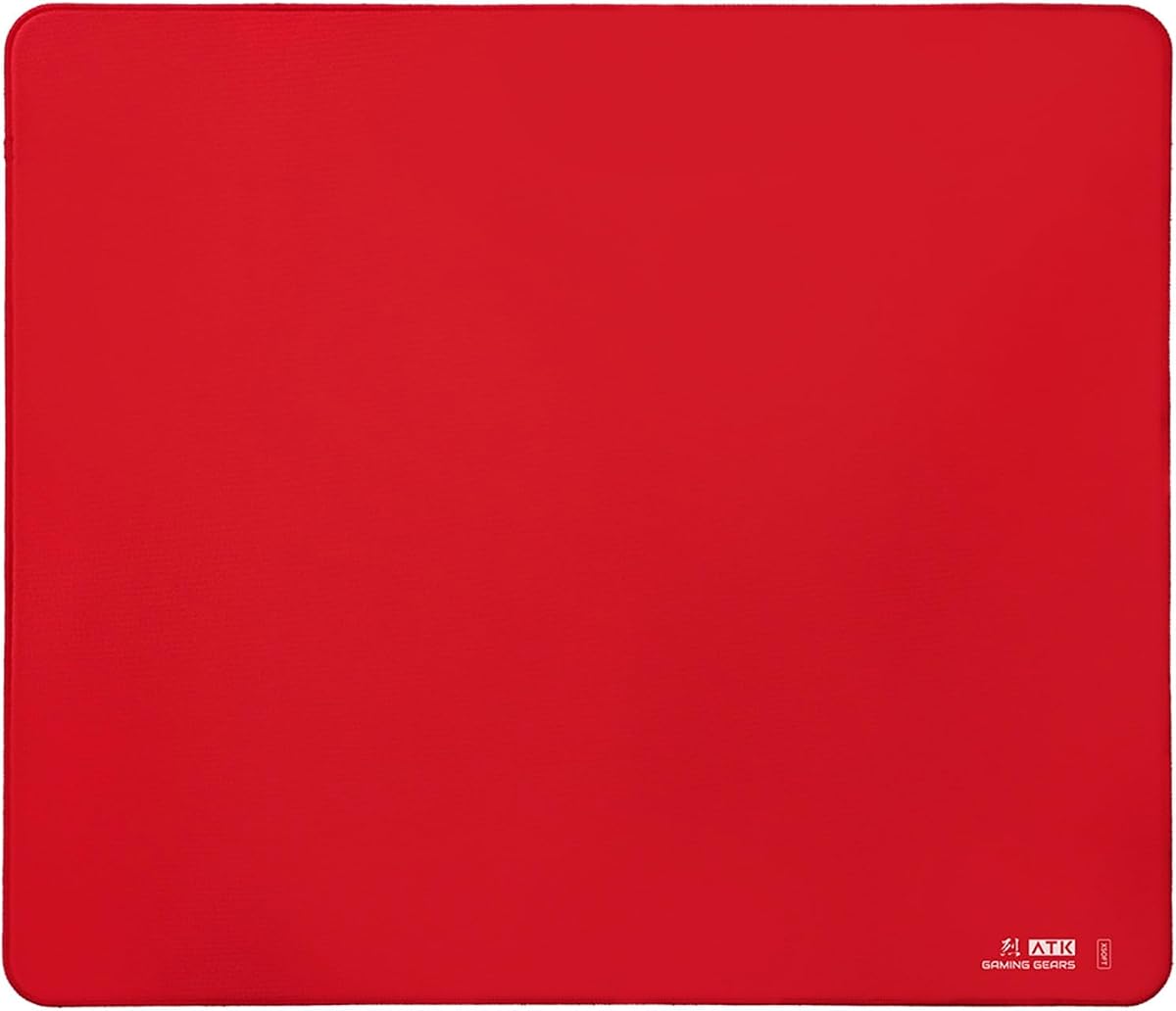
ATK Blaze XSoft Gaming Mouse Pad 490 x 420 mm – Base
5.0Editor score
Balanced composite fiber surface
XSoft custom polyurethane base
Precision recessed edge design
Choosing the right mouse pad is critical for competitive Counter-Strike 2 players. A quality surface ensures consistent tracking, smooth gliding, and precise stopping power during intense rounds. Without it, even the best hardware cannot perform at its peak potential.
We evaluated ten top-rated mouse pads specifically for CS2 performance. Our analysis covers surface texture, base stability, edge design, and overall durability. Each product was assessed on its ability to support low and high DPI styles effectively.
Each pick below highlights key features and trade-offs for different playstyles. Prices and availability may change over time so verify details before purchasing. This list aims to streamline your decision process with honest comparisons and expert insights.
5.0Editor score

4.7Editor score

4.5Editor score
As an Amazon Associate we earn from qualifying purchases.
The following table provides a side-by-side comparison of all ten selected mouse pads. It highlights key specifications and unique attributes to help you identify the best fit for your specific gaming needs and desk environment.


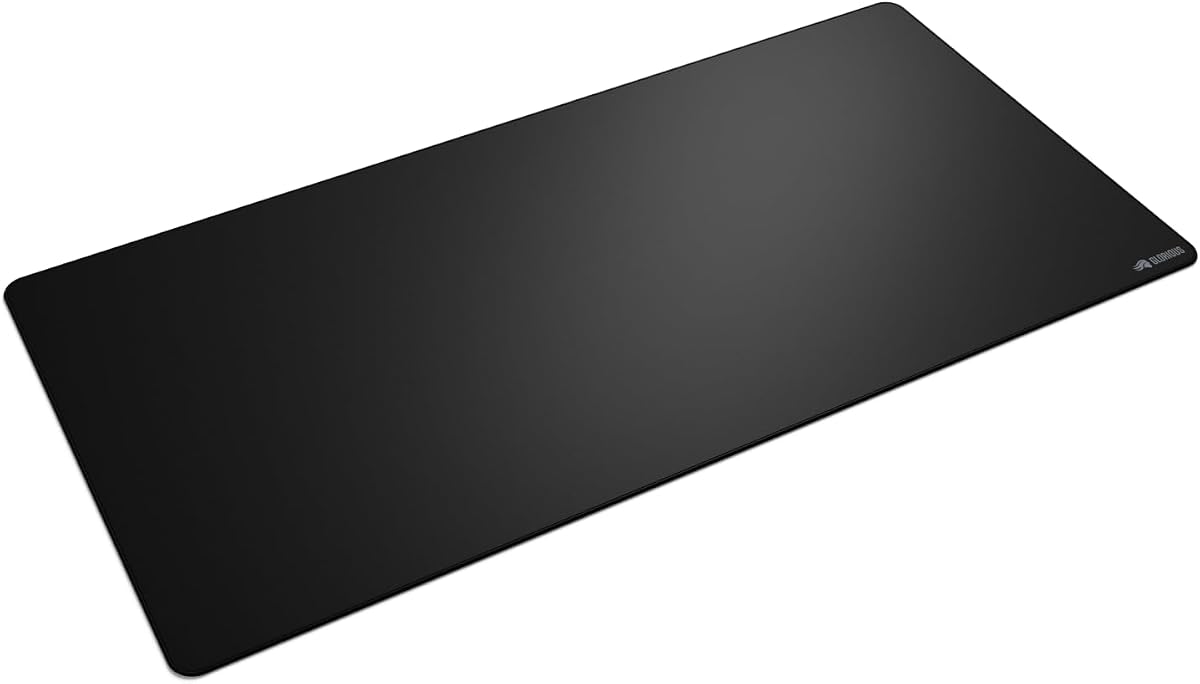

The Razer Gigantus V2 Soft Gaming Mouse Pad is a top-tier choice for Counter-Strike 2 players seeking reliable performance. With a 4.7 rating, this pad offers a textured micro-weave cloth surface that ensures pixel-precise accuracy across various sensors.
We may earn a commission when you buy through this link, at no additional cost to you.
Its high-density rubber foam base keeps the mat uniformly flat even on imperfect surfaces. This stability is crucial for consistent mouse movements during clutch plays where precision determines victory or defeat in competitive matches.
The anti-slip base ensures the pad stays in place during intense gaming sessions. While it carries a slightly higher price than generic options, the build quality and performance justify the investment for serious players.
This pad is ideal for players who prioritize consistent tracking and a smooth feel. Its large size accommodates wide arm movements, making it perfect for those who use lower DPI settings or prefer expansive desk setups.
The textured micro-weave cloth surface delivers a smooth yet controlled glide that minimizes friction inconsistencies.
High-density rubber foam prevents curling and warping, ensuring the pad maintains its shape and flatness over time.
We may earn a commission when you buy through this link, at no additional cost to you.
The ATK Blaze XSoft Gaming Mouse Pad earns its budget designation without compromising performance. Boasting a perfect 5.0 rating, it features a balanced composite fiber surface that offers both low static and dynamic friction for smooth adjustments.
We may earn a commission when you buy through this link, at no additional cost to you.
The proprietary Composite Blend Fiber Weave ensures homogeneous texture for reliable stopping power. This balance is ideal for FPS games like CS2 where you need quick micro-adjustments and consistent tracking across different sensor types.
Its XSoft custom polyurethane base provides soft cushioning with responsive rebound. This design reduces wrist fatigue during long sessions while ensuring the pad does not slip around on your desk during intense gameplay.
Perfect for players on a budget, this pad also offers a minimalist design that fits any setup. The precision recessed edge design prevents fraying and maintains comfort for those using claw or fingertip grips.
The balanced composite fiber surface delivers low static friction for smooth moves and controlled dynamic friction for stopping.
The XSoft base offers soft cushioning with responsive rebound, reducing wrist fatigue during long gaming sessions significantly.
We may earn a commission when you buy through this link, at no additional cost to you.
The Pulsar Gaming Gears Superglide Pad v3 represents the premium end of the CS2 mouse pad market. Its alumino-silicate glass surface provides exceptional durability and a refined texture engineered for ultra-fast glide and precision control.
We may earn a commission when you buy through this link, at no additional cost to you.
This Type-S surface delivers extremely low friction for rapid flicks and seamless mouse movement. For competitive FPS players who need speed and consistency, this hard surface offers a distinct advantage over traditional cloth options.
Soft R-edge machining reduces wrist discomfort by removing sharpness during extended gaming sessions. The fully molded high-density silicone rubber base grips the desk securely to prevent slips or unwanted movement during intense gameplay.
This pad is ideal for those seeking a high-performance upgrade with custom options. It includes precision dots to customize glide and control, making it a versatile choice for enthusiasts building a custom competitive setup.
The alumino-silicate glass surface ensures scratch resistance and a refined finish that supports ultra-fast glide and precision.
Included UHMW-PE mouse dot skates allow you to adjust friction and control for a personalized gaming experience.
We may earn a commission when you buy through this link, at no additional cost to you.
This glass mouse pad offers a balanced option for FPS players who need both smooth glide and reliable stopping power. The micro-etched glass surface provides consistent tracking for controlled flicks and precise aim in games like CS2.
We may earn a commission when you buy through this link, at no additional cost to you.
Unlike cloth pads, this surface resists humidity, sweat, and wear for long-term consistency. The non-porous glass wipes clean in seconds without absorbing dust, making it ideal for daily use with minimal maintenance required.
The stable 3mm tempered glass construction ensures durability. A dense anti-slip silicone base keeps it firmly in place during fast movements and competitive gameplay while maintaining a premium solid feel.
Ideal for gamers and creators alike, this pad features a sleek matte finish that fits naturally into any desk setup. It supports precise mouse movement for both work and play without sacrificing aesthetic appeal.
The micro-etched glass texture resists humidity, sweat, and wear for long-term consistency unlike cloth pads.
The waterproof non-porous glass surface wipes clean in seconds without absorbing dust, sweat, or pet hair.
We may earn a commission when you buy through this link, at no additional cost to you.
This white glass mouse pad offers a balanced option for FPS players who need both smooth glide and reliable stopping power. The micro-etched glass surface provides consistent tracking for controlled flicks and precise aim in games like CS2.
We may earn a commission when you buy through this link, at no additional cost to you.
Unlike cloth pads, this surface resists humidity, sweat, and wear for long-term consistency. The non-porous glass wipes clean in seconds without absorbing dust, making it ideal for daily use with minimal maintenance required.
The stable 3mm tempered glass construction ensures durability. A dense anti-slip silicone base keeps it firmly in place during fast movements and competitive gameplay while maintaining a premium solid feel.
Ideal for gamers and creators alike, this pad features a sleek matte finish that fits naturally into any desk setup. It supports precise mouse movement for both work and play without sacrificing aesthetic appeal.
The micro-etched glass texture resists humidity, sweat, and wear for long-term consistency unlike cloth pads.
The waterproof non-porous glass surface wipes clean in seconds without absorbing dust, sweat, or pet hair.
We may earn a commission when you buy through this link, at no additional cost to you.
The Razer Gigantus V2 L Dragon Strike offers the same high-performance features as the standard V2 but with a unique Counter-Strike 2 Dragon Lore design. It is engineered for elite competitive play with a textured micro-weave cloth surface.
We may earn a commission when you buy through this link, at no additional cost to you.
This surface ensures pixel-precise accuracy and total tracking responsiveness. The high thread count weave lets your mouse glide with ease across the mat for quick, fluid swipes essential for high-level gameplay in CS2.
Its thick, high-density rubber foam base provides stability over imperfect surfaces. This durable foundation ensures consistent mouse movements even when things get chaotic during intense competitive sessions.
This pad is perfect for fans who want to display their CS2 allegiance while maintaining top-tier performance. The anti-slip base keeps the mat firmly in place when you need to pull off clutch plays.
The Dragon Lore artwork complements the elite performance features engineered for competitive play in Counter-Strike 2.
The high thread count weave lets your mouse glide with ease across the mat for quick, fluid swipes.
We may earn a commission when you buy through this link, at no additional cost to you.
The Corsair MM PRO Control Cloth Large Gaming Mouse Pad features a surface engineered for accurate sensor tracking. It is designed to pair with high-end mice to deliver pinpoint accuracy and better performance for CS2 players.
We may earn a commission when you buy through this link, at no additional cost to you.
Its hex-patterned polyurethane base provides exceptional anti-slip grip. This ensures stability even in the most intense battles where the mouse needs to track precisely without the pad shifting.
Sloped, stitched edges are designed to be durable and minimize disruption to mouse movement. The comfortable cushioning from the thick 4mm base enhances stopping power for your mouse hand.
Ideal for professionals needing consistent aim, this pad is also hand-washable. It keeps your surface clean and tidy just like your aim, ensuring hygiene during long gaming or work sessions.
The surface is engineered for accurate sensor tracking to deliver pinpoint accuracy and better performance.
The thick 4mm base provides comfortable cushioning and enhanced stopping power for your mouse hand.
We may earn a commission when you buy through this link, at no additional cost to you.
The X-Raypad Aqua Control Plus Wave focuses on high-speed accuracy of linear trajectory. With pixel-precise accuracy tested at 96.43% for 50ips/3200DPI, it delivers excellent tracking whether moving in a straight line or turning.
We may earn a commission when you buy through this link, at no additional cost to you.
Its protruding edge design is soft and does not scratch your hand due to elastic knitted thread. Compared with traditional mousepads, the Aqua Control offers superior comfort without pain during extended use.
The knitting direction of the woven texture reduces sliding restraint on the surface. A sweat-proof design ensures the mouse surface will not affect sliding even when wet or sweaty, which is suitable for players with sweaty hands.
Designed specifically for those with high precision design software requirements, this pad improves fluency and productivity. It is made of Vietnamese natural high-purity rubber that reverts to its original shape like memory foam.
Data tests confirm pixel-precise accuracy of 96.43% for 50ips/3200DPI and 99.7% for circle track accuracy.
Made of Vietnamese natural high-purity rubber, it reverts to its original shape like memory foam.
We may earn a commission when you buy through this link, at no additional cost to you.
The Glorious Gaming Mouse Pad GMP 2 XXL provides a precision micro weave surface that gives you a smooth and swift glide without sacrificing precision. It accurately tracks movements with any mouse for consistent gameplay.
We may earn a commission when you buy through this link, at no additional cost to you.
A unique spill-resistant barrier allows liquid spills to bead up on the surface for easy cleanup. This protects the pad's smooth glide and keeps it pristine for longer without absorbing liquids.
Low-profile stitching prevents fraying edges and minimizes skin-irritation when your arm sweeps over the mousepad. The grippy rubber base locks the pad firmly in place on any surface material.
Ideal for those seeking an XXL desk mat, it offers up to 3XL sizes to suit various space and DPI preferences. This makes it a versatile choice for gaming setups requiring extensive area.
Liquid spills bead up on the surface for easy cleanup, protecting the pad's smooth glide and keeping it pristine.
Choose from a wide range of sizes to find a pad that suits your space and preferred DPI settings.
We may earn a commission when you buy through this link, at no additional cost to you.
The Air Glass Gaming Mouse Pad offers one of the thinnest glass pads on the market at just 2mm thick. This ultra-thin design seamlessly blends with your desk, preventing awkward arm elevation for hours of ergonomic gaming.
We may earn a commission when you buy through this link, at no additional cost to you.
It is engineered for FPS esports with near-zero initial friction. This fast-glide hard desk mat offers smooth fast glide, making it perfect for flick shots and tracking heavy games like Valorant and CS2.
Exclusive visual aesthetics feature high-definition artwork embedded beneath the tempered glass. This ensures the design never fades or wears down and does not affect tracking consistency, making it a centerpiece for your desk.
Trusted by top FPS creators and influencers, this pad delivers unbeatable value for a custom competitive setup. It is waterproof and sweat-resistant, ensuring performance from Day 1 to Day 1000 with consistent feel.
At just 2mm thick, the Air Series seamlessly blends with your desk, preventing awkward arm elevation and wrist fatigue.
Waterproof and sweat-resistant, it offers consistent performance from Day 1 to Day 1000 without slow spots.
We may earn a commission when you buy through this link, at no additional cost to you.
Selecting the right mouse pad requires understanding your playstyle and desk needs. This guide outlines key factors to consider for optimal performance in Counter-Strike 2.
Surface material dictates the glide and control balance. Cloth pads offer a softer feel with varying speeds, while glass pads provide consistent, fast glide that resists humidity and wear. Choose based on your preference for control versus speed.
Consider your mouse feet and sensor compatibility when selecting a material.
Size is critical for your mouse sensitivity and arm movement. Large and XL pads accommodate low DPI setups requiring wide sweeps, while standard sizes suit high DPI users with limited desk space. Ensure your desk can comfortably fit the chosen dimensions.
Measure your available desk area before purchasing to avoid fit issues.
A stable base prevents the pad from shifting during intense plays. Look for rubber or silicone bases with anti-slip properties that grip your desk surface firmly. Stability is paramount for maintaining aim during quick directional changes.
Prioritize high-density base materials that resist warping over time.
Edges can cause discomfort if they rub against your wrist during long sessions. Stitched or seamless edges should be smooth and flush with the surface to prevent irritation. This design choice impacts overall comfort during extended gaming marathons.
Inspect edge construction to ensure it minimizes skin irritation.
Thickness affects the feel and impact absorption of your mouse movements. Thicker pads offer more cushioning for wrist comfort, while thinner options feel more connected to the desk. Find a balance that suits your personal comfort preferences.
Evaluate your wrist strain levels to determine the ideal thickness.
A durable pad retains performance consistency over time. Look for materials that resist fraying, sweat, and environmental factors like humidity. Some pads are washable, which helps maintain hygiene and performance without replacement.
Check cleaning instructions to ensure the pad is easy to maintain.
Visuals matter for personalizing your gaming setup. Options range from plain black to themed artwork or RGB lighting. Choose a design that complements your desk while ensuring it does not distract from gameplay.
Balance visual appeal with functional performance to prioritize gaming utility.
Prices vary based on materials, brand reputation, and features. Determine your budget early to narrow down choices between standard and premium options. A higher price often correlates with better durability and consistency.
Invest in quality where it matters most for your specific needs.
Place your mouse pad on a clean, flat surface to ensure optimal stability and tracking. Ensure the desk is free from debris that might obstruct the pad or damage the surface during use.
Clean your mouse pad regularly with a damp cloth to remove dust and oils. Allow it to air dry completely before resuming use to prevent moisture issues that could affect performance.
Avoid placing heavy objects on the pad to prevent compression or damage to the surface. Regular inspection of edges and base grip will extend its lifespan and maintain consistent gameplay feel.
For Counter-Strike 2, a Large (450mm+) size is generally best to accommodate low DPI sweeps and wider arm movements. Medium sizes work for high DPI setups or limited desk space. Always measure your desk area before purchasing to ensure the pad fits comfortably.
Glass pads offer consistent speed and better humidity resistance, while cloth pads provide better stopping power and comfort. Your choice depends on your preference for glide versus control. Both can excel in CS2 when matched with your specific playstyle and sensitivity.
Most quality pads last two to three years with regular use. Signs of wear include fraying edges, surface texture loss, or base slipping. Replacing the pad restores consistency and ensures optimal performance for your mouse sensor.
RGB lighting adds aesthetics but is not essential for performance. Focus on surface quality and stability rather than light features for competitive play. Some RGB pads may distract visually during intense moments, so consider your preference before buying.
Use mild soap and warm water to gently scrub the surface with a soft brush. Rinse thoroughly and allow it to air dry completely before use. Avoid harsh chemicals or machine washing as these can damage the fabric and base material.
Skipping often results from surface debris, worn sensor windows, or inconsistent texture. Clean both your mouse feet and the pad. If the issue persists, the pad may have uneven wear or low-quality material affecting tracking consistency.
The base ensures stability so it does not move during swipes. While it does not directly dictate glide, a slipping base disrupts aim consistency. Prioritize rubber or silicone bases with anti-slip properties for reliable performance.
Water-resistant pads protect against spills and sweat which can damage standard cloth. They are worth the cost if you drink near your desk or sweat heavily. This durability ensures long-term performance consistency and cleanliness.
These ten mouse pads cover a wide range of performance profiles and preferences for CS2 players. Whether you choose cloth for control or glass for speed, each option has been selected for its ability to enhance gameplay.
Prioritize surface texture and base stability above aesthetics to maximize your competitive edge. Consider your DPI settings and desk dimensions to ensure the pad supports your natural arm movement.
Always verify current pricing and availability as retail details can change. Choosing the right mouse pad is a small investment that yields significant improvements in tracking and accuracy.