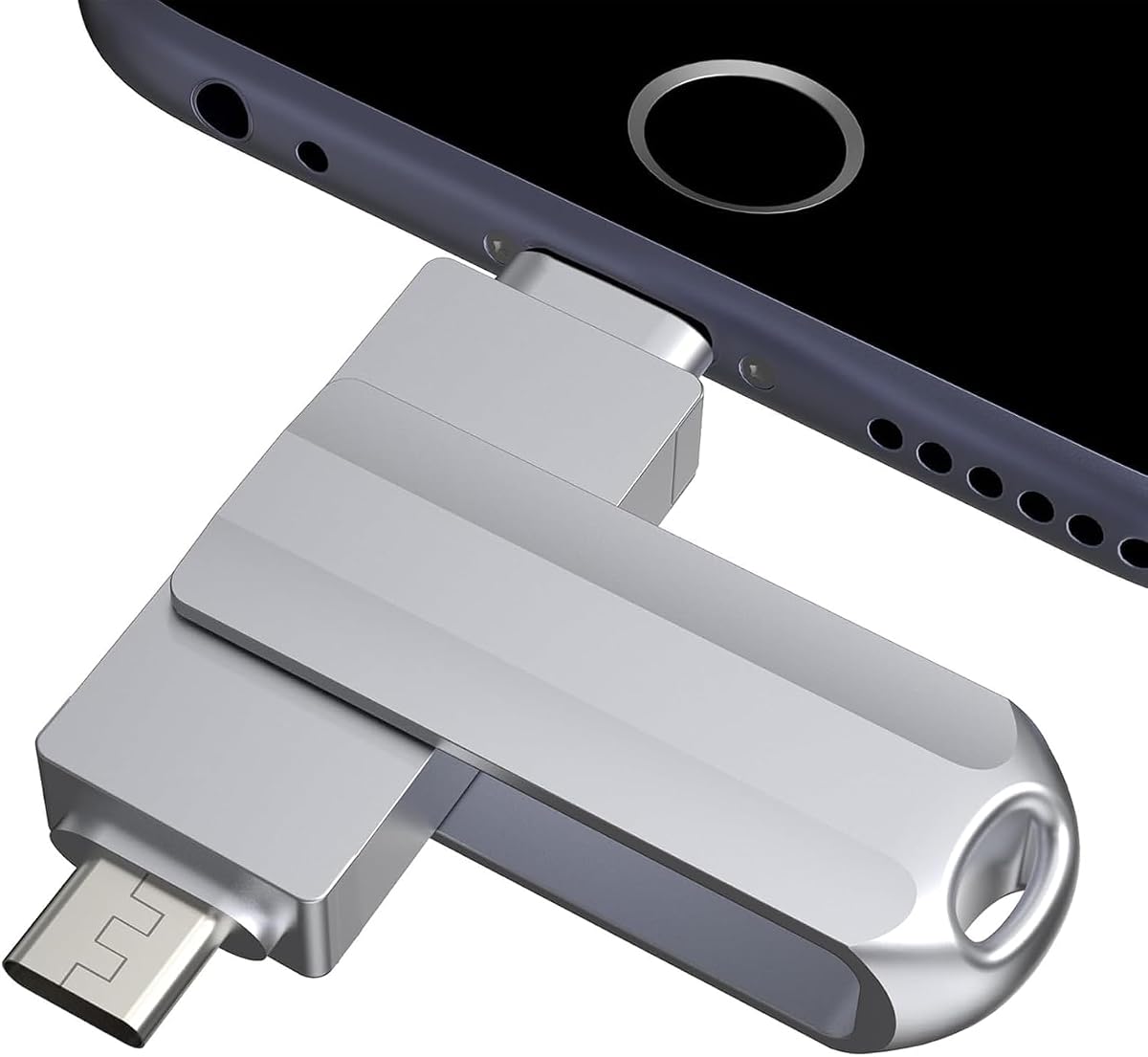
Discover the top flash drives for iPhone to expand storage instantly. This guide compares ten certified options for backup, speed, and cross-platform compatibil
As an Amazon Associate we earn from qualifying purchases. We may earn a commission when you buy through links on this page, at no additional cost to you. Read our affiliate disclosure.As an Amazon Associate we earn from qualifying purchases.Purchases through our links may earn us a commission, at no extra cost to you. Read our affiliate disclosure.
Running out of storage on your iPhone can be frustrating when you want to capture memories. A reliable flash drive solves this by offering portable space without cloud fees or internet needs.
We evaluated ten top-rated drives based on compatibility, transfer speed, and ease of use. Our analysis focuses on MFi certification, app support, and durability for everyday mobile storage needs.
Each pick below highlights key specs and real-world performance. Note that prices and availability change frequently, so check the current listings before making your final decision today.
Top 3 Picks for Best Flash Drives for iPhone
Best Budget
MFi Certified USB 3.0 Flash Drive 128GB for iPhone, 3in1 External Memory Photo Keeper Storage Stick for Picture/Video/Data Saver/Backup, High Speed Thumb/Jump/Hard Drives for iPhone/iPad/Android/PC
Top 10 Best Flash Drives for iPhone in 2026 Compared
This side-by-side comparison highlights the key specifications of each drive to help you find the perfect match for your storage needs and device type.
ProductsSpecificationsEditor scorePrice
1
Editor's Choice
USB Flash Drive for iPhone/iPad, MFi Certified 3in1, 256GB, Silver
MFi Certified USB 3.0 Flash Drive 128GB for iPhone, 3in1 External Memory Photo Keeper Storage Stick for Picture/Video/Data Saver/Backup, High Speed Thumb/Jump/Hard Drives for iPhone/iPad/Android/PC
MFi Certified Flash Drive 256GB for iPhone Thumb Drive Photo Stick, High Speed USB Memory Stick iPhone Flash Drive for Photos Videos, External Storage Jump Drive for iPhone/iPad/Android/PC (Blue)
MFi Certified 256GB Flash Drive for iPhone Photo Stick, USB Memory Stick High Speed iPhone Flash Drive, External Memory Storage USB Stick Thumb Drive for iPhone/iPad/Android/PC (Metallic Silver)
EATOP 256GB Flash Drive Intended for iPhone iPad, USB Photo Stick for Photo & Video Backup, External Phone Memory Storage, No App Required, Compatible with iOS, Android & PC, Rose Pink
USB Flash Drive for iPhone/iPad, MFi Certified 3in1, 256GB, Silver
256GB capacity
MFi certified
Metal housing
One-click backup
This drive leads our list with its robust MFi certification and versatile three-in-one connectivity. It offers a seamless way to back up photos and videos on your iPhone while freeing up valuable internal storage space.
Pros
MFi certified for iOS
Fast data transfer speeds
Includes keychain design
Secure encryption options
Durable metal build
Cons
Requires app for iOS
Higher price point
We may earn a commission when you buy through this link, at no additional cost to you.
The high read and write speeds ensure that large files like 4K videos transfer quickly without frustrating delays. The app supports one-click backup and sharing, which simplifies the process for users who want efficiency.
You must download the U-Disk app for iOS which adds a small step compared to plug and-play options. This requirement ensures security but may deter users looking for the simplest possible experience.
It is an ideal pick for professionals who need secure encryption and reliable storage across iPhone iPad and Android devices. The build quality and keychain make it a durable daily driver for your data.
Secure Data Protection
You can encrypt files with Touch ID or passcodes to keep personal data safe from unauthorized access.
Cross-Platform Flexibility
Connect to Windows Mac and Android without issues thanks to the universal USB Type-C and Lightning interfaces.
MFi Certified USB 3.0 Flash Drive 128GB for iPhone, 3in1 External Memory Photo Keeper Storage Stick for Picture/Video/Data Saver/Backup, High Speed Thumb/Jump/Hard Drives for iPhone/iPad/Android/PC
128GB capacity
Lightning and USB C
Metal durable build
One-click share
For users seeking a balance of performance and cost this drive delivers MFi certified reliability at a lower price. It is perfect for expanding storage on older iPhones without breaking the bank.
Pros
Affordable price point
MFi certification included
Compact lightweight design
Supports OTG Android
Easy media sharing
Cons
Lower capacity than top picks
Relies on app for iOS
We may earn a commission when you buy through this link, at no additional cost to you.
The three-in-one connectors allow you to transfer files between your phone and computer effortlessly. The dedicated app streamlines photo backup so you can reclaim space immediately after a trip.
The 128GB limit might fill up quickly if you store many videos or large apps. You should assess your storage needs before choosing this over higher capacity alternatives.
This is the smart choice for students or casual users who need extra space for photos and documents. Its portability and price make it a great backup tool for daily use.
Budget Friendly Performance
You get reliable transfer speeds and secure data handling without paying for premium features you might not need.
Universal Compatibility
The drive works with PC Mac and Android so your data remains accessible across your entire ecosystem.
SANDISK 256GB Phone Drive for iPhone USB-C Lightning Dual Connector
256GB capacity
USB-C and Lightning
Memory Zone app
Encryption enabled
SanDisk offers a premium solution that bridges the gap between older Lightning devices and the new USB-C iPhones. The Memory Zone app provides a polished interface for managing your files and backups.
Pros
Native support for iPhone 15
Dedicated backup app
Automatic backup option
Secure encryption features
Trusted brand quality
Cons
Premium pricing
App required for full features
We may earn a commission when you buy through this link, at no additional cost to you.
Automatic backups ensure you never lose photos even when your phone storage is low. The encryption tools allow you to lock sensitive documents so only you can access them.
The price is higher than generic alternatives but you pay for reliability and brand support. If you want a seamless experience with minimal troubleshooting this drive is worth the investment.
Choose this if you own an iPhone 15 or want a high-quality backup solution that grows with Apple. It is ideal for users who value security and a polished software experience.
Seamless iPhone 15 Support
The USB-C connector works natively with newer models providing fast and stable connections without adapters.
Advanced Backup Control
You can choose partial backups if your storage is limited ensuring your most important files are safe.
Lexar D50E 128GB Solid State Dual Drive, Up to 400MB/s Read 360MB/s Write
128GB capacity
400MB/s read speed
USB-A and USB-C
Lexar App
Speed is the defining feature of this Lexar drive. It uses flash technology to transfer files four times faster than standard USB 3.0 sticks which saves time when moving large datasets.
Pros
Extremely fast transfer speeds
Solid state design
Durable metal housing
No software required on PC
Up to 1TB capacity
Cons
Limited to 128GB in this unit
No Lightning connector
We may earn a commission when you buy through this link, at no additional cost to you.
The metal housing protects the drive from drops and environmental factors. This durability makes it suitable for travel or field work where devices might face rough handling.
It lacks a Lightning connector so it is best for USB-C iPhones or Mac users. iPhone 14 and older users will need an adapter to connect this drive to their device.
If your priority is moving files quickly between devices this drive offers high performance at a reasonable price. It is excellent for content creators who work with large video files daily.
High Speed Performance
Transfer huge 4K video files or photo libraries in minutes rather than hours thanks to the fast solid state speed.
Robust Build Quality
The metal enclosure and dual connectors are built to withstand wear and tear for long term reliability.
MFi Certified Flash Drive 256GB for iPhone Thumb Drive Photo Stick, High Speed USB Memory Stick iPhone Flash Drive for Photos Videos, External Storage Jump Drive for iPhone/iPad/Android/PC (Blue)
256GB capacity
Retractable design
Multi port support
App encryption
This drive features a unique retractable mechanism that protects the Lightning and USB connectors when not in use. The design adds a layer of durability and convenience for carrying in a pocket.
Pros
Protects connectors inside
Includes keychain
MFi certified for safety
High capacity storage
Direct media playback
Cons
Retractable mechanism can wear
App required for iOS
We may earn a commission when you buy through this link, at no additional cost to you.
You can plug it directly into your iPhone to back up photos instantly. The app supports file encryption and direct playback so you can watch movies without using phone storage.
The retractable sliders may feel less robust over time compared to capped models. Users should handle the connectors with care to ensure longevity.
For those who want a compact and secure drive that fits on a keychain this is a strong candidate. It offers a good mix of capacity and portability for everyday backup needs.
Connector Protection
Sliding the connectors inside shields them from dust and physical damage which extends the life of the drive.
Versatile Connectivity
Supports USB Lightning Micro USB and Type-C so you can share data with almost any modern device.
Lexar D40E 128GB Dual USB 3.2 Gen 1 Type-C Jump Drive, Champagne Silver
128GB capacity
USB-A and Type-C
Swivel design
3-year warranty
The Lexar D40E simplifies data transfer with its swivel design that eliminates the need for caps. It is a reliable option for modern USB-C devices and traditional USB-A computers.
Pros
Durable swivel design
No loose caps to lose
Fast 100MB/s transfer
Metal enclosure
3-year limited warranty
Cons
No Lightning port
Requires OTG for older Android
We may earn a commission when you buy through this link, at no additional cost to you.
The 100MB/s transfer speed ensures efficient file management for photos and documents. The metal build provides protection and heat resistance for consistent performance.
Users with older iPhones will need a separate adapter since this drive lacks a Lightning connector. It is better suited for newer USB-C phones and laptops.
If you want a robust drive with a solid warranty and easy to use design this model is a great choice. It is ideal for professionals who frequently move data between Mac and PC.
Convenient Swivel Mechanism
Rotate the connectors without worrying about losing protective caps which keeps the drive always ready to use.
Strong Warranty Support
The three-year limited warranty gives you peace of mind that the drive is backed by a reputable manufacturer.
512GB Flash Drive for iPhone/iPad, USB-C Photo Stick with USB-A Adapter
512GB capacity
USB-C and iOS
USB-A adapter
mFlash App
For users with extensive photo and video collections this 512GB drive provides ample space. It is perfect for those who do not want to pay for cloud storage subscriptions.
Pros
Massive storage space
Ideal for media libraries
Includes USB-A adapter
Works on iPhone and iPad
Simple file management
Cons
Requires mFlash App
Higher price
We may earn a commission when you buy through this link, at no additional cost to you.
The included USB-A adapter makes it easy to connect to older laptops or computers. The mFlash app helps organize your media and keeps your phone storage free.
The 512GB capacity is a significant investment but necessary for heavy media users. Ensure you check compatibility with your iOS version before purchasing.
This is the best option for travelers or videographers who need to carry large files. The high capacity and reliable connectivity make it a powerful tool for digital storage.
Large File Support
Store thousands of photos or hours of 4K video without worrying about running out of space on the drive.
Portable Library
Take your entire media library with you and stream movies directly from the drive on your phone.
MFi Certified 256GB Flash Drive for iPhone Photo Stick, USB Memory Stick High Speed iPhone Flash Drive, External Memory Storage USB Stick Thumb Drive for iPhone/iPad/Android/PC (Metallic Silver)
256GB capacity
Metallic silver finish
MFi certified
App encryption
This drive offers a sleek metallic design that matches modern devices while providing rugged protection. It is certified for iOS which ensures reliable performance without connection issues.
Pros
Premium metal finish
Waterproof and dustproof
Lightning USB and Type-C
MFi certified
Direct media playback
Cons
App needed for iOS
Slower read speed
We may earn a commission when you buy through this link, at no additional cost to you.
The waterproof and dustproof features make it suitable for outdoor use or harsh environments. You can watch videos directly from the drive which is convenient for entertainment on the go.
The read speed is moderate compared to solid state options so large file transfers may take longer. For general backup tasks this speed is usually sufficient.
Choose this if you value a durable build and a professional look. It is a solid everyday drive for users who need consistent performance across multiple platforms.
Rugged Protection
The metal housing and seals keep moisture and dust away from the internal components to ensure longevity.
Cross Platform Use
Connect to PC Android and iOS easily so you can access your files wherever you are.
SSK 256GB USB C Flash Thumb Drive up to 550MB/s Dual USB C+A Memory Stick
256GB capacity
USB-C and USB-A
550MB/s read
No app needed
This SSK drive is designed for speed and simplicity. It works as a true plug and play device on Android and PC without needing any software installation.
Pros
Extremely fast speeds
No app required
Durable zinc alloy
Wide compatibility
Plug and play
Cons
No Lightning port
Requires OTG for older devices
We may earn a commission when you buy through this link, at no additional cost to you.
With read speeds up to 550MB/s it handles large files effortlessly. This makes it a great choice for transferring high resolution videos or heavy datasets quickly.
Since it lacks a Lightning port it is not for older iPhones. You will need an adapter or a different drive for iOS devices before iPhone 15.
For Android users or PC users who need a fast and reliable USB-C drive this is an excellent choice. The build quality ensures it stays durable even with frequent use.
Blazing Fast Transfer
Move large files ten times faster than standard USB 3.0 drives saving you valuable time on daily tasks.
Universal Plug and Play
No installation is required so you can use the drive on Windows Mac and Android immediately.
EATOP 256GB Flash Drive Intended for iPhone iPad, USB Photo Stick for Photo & Video Backup, External Phone Memory Storage, No App Required, Compatible with iOS, Android & PC, Rose Pink
256GB capacity
No app for iOS
USB and Micro USB
Files app support
This drive stands out because it works with iOS without requiring a third-party app. You can manage files directly through the native Files app which simplifies the user experience.
Pros
No app needed for iOS
Simple file access
Multiple connector options
Affordable price
Compatible with Android
Cons
Slower transfer speeds
Basic design
We may earn a commission when you buy through this link, at no additional cost to you.
It supports multiple interfaces including USB and Micro USB so it is versatile for different devices. The setup is straightforward and ideal for users who prefer simplicity.
The transfer speeds are modest compared to premium drives which may slow down large backups. However it is adequate for photos and documents.
Choose this if you want a hassle-free experience without installing extra apps. It is a practical choice for casual users who need occasional storage expansion.
Native File Support
Use the built-in Files app on iPhone to browse and move files without downloading anything from the App Store.
Easy Setup
Plug it in and start transferring files immediately without any configuration or software installation steps.
We may earn a commission when you buy through this link, at no additional cost to you.
Buying Guide – How to Choose the Best Flash Drives for iPhone
Selecting the right drive depends on your specific device and storage needs. This section outlines key factors to consider before purchasing.
Connectivity and Compatibility
Ensure the drive matches your iPhone port. Newer models use USB-C while older ones use Lightning. Some drives offer dual connectors or adapters.
Check that the drive supports your iOS version and device type to avoid connection issues.
MFi Certification
MFi certification guarantees that the drive meets Apple standards for safety and performance. Non-certified drives may cause errors or damage.
Always look for MFi labels to ensure reliable and secure operation with your iPhone.
Storage Capacity
Determine how much space you need based on your file types. Photos require less space than videos. Common sizes range from 128GB to 512GB.
Choose a capacity that fits your backup habits without excessive unused storage.
Transfer Speed
High read and write speeds save time when moving large files. Look for drives with USB 3.0 or higher performance ratings.
Faster drives improve efficiency for professional use and frequent backups.
Build Quality and Durability
Durable materials like metal protect the drive from drops and wear. Some models are waterproof or dustproof for harsh environments.
Choose a robust design to extend the life of your drive during daily use.
Software and App Support
Many drives use apps for backup and encryption. Decide if you prefer these features or plug and play simplicity.
Apps add convenience but require installation. Ensure the app is easy to use and supported.
Price and Value
Prices vary by capacity and features. Higher prices often reflect better build quality and faster speeds.
Balance cost with performance to find the best value for your needs.
Cross Platform Support
Consider if you need to access files on Android or PC. Multi-platform drives save the need for multiple accessories.
Check compatibility with your computer systems to ensure seamless file sharing.
How to Use and Care for Your Flash Drives for iPhone
Insert the drive into your iPhone port ensuring a firm connection. If using an app download it first from the App Store.
Open the drive app or Files app to access your files. Copy photos or videos to the drive to free up space on your phone.
Store the drive in a cool dry place when not in use. Avoid exposing it to extreme heat or moisture to maintain its performance and longevity.
Frequently Asked Questions
Do I need an app to use a flash drive on iPhone?
It depends on the model. Some drives require a dedicated app for backup and management. Others work directly with the native Files app without installation.
Can I watch videos directly from the drive?
Most drives allow direct playback of media files. Check the app features to ensure your video formats are supported for smooth streaming.
Will a flash drive work with older iPhone models?
Yes if it has a Lightning connector. Newer models use USB-C so ensure compatibility with your specific phone generation before purchasing.
How do I back up my photos to the drive?
Open the drive app and select the backup option. Choose your photo library and confirm to copy files to the drive automatically.
Are flash drives for iPhone secure?
Many offer encryption features to protect your data. Use passcodes or biometrics to keep sensitive files safe from unauthorized access.
Can I use the drive on my computer?
Yes most drives support USB ports on Windows and Mac. Simply plug the USB end into your computer to access your stored files.
Final Thoughts on Choosing the Best Flash Drives for iPhone
We highlighted ten top picks ranging from budget-friendly options to premium high-speed solutions. Each offers unique strengths for expanding your iPhone storage effectively.
Prioritize MFi certification and connectivity matching to ensure seamless performance. Consider your specific capacity needs and file types for the best choice.
Prices and stock fluctuate frequently so verify current listings before buying. This ensures you get the best value and compatibility for your device today.
This guide compares the top ten long range WiFi extender models for seamless home coverage, speed, and security across indoor and outdoor environments in…