
Infomir MAG544w3 4K Linux Set-Top Box
4.0Editor score
Quad-Core ARM Cortex-A35 Processor
Ultra HD 4K & HDR Support
Dual-Band Wi-Fi Connectivity
This guide compares the top freeview box models for October 2026 to help you find the best digital converter for your home TV setup.
Finding the right freeview box can transform your television viewing experience by unlocking access to local channels and digital content. Modern devices offer features like recording and high-definition playback to suit various needs.
We evaluated ten top-rated products based on performance, connectivity, and ease of use. Our analysis covers converter boxes and smart set-top solutions to ensure you get the best value for your setup.
Each pick highlights key specifications and real-world benefits to help you decide quickly. Please note that availability and pricing may change frequently, so check current listings before purchasing your preferred model.
4.0Editor score

3.9Editor score

3.8Editor score
The following table provides a side-by-side look at the key specifications and capabilities of each model to help you compare options efficiently.


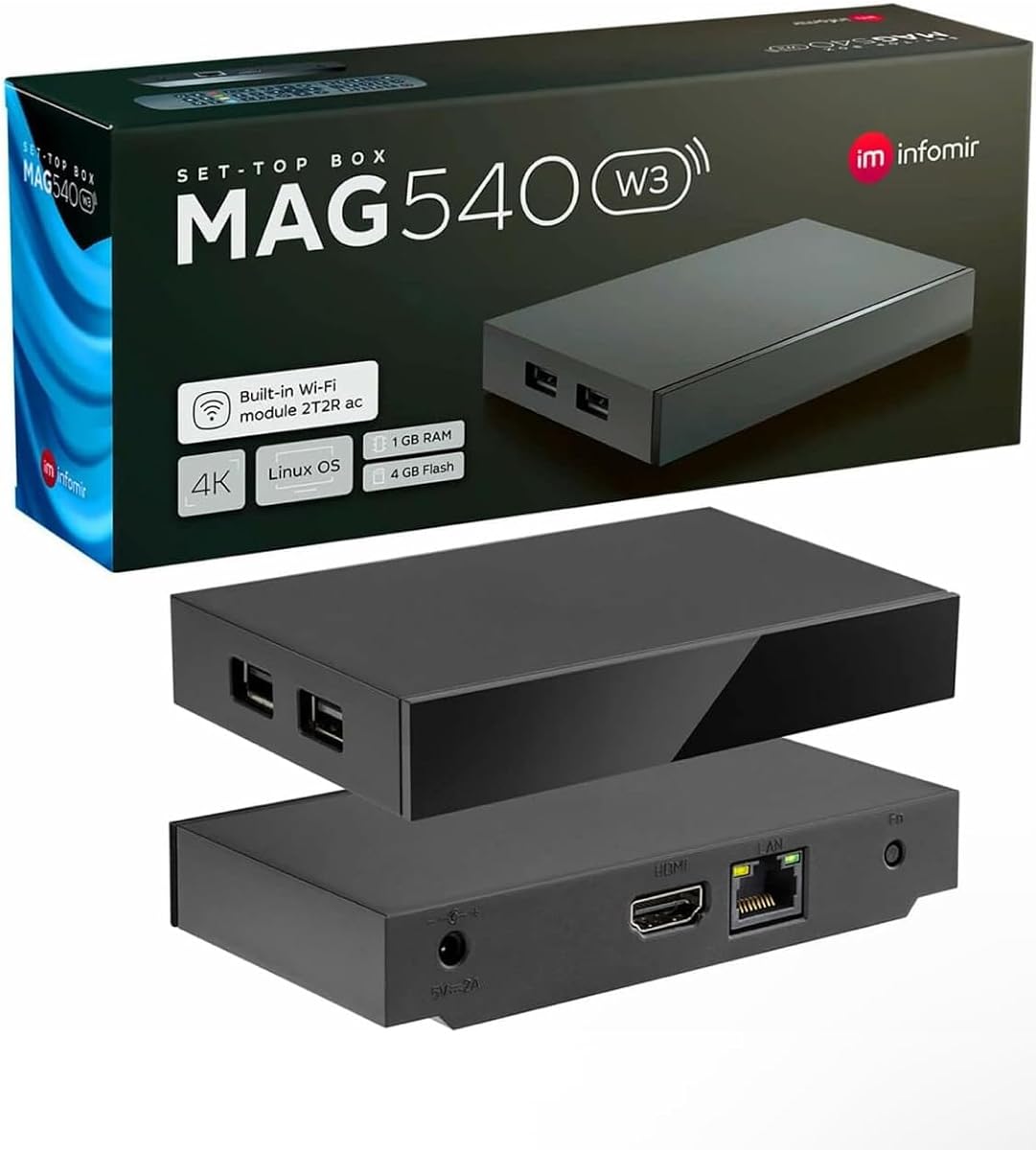


The Infomir MAG544w3 stands out as a high-performance choice for users seeking premium streaming capabilities. With a rating of 4.0, it delivers smooth playback and robust connectivity options for modern setups.
We may earn a commission when you buy through this link, at no additional cost to you.
Powered by an Amlogic S905Y4-B chipset, this box handles 4K content effortlessly. Its dual-band Wi-Fi ensures stable connections while HDMI 2.1 supports high-speed video output for cutting-edge displays.
While it offers superior performance, the Linux ecosystem is optimized for specific operator applications. Users looking for general media flexibility might find the interface more specialized than typical Android boxes.
This model is ideal for home cinema enthusiasts who value quality over cost. Its technical specifications make it a top contender for those upgrading their viewing experience significantly.
The hardware supports HEVC and AV1 codecs for efficient high-quality playback.
Dual-band Wi-Fi and Ethernet ports provide reliable network integration.
We may earn a commission when you buy through this link, at no additional cost to you.
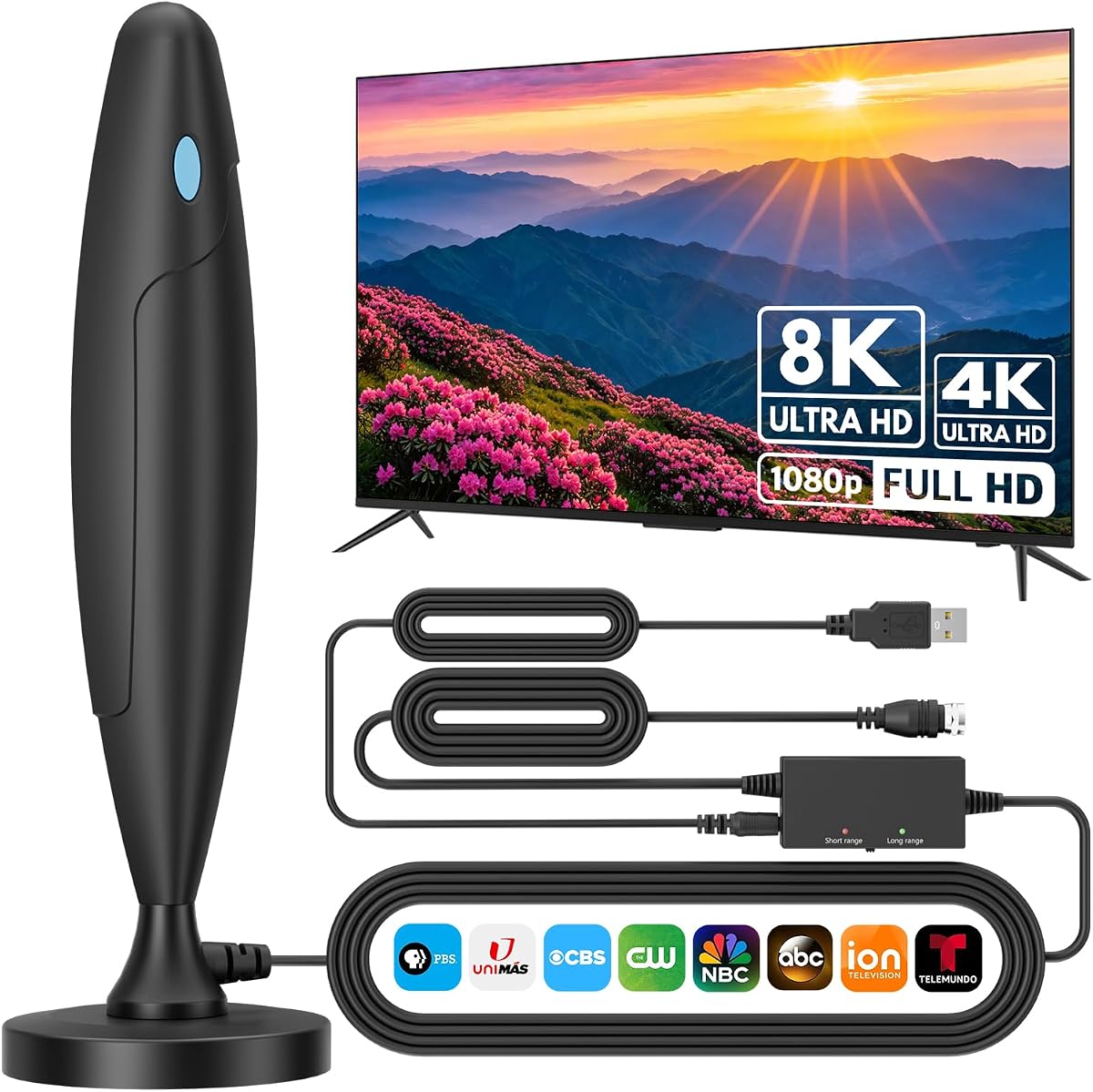
This indoor antenna offers a budget-friendly way to access free local HD channels without cable. It rates 4.2 stars and includes a smart IC chip to filter out interference for clearer reception.
We may earn a commission when you buy through this link, at no additional cost to you.
The antenna supports both short and long-range modes to adapt to your distance from broadcast towers. Users appreciate the ability to switch modes easily to optimize signal quality before scanning.
Performance varies based on location and building materials. Proper placement near a window is crucial for best results, especially in areas with weaker signal coverage or interference.
It is a great choice for those wanting to cut costs while keeping local news and sports. Pairing it with a digital converter box enhances compatibility with older television models.
Select short or long-range modes to match your distance from broadcast towers.
The smart IC chip enhances gain to filter out cellular interference.
We may earn a commission when you buy through this link, at no additional cost to you.
The ZJBOX converter box is an affordable solution for watching digital broadcasts on older TVs. It offers 1080p output and supports recording programs to external USB storage devices for later viewing.
We may earn a commission when you buy through this link, at no additional cost to you.
Users can enjoy live TV and recorded content via HDMI or composite outputs. The included HDMI cable makes setup straightforward for most modern televisions and monitors.
Note that it requires an external antenna and storage drive to function fully. Firmware updates are infrequent, so it is best for basic usage rather than advanced features.
This box is perfect for budget-conscious users needing to maintain analog TV compatibility. It provides essential digital conversion without unnecessary complexity or high cost.
Record TV programs to a USB hard drive for future playback.
Delivers clear 1080p resolution for compatible displays.
We may earn a commission when you buy through this link, at no additional cost to you.
This iView converter box handles digital air channels and supports ClearQAM for cable providers. It includes a digital clock and media playback features for a versatile viewing experience.
We may earn a commission when you buy through this link, at no additional cost to you.
Users can save TV programs for later and play media files from USB drives up to 4TB. The new firmware update improves overall performance and addresses existing issues effectively.
It works exclusively in USA, Canada, and Mexico regions, limiting global use. The design is straightforward, focusing on essential functions rather than smart connectivity.
Ideal for households needing a simple box to keep older TVs functional. It bridges the gap between analog and digital worlds without requiring a new TV purchase.
Watch unscrambled cable channels directly using the built-in tuner.
Use the USB port to play videos music and photos easily.
We may earn a commission when you buy through this link, at no additional cost to you.
The OWERSLYN box is designed for convenience with a compact form factor that hides easily behind TVs. It supports 1080P HD resolution and includes both HDMI and RCA cables for flexibility.
We may earn a commission when you buy through this link, at no additional cost to you.
Its 2-in-1 remote features a learning function to control other devices easily. Real-time DVR recording lets you schedule shows without needing a separate subscription service.
While effective for digital broadcasts, it requires an external antenna for signal reception. It is not a cable replacement but works perfectly for free over-the-air channels.
This is a strong choice for anyone wanting a neat digital setup without clutter. The included accessories and support make it a hassle-free purchase for users.
Its mini size lets you hide it neatly behind your TV.
Choose between HDMI and RCA outputs based on your TV.
We may earn a commission when you buy through this link, at no additional cost to you.
This latest MAG model features a high-performance 4K streaming box with an upgraded CPU. It is designed for users needing robust processing power for modern media consumption.
We may earn a commission when you buy through this link, at no additional cost to you.
The ARM Cortex-A35 CPU ensures smooth playback and quick response times. Users looking for professional-grade set-top capabilities will appreciate its reliable Linux-based system.
While it lacks detailed public specs in some areas, it is optimized for official operator applications. It is suitable for specific integration needs rather than general consumer apps.
Choose this if you need a reliable high-performance box for specialized setups. Its power makes it capable of handling demanding tasks efficiently.
The Cortex-A35 upgrade delivers speed for modern apps.
We may earn a commission when you buy through this link, at no additional cost to you.
This antenna adds durability to your digital setup with built-in surge protection and a strong magnet. It supports VHF and UHF bands to capture local channels effectively.
We may earn a commission when you buy through this link, at no additional cost to you.
The 8-stage filter system blocks interference to ensure stable 4K or 1080P images. Users benefit from the rugged design that withstands electrical spikes and physical stress.
It is a great option for renters who need portable and flexible placement options. The UV-resistant shell and flame-retardant cable add long-term value to your viewing experience.
Pair this with a converter box for maximum compatibility with older TVs. It is a reliable investment for consistent signal quality in various environments.
Built-in surge protection prevents damage from electric shocks.
The strong magnet base allows easy placement anywhere.
We may earn a commission when you buy through this link, at no additional cost to you.
The DP CTCB105 is a basic converter that handles over-the-air digital signals. It provides essential functions for watching local channels on analog sets.
We may earn a commission when you buy through this link, at no additional cost to you.
It includes DVR capabilities for recording programs on external drives. The design focuses on simplicity for users who need a no-frills solution.
While it works for basic needs, it may lack advanced features found in modern boxes. Users should ensure it meets their specific connectivity requirements.
This model serves well for those needing a straightforward signal converter. It gets the job done without requiring complex configurations or extra costs.
Record TV shows for future playback on USB storage.
We may earn a commission when you buy through this link, at no additional cost to you.
This updated version includes new firmware to enhance performance and resolve issues. It retains the core functions of recording and media playback for daily use.
We may earn a commission when you buy through this link, at no additional cost to you.
ClearQAM compatibility allows viewing unscrambled cable channels without extra equipment. Users can enjoy a digital clock and storage for future viewing programs.
It remains a practical choice for North American regions needing reliable conversion. The firmware update ensures better stability than previous iterations.
Choose this for a dependable box with essential features. It balances cost and functionality for households needing a simple digital solution.
New firmware enhances overall performance and stability.
We may earn a commission when you buy through this link, at no additional cost to you.
This Mediasonic box features a metal case for durability and a front display for easy channel viewing. It supports 1080P HDMI and Dolby Digital Audio for quality output.
We may earn a commission when you buy through this link, at no additional cost to you.
Clear QAM allows watching unencrypted cable channels alongside over-the-air broadcasts. Users can record and pause live TV with an external hard drive for storage.
Note that it does not support ATSC 3.0 or TIVO systems. It is best suited for standard digital broadcasts and basic multimedia needs.
It is a solid option for those valuing build quality. The front display adds convenience, making it a practical choice for everyday viewing.
The metal casing provides durability for long-term use.
Shows channel numbers and clock in standby mode.
We may earn a commission when you buy through this link, at no additional cost to you.
Choosing the right device requires understanding key features that match your specific TV setup and viewing habits.
Ensure the box supports at least 1080p output for clear viewing. Modern 4K models are available for those with compatible high-definition TVs.
Match the resolution to your display to get the best picture quality.
Look for models with USB recording if you want to save shows. External hard drives are typically required for storing recorded programs.
Check drive capacity limits before purchasing storage solutions.
HDMI is standard for most TVs, but RCA outputs are useful for older sets. Verify your TV inputs before buying to ensure compatibility.
Select a box with the ports you need to avoid extra adapters.
Smart boxes often include Wi-Fi for internet access while converters rely on antenna signals. Decide if you need streaming features or just digital tuning.
Ethernet ports can provide more stable connections than Wi-Fi.
Metal cases offer better durability and heat dissipation than plastic ones. Check reviews for reliability and user feedback on physical build.
Durable construction ensures the device lasts longer in daily use.
Some boxes are designed for specific regions like North America or Europe. Ensure the device supports local broadcast standards like ATSC.
Mismatched standards may result in no signal reception.
A simple interface and remote make navigation easier for all family members. Look for features like timers and favorites lists for convenience.
User-friendly menus reduce setup time and frustration.
Balance the features with your budget to find the best value. Basic converters are cheaper while smart boxes cost more for added functionality.
Prioritize essential features over unnecessary extras to save money.
Connect the box to your TV using an HDMI or RCA cable and plug in power. Ensure the antenna is properly connected to the signal input port on the device.
Run a channel scan from the menu to find available local stations. Save your favorite channels for quick access during daily viewing sessions.
Keep the device in a well-ventilated area to prevent overheating. Dust it regularly to maintain performance and extend the lifespan of the unit.
Yes, most digital converter boxes require an external antenna to receive over-the-air broadcast signals. Without an antenna, you will not be able to access local channels unless you have a cable subscription.
Many models support recording via USB storage devices. You will need to connect an external hard drive or flash drive to save programs for later playback.
Yes, converter boxes are designed specifically to work with older analog TVs. They convert digital signals into a format that your analog TV can display.
No, these devices allow you to access free local channels without any monthly fees. You only need to provide your own antenna and TV setup.
Use an HDMI cable for modern TVs or RCA cables for older ones. Connect the power adapter to a wall outlet and the antenna to the input port.
A converter simply changes signals to display on your TV while a smart box connects to the internet for apps. Converters are simpler but smart boxes offer more features.
We have reviewed ten top models that range from simple converters to advanced streaming set-top boxes. The Infomir MAG544w3 stands out for premium users while budget options like the ZJBOX offer great value.
Prioritize features like recording, connectivity, and build quality based on your specific needs. A clear understanding of your TV inputs will simplify your selection process significantly.
Always check current availability and pricing before purchasing since these details change often. The right freeview box can transform your home entertainment experience for years to come.