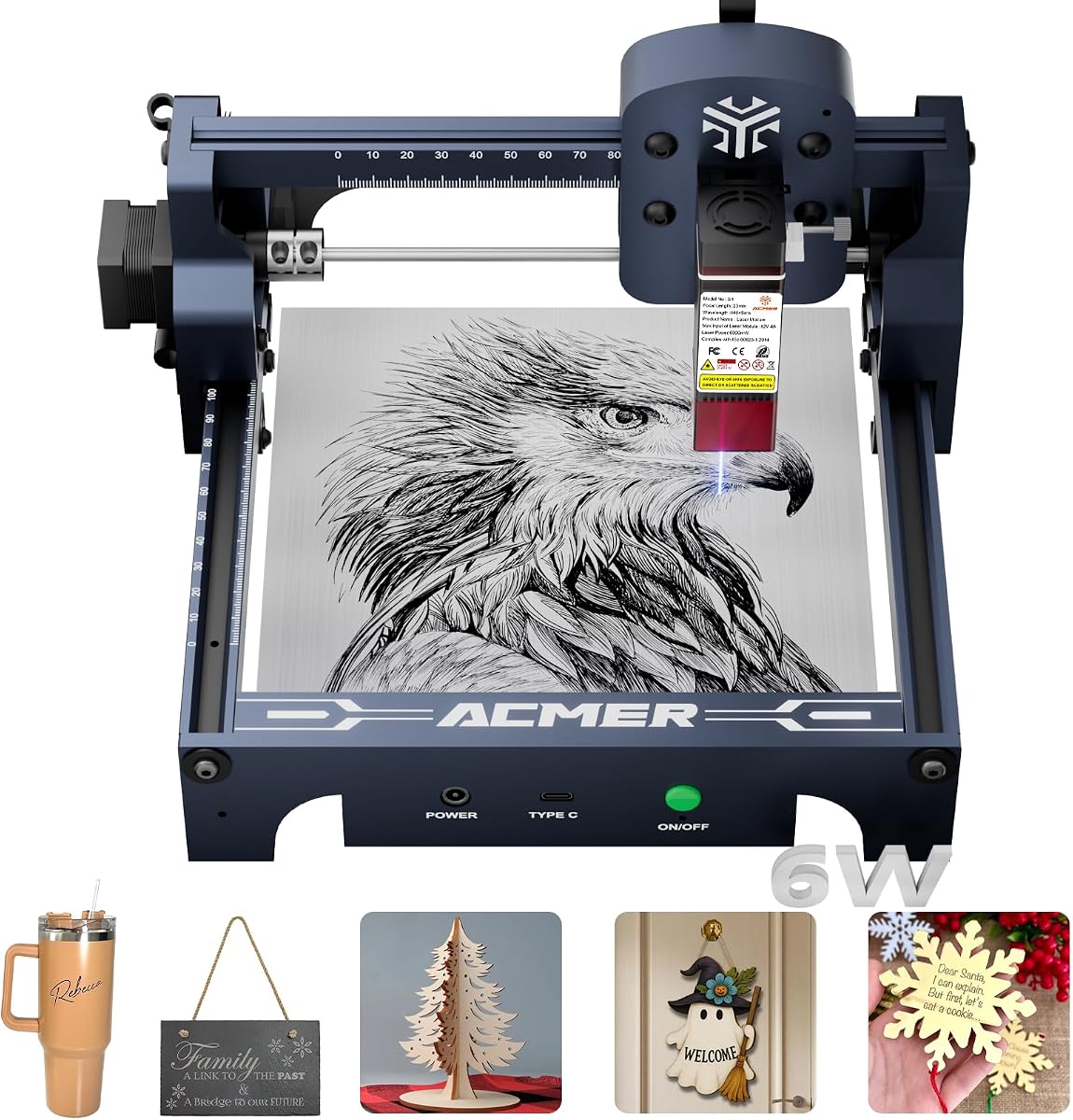
ACMER S1 Laser Engraver Machine
4.3Editor score
1-minute setup
Portable design
AI design tools
This guide compares the top Acmer laser engraver models for precision cutting and engraving across various materials for hobbyists and professionals.
Finding the right laser engraver can transform your creative projects into professional-grade products. Acmer offers a range of machines designed for precision, speed, and ease of use across different skill levels.
We evaluated each model based on laser power, workspace size, software compatibility, and safety features. This list covers options from entry-level kits to advanced industrial-strength desktop units for serious makers.
Each pick highlights key strengths and ideal use cases to help you match a machine to your needs. Prices and availability change frequently so verify details before purchasing to ensure the best value.
4.3Editor score

4.4Editor score

5.0Editor score
This table provides a side-by-side overview of the top Acmer laser engraver models to help you compare key specifications and features at a glance.



The ACMER S2 stands out as a powerful and precise tool for makers seeking quality results. With a true 12W laser module it handles detailed engraving and cutting tasks across a wide range of materials including wood and acrylic.
We may earn a commission when you buy through this link, at no additional cost to you.
Its large 300x300mm workspace provides ample room for larger projects without constant material repositioning. The 0.01mm positioning accuracy ensures intricate patterns and fine text come out clean and consistent every time.
While the setup process is straightforward it does require some patience to assemble all components correctly. The included software works well though new users may need time to master its full capabilities.
This machine is ideal for small business owners and serious hobbyists who need reliability and power. It balances performance and ease of use making it a top choice for versatile engraving needs.
Works with over 100 materials including wood leather and coated metal for diverse project types.
Anti-UV protective shield and motion protection pause operation to prevent accidental laser exposure.
We may earn a commission when you buy through this link, at no additional cost to you.
This version of the S2 emphasizes user-friendly software to streamline the creative process. The built-in AI design tools let you turn text or photos into engraving projects quickly without complex software knowledge.
We may earn a commission when you buy through this link, at no additional cost to you.
Performance remains strong with a true 12W laser and a fast 32-bit chip that supports speeds up to 10000mm per minute. It cuts through materials efficiently while maintaining high precision for detailed work.
The main challenge lies in navigating the full range of software features which can be overwhelming at first. However once familiar with the tools the workflow becomes intuitive and efficient for regular use.
Buyers looking for speed and modern design tools will appreciate this model. It suits those who want to jump into projects fast without sacrificing engraving quality or cutting power.
Built-in AI converts text prompts and photos directly into editable engraving designs easily.
Advanced 32-bit chip delivers faster engraving speeds for improved productivity.
We may earn a commission when you buy through this link, at no additional cost to you.
The ACMER S1 offers an accessible entry point for those new to laser engraving. With 6000mW of power it handles basic cutting and engraving tasks on materials like wood bamboo and leather.
We may earn a commission when you buy through this link, at no additional cost to you.
Its 99% preassembled design means you can start working within minutes. The compact 2kg build makes it easy to move and store which is perfect for small home workshops or limited spaces.
The main limitation is the smaller 130x130mm working area which restricts larger projects. Additionally its lower power means it may need more passes for thicker cuts compared to higher wattage models.
For hobbyists and beginners on a budget this machine delivers solid performance. It provides essential features and software support without a steep learning curve or financial commitment.
Arrives mostly assembled requiring only a simple laser head installation to start using.
Works seamlessly with Windows macOS and Linux for flexible desktop integration.
We may earn a commission when you buy through this link, at no additional cost to you.
This model balances performance and safety with a true 7W laser output. It engraves wood acrylic and leather effectively while offering a generous 300x300mm workspace for diverse projects.
We may earn a commission when you buy through this link, at no additional cost to you.
Motion detection and automatic pause features add a layer of security for home users. The 0.01mm accuracy ensures sharp details even on smaller intricate designs without blurring or distortion.
Its lower power means it struggles with deeper cuts or dense materials. Users may need to make multiple passes which increases project time compared to higher wattage machines.
Ideal for classrooms and casual crafters safety is a priority. It delivers reliable results for decorative items and small business needs without complex setup.
Motion-detection auto-pause and anti-UV shield protect users during operation.
Compatible with Windows macOS and Linux plus LightBurn and LaserGRBL software.
We may earn a commission when you buy through this link, at no additional cost to you.
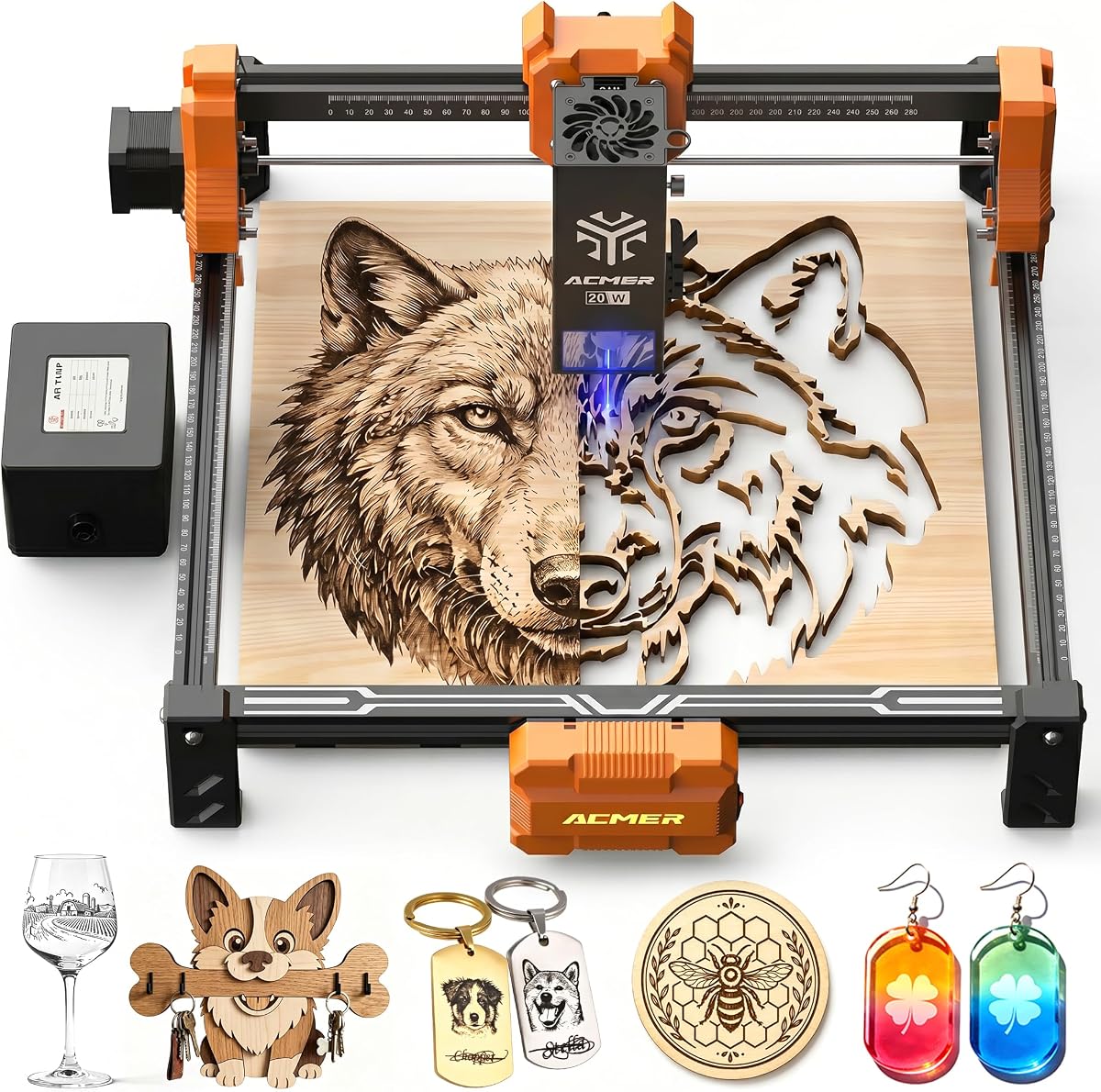
The P1 S Pro 20W brings serious power to desktop engraving. With a true 20W laser module it cuts through materials like wood and acrylic faster than lower wattage models.
We may earn a commission when you buy through this link, at no additional cost to you.
Its built-in air assist pump reduces burn marks and keeps the lens clean for consistent performance. The high acceleration of 500mm per second squared ensures smooth fast engraving runs.
The main trade-off is the cost and need for proper ventilation during extended use. However the improved efficiency and finish quality often justify the investment for active users.
This machine suits small business owners needing throughput and reliability. It handles both detailed engraving and rapid cutting tasks with minimal user intervention.
Built-in 25L/min air pump minimizes burn marks for cleaner edge finishes.
Lens technology supports up to 8000 hours of operational use.
We may earn a commission when you buy through this link, at no additional cost to you.
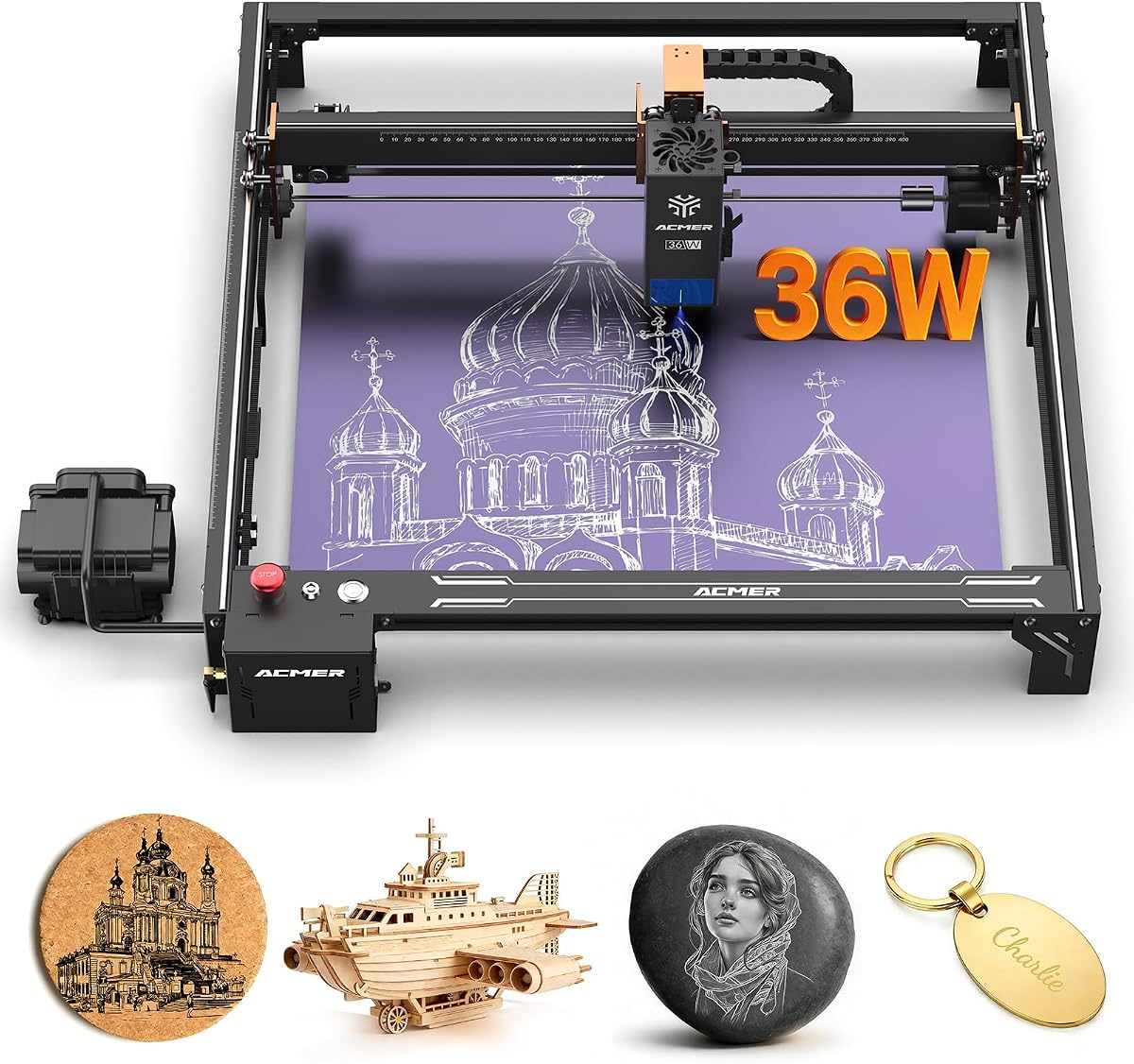
The S2 Pro delivers industrial-level stability with dual linear rails and a massive 36W laser. This combination ensures minimal vibration and high accuracy even during long production runs.
We may earn a commission when you buy through this link, at no additional cost to you.
Its 400x400mm workspace supports large signs and batch projects. WiFi and offline TF card options give flexibility for wireless control without a tethered PC.
The unit is heavier and more complex to set up than standard models. New users may find the configuration options overwhelming initially.
Professional users and small shops will value the speed and robust construction. It is built for high-volume work where consistency and power matter.
Dual linear rails significantly reduce vibration compared to single-rail designs.
Supports WiFi TF card and USB for versatile control options.
We may earn a commission when you buy through this link, at no additional cost to you.
The S2 20W model combines power with essential safety features. The 20W laser cuts and engraves efficiently while the air assist pump keeps edges clean and cool.
We may earn a commission when you buy through this link, at no additional cost to you.
Limit switches define the working area accurately to prevent head collisions. The 0.01mm accuracy ensures sharp lines and smooth gradients for high-quality prints.
Assembling the frame takes time and care to ensure all parts align correctly. Users should also take time to learn the software for best results.
This machine suits both DIY enthusiasts and small businesses. It offers strong performance and safety for a wide range of creative projects.
Compressed 0.09mm spot enables sharp details for complex artwork.
Limit switches prevent over-travel to protect machine and projects.
We may earn a commission when you buy through this link, at no additional cost to you.
The P3 represents the top tier of desktop engraving with dual laser switching capabilities. It offers either 24W or 48W power depending on material needs and project complexity.
We may earn a commission when you buy through this link, at no additional cost to you.
Its enclosed design reduces smoke and noise by 90% for a cleaner workspace. The visual camera and CoreXY structure ensure precise alignment and fast speeds.
The high cost and size make it best for dedicated professional setups. Users must have space for the unit and budget for its advanced features.
For businesses needing high-volume production and safety this machine delivers. It minimizes manual intervention while maximizing output quality.
Switch between 24W and 48W output for versatile material handling.
Closed box design reduces smoke and noise for comfortable operation.
We may earn a commission when you buy through this link, at no additional cost to you.
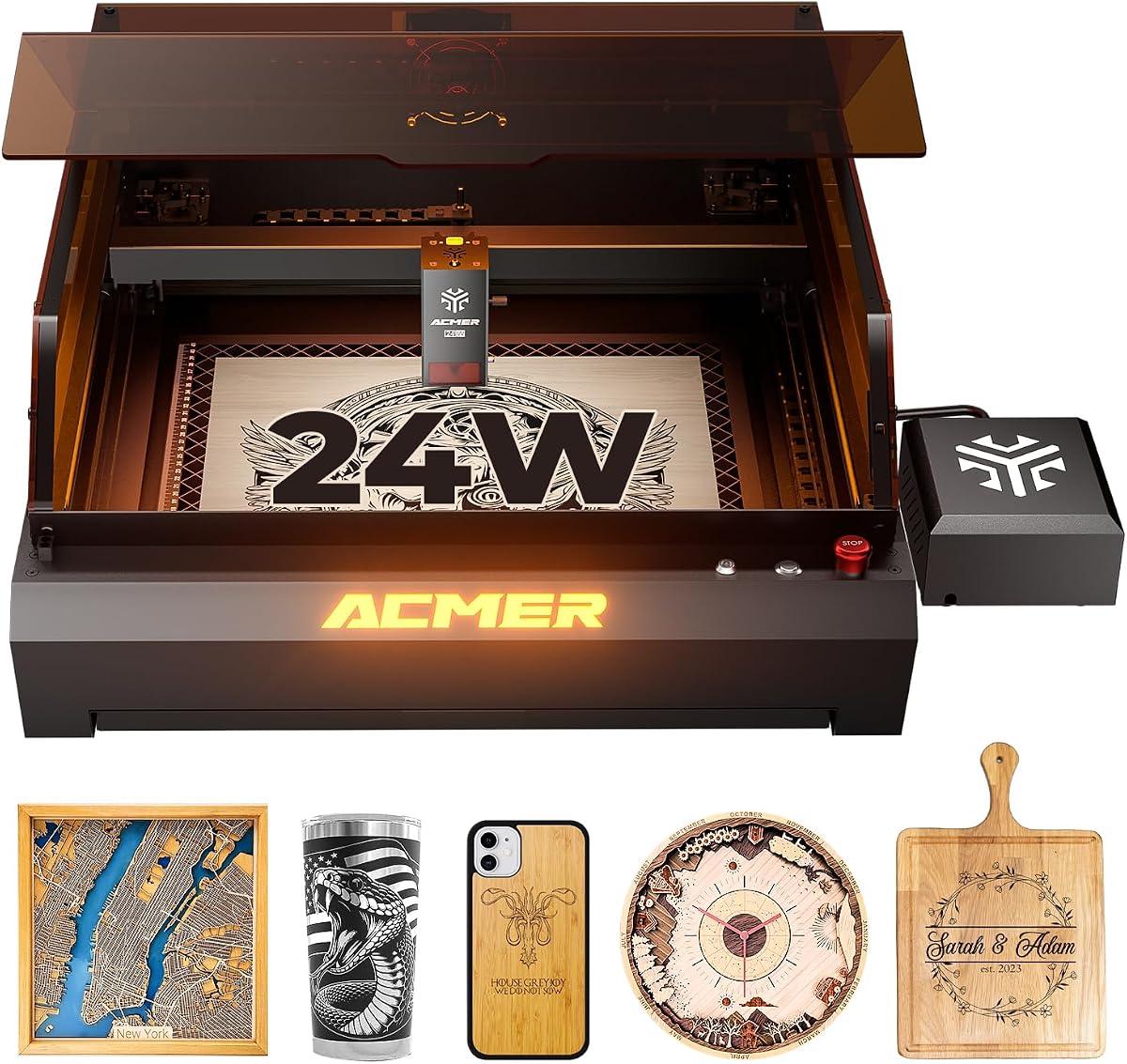
This model prioritizes safety and efficiency with a fully enclosed box and fire detection. The 24W laser handles most cutting tasks while keeping smoke contained effectively.
We may earn a commission when you buy through this link, at no additional cost to you.
Motion compensation algorithms maintain accuracy at high speeds. The built-in camera module helps position materials precisely without manual measurement.
While the price is high the safety and automation features reduce risk. Maintenance involves checking sensors and seals regularly.
Ideal for labs and schools safety and precision are key. It balances power with protection for diverse users.
Motion compensation prevents frame loss during high-speed engraving tasks.
Built-in camera allows precise material positioning via software.
We may earn a commission when you buy through this link, at no additional cost to you.
This unit offers a rare combination of a large workspace and affordable price point. The 380x370mm area accommodates larger signs and batch items without extra cost.
We may earn a commission when you buy through this link, at no additional cost to you.
WiFi control adds modern convenience for remote operation. The dual beam 0.06mm spot delivers fine detail despite the 6W power.
Lower power limits cutting depth so multi-pass may be required. Users must have space for the wider frame.
Great for hobbyists needing room for projects this model balances space and cost. It provides essential safety and connectivity.
Expanded 380x370mm workspace handles larger projects easily.
WiFi control allows for flexible remote operation and setup.
We may earn a commission when you buy through this link, at no additional cost to you.
Selecting the right model depends on your project scope budget and safety needs. Understanding key specs helps you find a machine that matches your workspace and output goals.
Laser power measured in milliwatts determines cutting depth and speed. Higher power like 20W or 36W cuts faster through thick materials while lower power suits detailed engraving.
Look for wattage that matches your common materials to ensure efficiency.
The workspace size dictates the maximum project dimensions. Models range from 130mm to 400mm squares so measure your typical materials before buying.
Choose a size that fits your bench space and project types.
Most ACMER devices support LightBurn and LaserGRBL which are industry standards. Verify software works with your operating system before purchase.
Select machines with flexible software options to avoid workflow issues.
Air assist pumps reduce burn marks and clear debris during cuts. Built-in units save cost and effort compared to buying one separately.
Prioritize models with integrated air for cleaner professional results.
Enclosed boxes fire detection and motion sensors protect users and property. Open units need protective shields and goggles for safe operation.
Choose models with robust safety protocols for home use.
WiFi and offline TF card options allow wireless control. This helps move away from cables and enables remote operation.
Look for USB WiFi and card slots for flexible connectivity.
Dual linear rails reduce vibration for better precision. Roller guides are common in budget units but rails offer better long term accuracy.
Invest in dual rail systems for consistent high quality engraving.
Warranty terms and responsive service matter for complex electronics. Check if the brand provides guides and spare parts for maintenance.
Opt for brands with strong support records to minimize downtime.
Always read the user manual before assembly to understand component placement and wiring. Secure the unit on a flat surface and connect power properly to avoid hardware issues.
Calibrate the laser focus using the provided template or tool. Adjust the Z-axis height so the lens is the correct distance from the material surface for sharp results.
Clean the lens and rail system regularly with a soft cloth and isopropyl alcohol. Cover the machine when not in use to prevent dust buildup on sensitive parts.
Most models can engrave coated metals like aluminum or painted steel. For solid metal cutting you generally need a fiber laser rather than diode lasers found in ACMER machines.
Yes most ACMER models support LightBurn and LaserGRBL. Check the manual for connection steps and device selection to configure the software correctly.
Use laser safety goggles rated for the specific wavelength of your machine. Keep flammable materials away and ensure adequate ventilation during operation.
Diode laser modules typically last between 3000 and 8000 hours depending on usage intensity. Avoid exceeding recommended power limits to extend lifespan.
Most machines come with fixed modules but you can swap the laser head on some models. Check if the power supply supports higher wattage before attempting upgrades.
Avoid cutting PVC vinyl or leather coatings as they release toxic chlorine gas. Always test new materials on a small scrap before full production.
The ACMER lineup covers everything from entry kits to industrial strength desktop units. The S2 remains the best balance of power and safety for most users.
For high volume or large projects consider the P3 series with dual lasers and enclosed safety. Budget builders will find the S1 or P1 S Pro 6W sufficient for crafts.
Always verify current pricing and availability since models update regularly. Select the machine that fits your workspace and material needs for long term satisfaction.