
Bootable USB Drive for Windows 11
4.0Editor score
Affordable recovery solution
UEFI and legacy compatible
Handmade and tested locally
Discover the top bootable Windows 11 USB drives for installation and recovery. This guide compares features, compatibility, and tools to help you fix PCs
Finding a reliable bootable Windows 11 USB drive is essential for system recovery and clean installations. These tools allow you to reinstall the operating system when your computer crashes or fails to boot properly.
We analyzed ten top-rated options based on user feedback, compatibility with UEFI and Legacy BIOS, and included utility tools. Each product offers unique features like password reset, data recovery, and network driver support.
Each pick highlights specific strengths such as TPM bypass or secure boot compatibility. Please note that availability and stock levels may change frequently so you should verify details before making a final purchasing decision today.
4.0Editor score

4.3Editor score

4.0Editor score
This comparison table outlines the key specifications and capabilities of each selected bootable drive to help you understand which tool fits your specific hardware and recovery needs best.


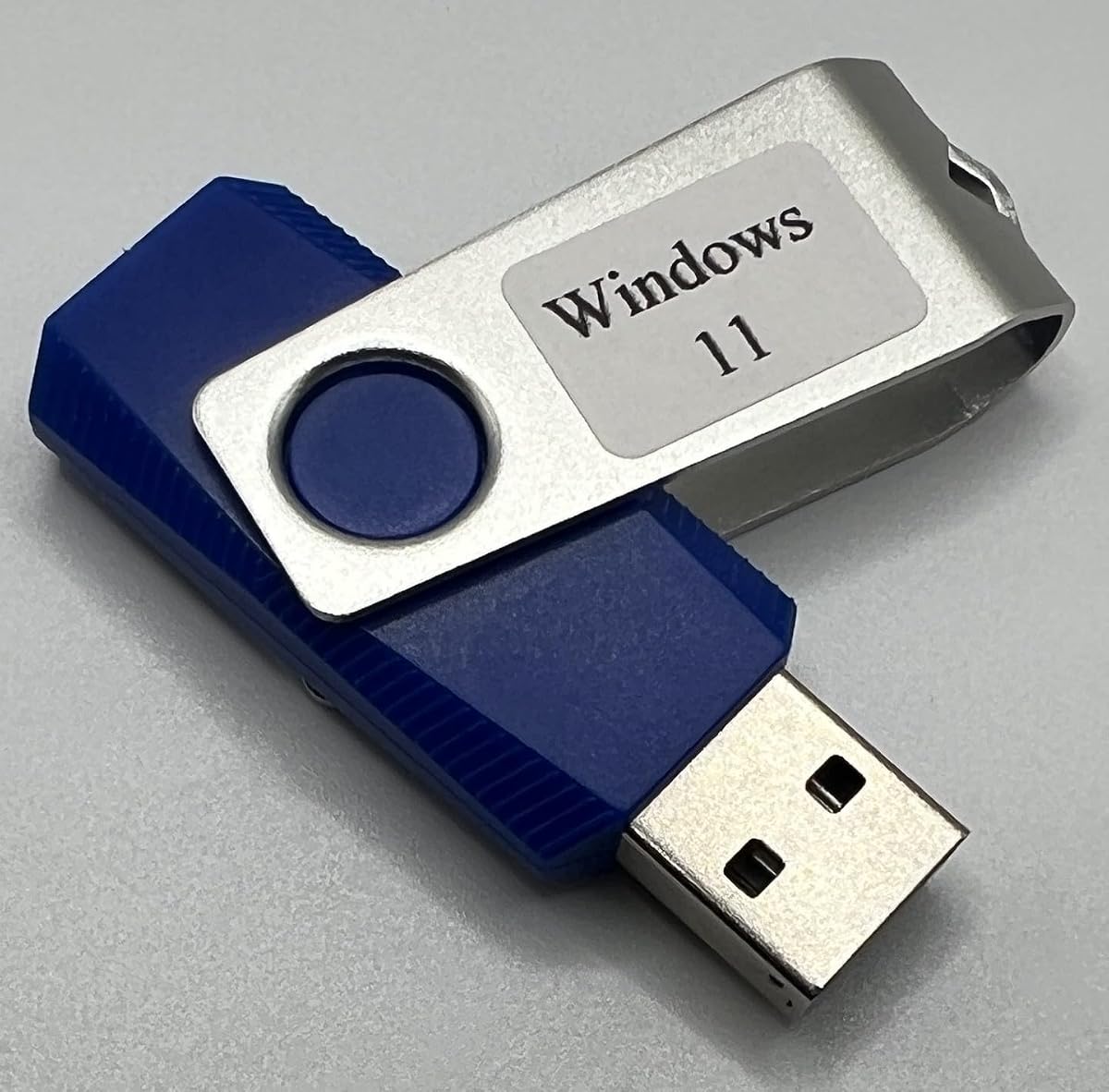


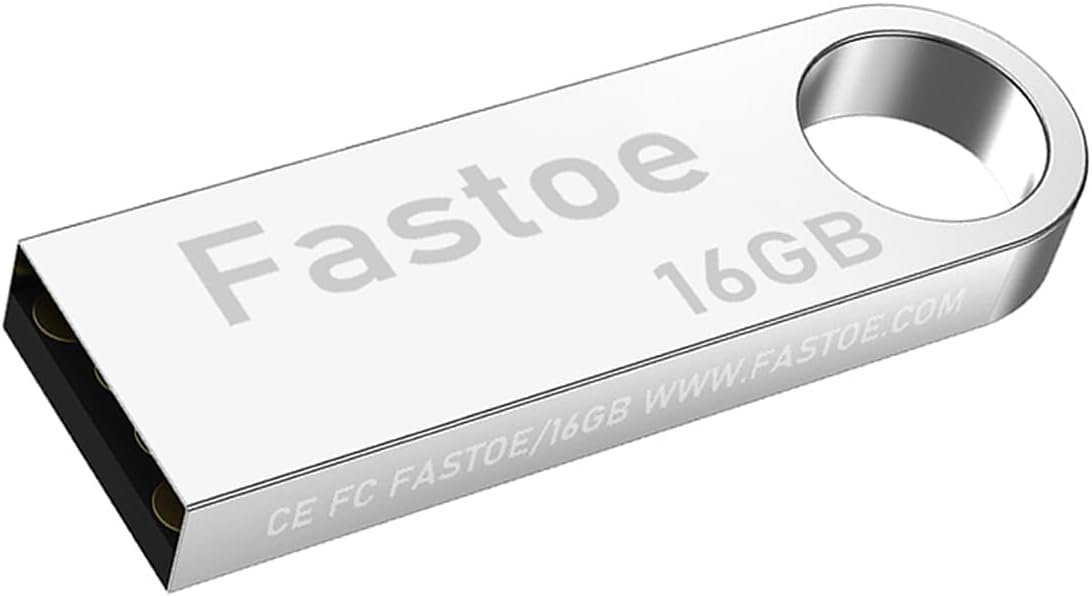
This 64GB bootable drive ranks highest due to its broad compatibility with Windows 7 through 11 and robust feature set. It offers essential repair tools and bypasses hardware restrictions like TPM requirements which helps older machines upgrade easily.
We may earn a commission when you buy through this link, at no additional cost to you.
It includes network drive connectivity tools that help you get online immediately after installation. The drive also supports both UEFI and Legacy BIOS systems ensuring it works with most computers from the last decade.
Users note that Secure Boot must be disabled in BIOS settings to access the drive. This is a common requirement for third-party recovery tools but may confuse less experienced users who expect plug-and-play functionality.
This product is ideal for IT professionals and home users needing a reliable repair kit. It balances features and compatibility well making it the top choice for most standard installation and recovery scenarios.
Works with Windows 7 through 11 including Pro and Home editions for maximum utility.
Includes drivers for WiFi and LAN to restore internet connectivity right after OS installation.
We may earn a commission when you buy through this link, at no additional cost to you.
This option stands out for users seeking a cost-effective way to reinstall Windows 11 without worrying about hardware checks. It simplifies the process into a clean installer that works on compatible systems.
We may earn a commission when you buy through this link, at no additional cost to you.
The drive explicitly states it cannot fix hardware failures which manages expectations well. It focuses solely on OS installation ensuring users know it is not a diagnostic tool for broken components.
Being a smaller 8GB drive it keeps costs down but limits additional utility software space. This makes it less versatile than larger drives but sufficient for basic OS deployment tasks.
Buyers looking for a basic and affordable solution will appreciate its simplicity. It is best suited for those who already have other tools for diagnostics and need just an installer.
Provides a low-cost method to get Windows 11 running on compatible hardware quickly.
Explicitly states limitations to avoid confusion about hardware repair capabilities.
We may earn a commission when you buy through this link, at no additional cost to you.
This 32GB drive offers similar features to the top pick but focuses specifically on Windows 10 and 11 compatibility. It remains a strong choice for modern system recovery needs.
We may earn a commission when you buy through this link, at no additional cost to you.
It includes network drive support allowing quick connection after fresh installs. The drive also allows access to hard drives for backup before reinstalling which protects user data during repair.
Like other drives in this category it requires disabling Secure Boot in BIOS settings. This step is standard but necessary to bypass security checks that block unsigned boot loaders.
Users seeking a middle ground between size and features will find this suitable. It provides essential network tools without the overhead of older Windows versions support.
Allows you to access hard drives and backup files before performing recovery operations.
Tailored for Windows 10 and 11 with latest version support included.
We may earn a commission when you buy through this link, at no additional cost to you.
This drive distinguishes itself with a dedicated password reset feature adding significant value for locked accounts. It covers a wide range of Windows versions from 7 to 11 ensuring broad utility.
We may earn a commission when you buy through this link, at no additional cost to you.
The inclusion of WinPE utilities like hardware testing and data backup expands its function beyond simple installation. It acts as a full maintenance toolkit for technicians and advanced users.
Users must disable Secure Boot which can be confusing for new users. The included video tutorials help guide them through this necessary step to ensure successful booting.
IT professionals will find the password reset and hardware testing features particularly useful. It balances installation needs with diagnostic capabilities better than many competitors.
Includes tools to reset Windows passwords without losing personal data or settings.
Provides built-in hardware testing tools to identify failing components before reinstalling.
We may earn a commission when you buy through this link, at no additional cost to you.
This premium option works with Secure Boot enabled which simplifies the process for many modern users. It avoids changing BIOS settings making it more user-friendly for average consumers.
We may earn a commission when you buy through this link, at no additional cost to you.
It downloads genuine Windows directly from Microsoft ensuring clean installs without pirated or outdated copies. This approach provides confidence in system integrity and update compliance.
The downside is that it requires UEFI BIOS and does not support older legacy systems. This limits its compatibility with older machines but suits newer PCs perfectly.
Those wanting convenience and official sources will appreciate this drive. The US-based support team adds a layer of trust and personal assistance not often found with generic tools.
Downloads directly from Microsoft servers ensuring clean official files without tampering.
Works with Secure Boot enabled saving users from modifying BIOS settings manually.
We may earn a commission when you buy through this link, at no additional cost to you.
This drive is tailored specifically for Windows 11 recovery offering a targeted solution for modern systems. It includes detailed instructions that help guide users through proper boot setup.
We may earn a commission when you buy through this link, at no additional cost to you.
It supports UEFI compliant booting across various makes and models ensuring compatibility with newer hardware. The drive also offers multiple recovery options including system restore and data tools.
Users report slightly lower satisfaction compared to broader compatibility drives but it serves its purpose well. The detailed instructions help compensate for any complexity in setup procedures.
Those needing a dedicated Windows 11 tool will find it sufficient. It is best for users with modern hardware who do not need legacy system support.
Focused on Windows 11 repair to ensure optimized performance for that system.
Includes comprehensive guidance for setup to reduce user error during boot.
We may earn a commission when you buy through this link, at no additional cost to you.
This drive offers the added convenience of a license key which may appeal to users without existing keys. It also includes high speed storage for faster data transfer during installations.
We may earn a commission when you buy through this link, at no additional cost to you.
It supports both network drives and password reset tools providing comprehensive recovery options. The included video instructions help guide users through Secure Boot disabling and installation steps.
Some users report mixed experiences regarding the key redemption process and tool reliability. The lower rating suggests potential issues with consistency or support that buyers should weigh.
Those specifically needing a license key might find this valuable despite mixed feedback. It remains a complete package for installation but requires careful handling of the key.
Includes a redeemable activation key to assist with OS licensing after installation.
Uses high speed USB technology to reduce wait times during large file installs.
We may earn a commission when you buy through this link, at no additional cost to you.
This drive acts as an all-in-one rescue tool combining OS installation with WinPE utilities for repairs. It covers Windows 7 through 11 ensuring broad support for mixed environments.
We may earn a commission when you buy through this link, at no additional cost to you.
The included printable instructions and video guides help new users understand boot processes. It provides backup tools and password reset utilities for comprehensive maintenance capabilities.
Users may find the initial setup requires watching video tutorials to succeed. This adds time but ensures correct configuration for secure systems that block standard booting.
IT technicians will appreciate the range of repair utilities alongside the installer. It reduces the need for multiple tools saving space and time during troubleshooting.
Includes physical copies of instructions to help offline users during setup.
Offers advanced recovery tools within a WinPE environment for system repairs.
We may earn a commission when you buy through this link, at no additional cost to you.
This drive offers a vast collection of tools under one bootable USB making it highly versatile. It supports Windows 7 through 11 allowing flexibility for various user setups.
We may earn a commission when you buy through this link, at no additional cost to you.
It is ready to use out of the box eliminating the need to download large system files. Users can insert it and select recovery options directly from the boot menu.
While comprehensive the drive requires Secure Boot disabling to function properly on newer machines. This is a standard requirement but adds a setup step for average users.
Those needing a multi-tool kit for various system issues will find it valuable. It reduces dependency on multiple downloads by offering a consolidated recovery solution.
Combines thirty tools into one drive for comprehensive system maintenance without downloads.
Provides clear boot menu options to access startup fixes and reinstallation quickly.
We may earn a commission when you buy through this link, at no additional cost to you.
This drive provides a straightforward installer using the latest official Windows 11 version. It is designed for simple plug-and-play setups with basic user guides included.
We may earn a commission when you buy through this link, at no additional cost to you.
It supports 64-bit systems across most PC brands ensuring wide compatibility for standard hardware. The focus remains on clean installation rather than advanced recovery tools.
Storage capacity is limited to 16GB which may restrict additional utility software space. Users needing only an installer will find it sufficient for basic recovery tasks.
Simpler needs will appreciate its direct approach to Windows installation. It works well for those who do not require extensive diagnostic or recovery toolsets.
Deploys official original version ensuring clean and verified system files.
Designed for plug and play use with online support available if needed.
We may earn a commission when you buy through this link, at no additional cost to you.
Selecting the right bootable drive depends on your system requirements and intended usage. Here are key factors to consider.
Ensure the drive supports your BIOS mode. Most modern PCs use UEFI but older ones may require Legacy support. Check product details for UEFI and Legacy compatibility.
Choose a drive that works with your specific Windows version to avoid installation errors.
Larger drives offer more space for extra utilities and network drivers. A 64GB drive allows for more comprehensive toolsets than a smaller 16GB unit.
Select capacity based on whether you need basic install or full recovery tools.
Many tools bypass TPM requirements allowing installation on unsupported hardware. Verify if the product includes this feature if your PC lacks TPM hardware.
Understand that bypassing TPM may affect future updates or security features.
Some drives include password resets or data recovery tools while others focus on installation. Decide which tools you need to avoid buying multiple solutions.
Look for included network drivers to restore internet access post-installation easily.
Most third-party drives require disabling Secure Boot in BIOS settings. Confirm if the product supports Secure Boot ON to save configuration time.
If you prefer not to change BIOS settings check for Secure Boot compatible options.
Some drives target Windows 11 only while others support 7 through 11. Choose based on your current system needs to maximize utility.
Broader support is helpful if you manage multiple devices with different OS versions.
Clear instructions or video tutorials help guide users through boot steps. Look for products with guides to avoid setup confusion.
Good documentation can make the difference between a successful recovery and repeated failures.
Some vendors offer US-based technical support for installation issues. This adds value if you are unfamiliar with booting procedures.
Prioritize options with responsive support channels if you anticipate needing help during setup.
Insert the USB into a working PC and restart the system. Press the boot key often F12 or F2 to access the boot menu and select the USB device.
Follow on-screen prompts to choose installation or recovery options. Ensure your system is backed up before proceeding to prevent data loss.
After use safely eject the drive to prevent data corruption. Store it in a dry place away from heat or magnetic interference for longevity.
Most drives require disabling Secure Boot to boot properly. However some premium options work with Secure Boot enabled. Check your specific product details to confirm requirements before purchasing.
Installation typically works without a license key but activation requires a valid product key. Some drives include keys while others rely on your existing digital license.
These drives focus on OS recovery not hardware repair. If your PC fails to power on the hardware is likely at fault and a drive will not resolve it.
The drives arrive preformatted ready for use. There is no need to format the USB yourself as it is already configured for booting.
Most options support Windows 11 and 10 while others include 8.1 and 7. Verify the product title for supported versions to ensure compatibility with your needs.
Reinstalling Windows often erases data on the system drive. Use backup tools included on the USB or external media before starting any installation process.
If your computer cannot enter BIOS you cannot boot from USB. Verify your hardware can access setup menus before purchasing a recovery drive.
Most reputable vendors scan drives for viruses before shipping. Check product descriptions for antivirus confirmation to ensure safe and clean installations.
The top picks offer robust solutions for modern Windows systems with TPM bypass support and recovery tools. Each option provides unique strengths depending on your specific recovery needs.
Prioritize compatibility and toolsets that match your hardware capabilities. Ensure the drive supports UEFI or Legacy BIOS as required by your machine.
Check current stock and details before purchasing to confirm availability and features. These tools provide essential support for restoring functionality to your PC efficiently.